
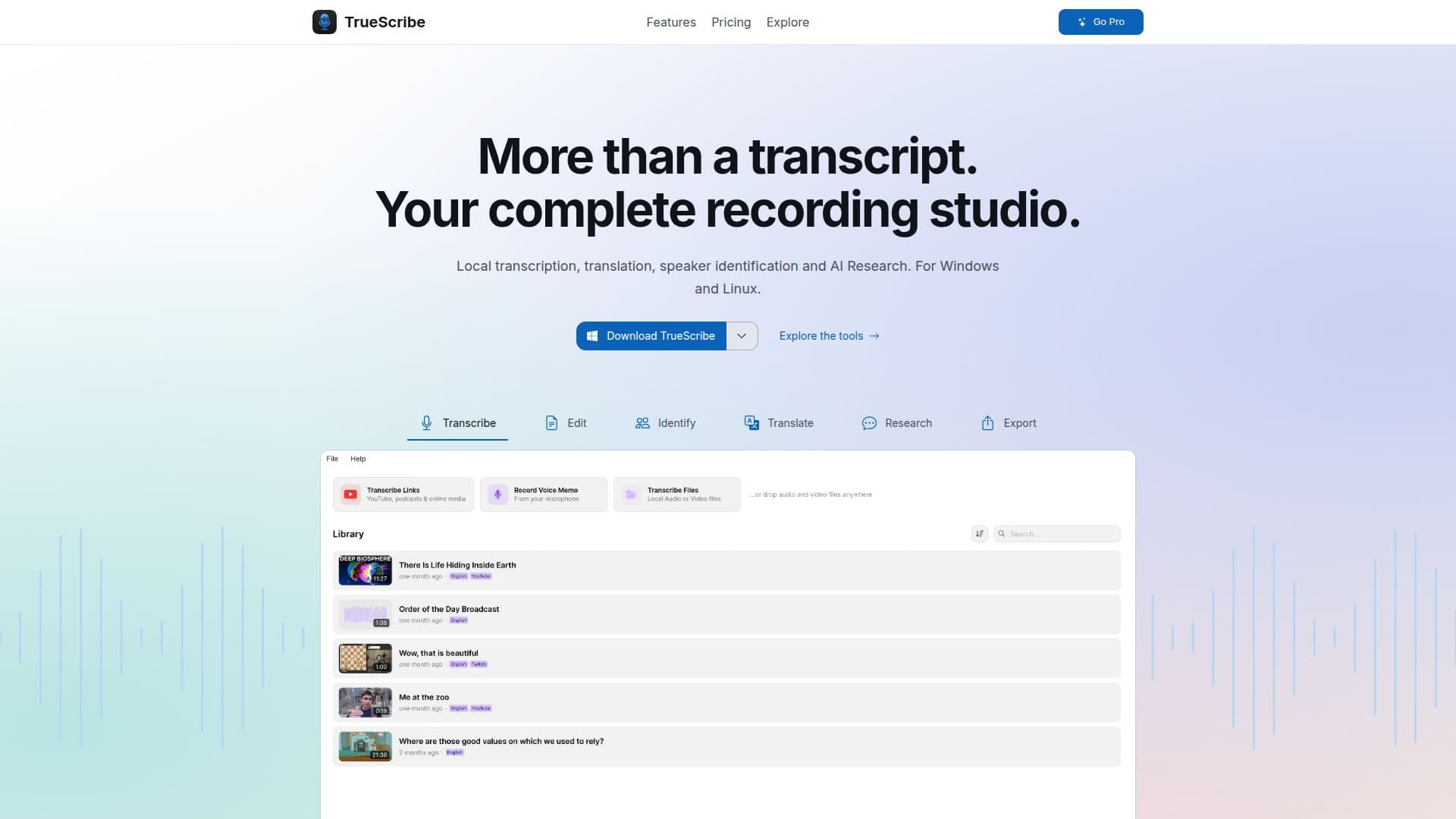
Description
TrueScribe is a versatile tool designed to convert audio and video recordings into text, operating directly on your Windows or Linux machine. This ensures that your data remains private, as there is no need to upload files to the cloud. The application supports a wide range of functionalities, including transcription, translation, and speaker identification. It is particularly useful for transcribing interviews, meetings, lectures, podcasts, and videos.
Read More
TrueScribe operates using Whisper, a local transcription model that adapts to your hardware, ensuring efficient processing without the need for a powerful graphics card. The software supports both CPU and Vulkan runtimes, making it accessible to a broad range of users. Once the necessary models are downloaded, TrueScribe can function offline, providing uninterrupted service.
The tool offers a free version with unlimited local-file transcription, editing, and export capabilities in formats such as TXT, SRT, and WebVTT. For users requiring more advanced features, the Pro version is available for a one-time purchase of USD 64. This version includes batch transcription, support for media links, local AI translation to 25 languages, and automatic speaker detection and naming.
TrueScribe is ideal for professionals who need to transcribe and manage large volumes of audio and video content without compromising privacy. It is particularly beneficial for researchers, journalists, and educators who require accurate and efficient transcription services. The application also supports AI Transcript Research, allowing users to generate summaries and key points from their transcripts.
Overall, TrueScribe offers a comprehensive solution for managing audio and video content, with a strong emphasis on privacy and local processing. Its user-friendly interface and robust feature set make it a valuable tool for anyone needing reliable transcription services.
- CategoryAI Transcription Tools
- Pricing ModelFreemium
- DeploymentLocal
- PlatformsWindows, Linux
TrueScribe's Core Features
Local transcription and translation
Speaker identification
Unlimited local-file transcription
Batch processing
Support for multiple export formats
AI Transcript Research
Offline functionality
One-time Pro purchase
How to use TrueScribe?
Add your recording: Drop in an audio or video file, or record directly.
Transcribe on your machine: TrueScribe runs Whisper locally.
Work with the result: Play back, correct text, and export.
Export in desired format: Choose from TXT, SRT, WebVTT, and more.
TrueScribe's Use Cases
- Interview Transcription
- Meeting Notes
- Lecture Transcription
- Podcast Management
- Research Documentation