Description
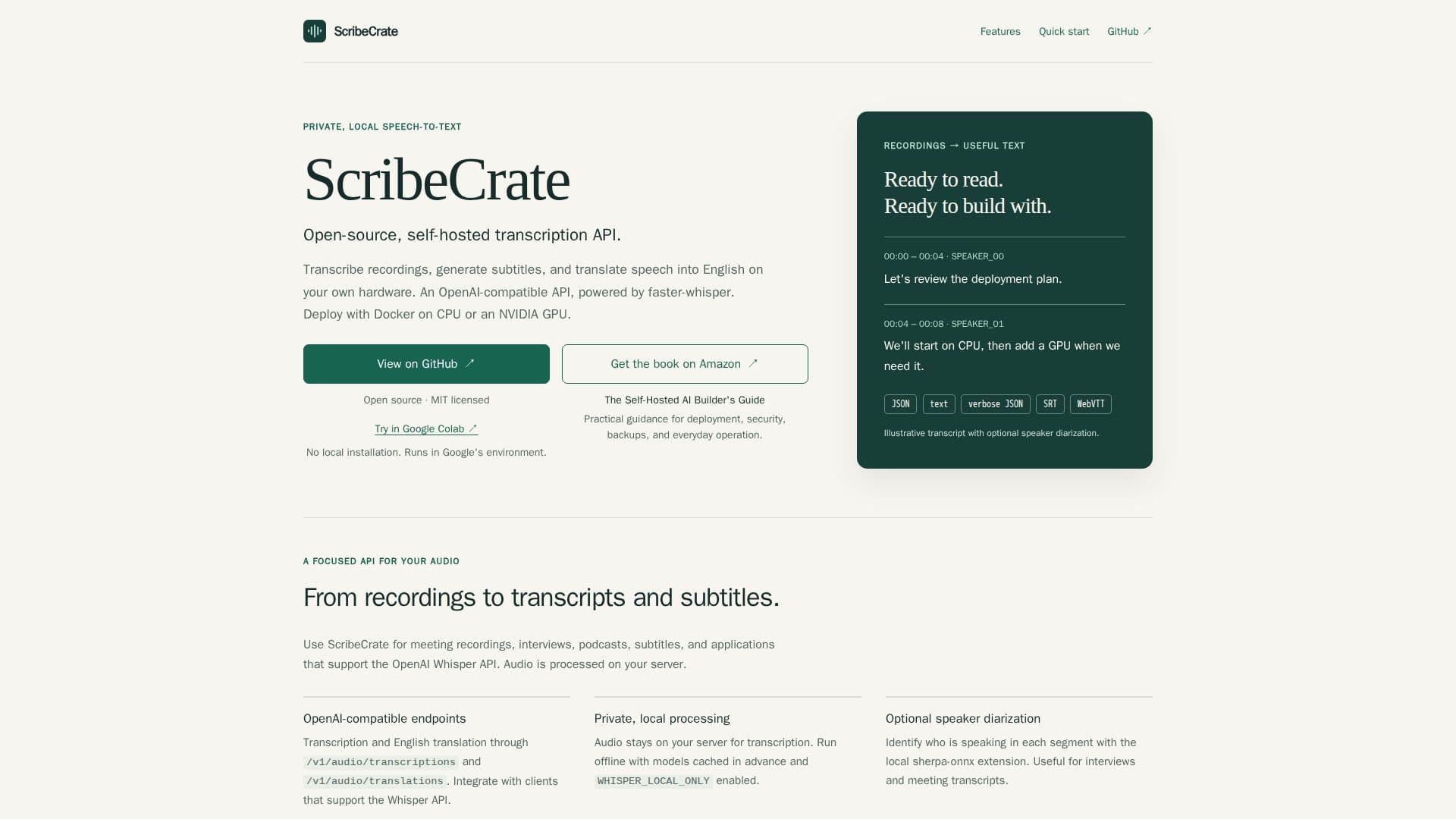
ScribeCrate is an open-source, self-hosted transcription API designed to provide users with the ability to transcribe audio, generate subtitles, and translate speech into English using their own hardware. Powered by faster-whisper, ScribeCrate offers a private and local speech-to-text solution, ensuring that audio data remains on the user's server for processing. This tool is particularly useful for meeting recordings, interviews, podcasts, and applications that support the OpenAI Whisper API.
Read More
The API is OpenAI-compatible, providing transcription and English translation through specific endpoints. Users can integrate ScribeCrate with clients that support the Whisper API, allowing for seamless audio processing. The tool supports various audio formats, including MP3, M4A, WAV, WebM, OGG, and FLAC, thanks to FFmpeg compatibility.
ScribeCrate can be deployed using Docker on either amd64 or arm64 CPUs, or with NVIDIA GPU acceleration for enhanced performance. The tool supports offline operation with models cached in advance, ensuring that it can run entirely without internet access if needed. Additionally, ScribeCrate offers optional speaker diarization, which identifies different speakers in audio segments, making it ideal for detailed meeting transcripts.
Users can choose from a range of Whisper models, from tiny to large-v3-turbo, to suit their specific needs. The API also provides various output formats, including JSON, text, verbose JSON, SRT, and WebVTT, allowing for flexibility in how transcriptions are received and utilized.
ScribeCrate is part of the Self-Hosted AI Stack, which enables users to deploy local models, chat, document processing, voice, and AI tools together with a single command. While ScribeCrate focuses on uploaded audio files, the separately deployed ScribeCrate Live project handles live microphone and audio streams over WebSocket.
- CategoryAI Transcription Tools
- Pricing ModelOpen Source
- DeploymentDocker
- PlatformsCPU, NVIDIA GPU
ScribeCrate's Core Features
Open-source and self-hosted
Powered by faster-whisper
Supports Docker deployment
OpenAI-compatible API
Offline operation with cached models
Optional speaker diarization
Supports multiple audio formats
Provides various output formats
How to use ScribeCrate?
Deploy: Set up Docker on your server
Configure: Choose Whisper model and audio format
Use: Transcribe audio via API endpoints
Optimize: Enable GPU acceleration for faster processing
ScribeCrate's Use Cases
- Meeting Transcription
- Podcast Subtitles
- Interview Analysis
- Language Translation
- Private Audio Processing