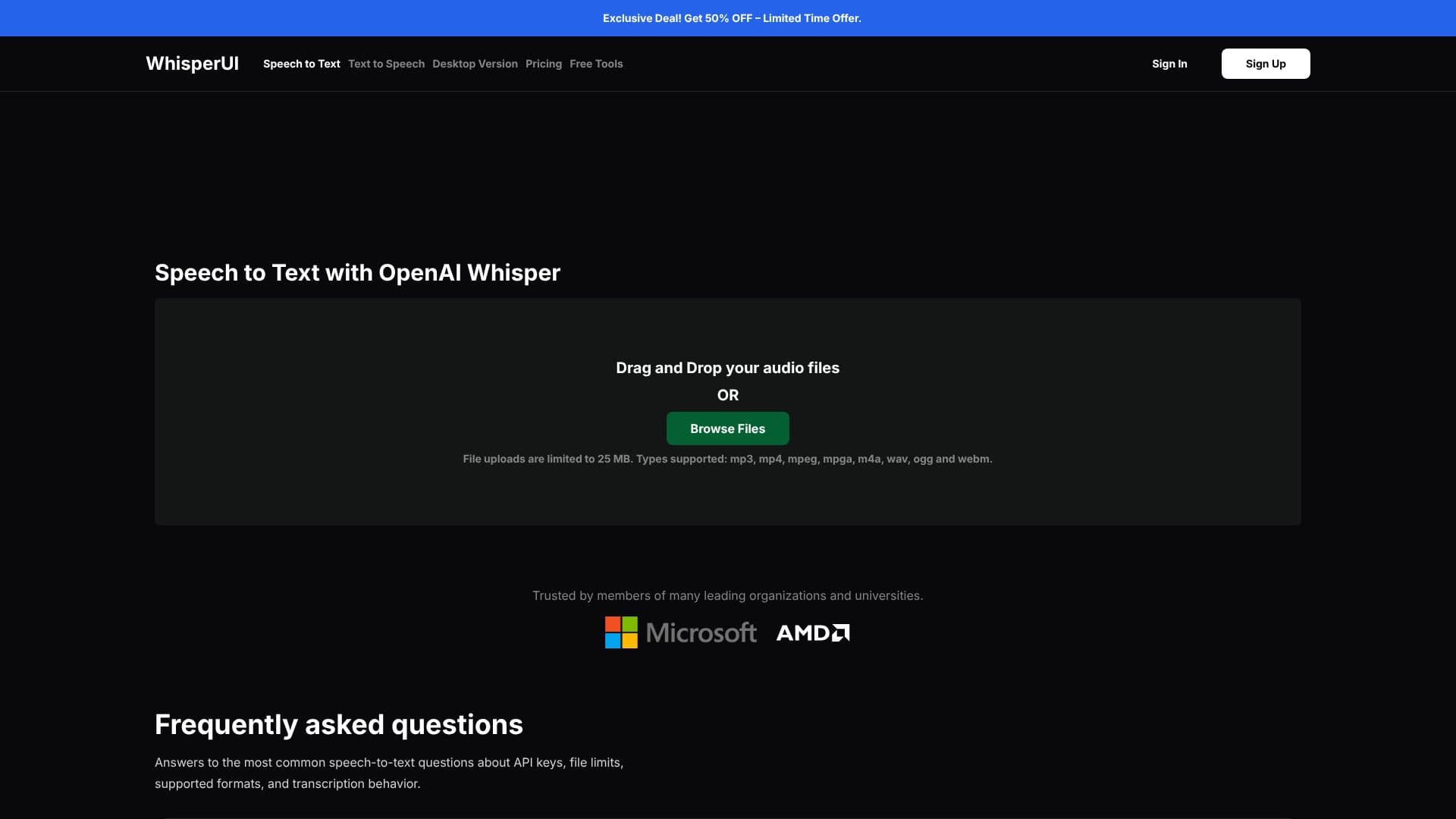
Description
WhisperUI provides an accessible and affordable solution for converting audio files into text, leveraging the advanced capabilities of OpenAI's Whisper model. This web application simplifies the transcription process, making it easy for users to transform spoken words into written content. The service is designed to be user-friendly, allowing individuals and organizations to quickly obtain accurate transcriptions from their audio recordings.
Read More
At its core, WhisperUI utilizes OpenAI Whisper, a robust Automatic Speech Recognition (ASR) system trained on a vast multilingual dataset. This training enables Whisper to handle diverse accents, background noise, technical jargon, and multilingual transcription tasks with impressive accuracy. Users can simply drag and drop their audio files or browse their local system to initiate the conversion process. The platform supports a wide range of common audio file formats, including MP3, MP4, MPEG, MPGA, M4A, WAV, OGG, and WEBM, ensuring broad compatibility.
While WhisperUI offers free basic features, users are required to provide their own OpenAI API key. The costs associated with transcription are paid directly to OpenAI based on usage tied to that key. For enhanced functionality, premium features are available, which include the ability to upload multiple files simultaneously, enjoy unlimited daily file uploads, and convert audio files directly into SRT subtitle formats. These premium options cater to users with higher volume transcription needs or those requiring subtitle generation for video content.
The platform addresses common user queries through a comprehensive FAQ section. It clarifies the pricing model, the necessity of an OpenAI API key, and how to obtain one. Security is also a consideration, with the API key being stored locally within the user's browser. The accuracy of transcriptions is noted to be high, though dependent on audio quality and clarity. Transcription times are generally within a few minutes, varying with file length and complexity. WhisperUI supports a multitude of languages, reflecting the multilingual capabilities of the underlying OpenAI Whisper model.
- CategoryAI Transcription Tools
- Pricing ModelFreemium (requires OpenAI API key)
- DeploymentWeb App
- PlatformsWeb
WhisperUI Speech to Text's Core Features
Speech-to-text conversion powered by OpenAI Whisper
Supports multiple audio file formats (MP3, WAV, etc.)
Drag-and-drop file upload functionality
File size limit of 25MB per upload
Option to generate SRT subtitle files
Premium features for unlimited uploads
Premium features for batch file processing
Requires user's OpenAI API key for operation
API key stored locally in the browser
Supports multiple languages for transcription
How to use WhisperUI Speech to Text?
Upload Audio: Drag and drop your audio file or browse your computer.
Initiate Transcription: The app processes the audio using OpenAI Whisper.
Review Text: View the transcribed text for accuracy.
Download Results: Download the transcribed text or SRT file.
WhisperUI Speech to Text's Use Cases
- Audio Transcription
- Subtitle Generation
- Meeting Minutes
- Content Creation
- Research Analysis
- Accessibility