Description
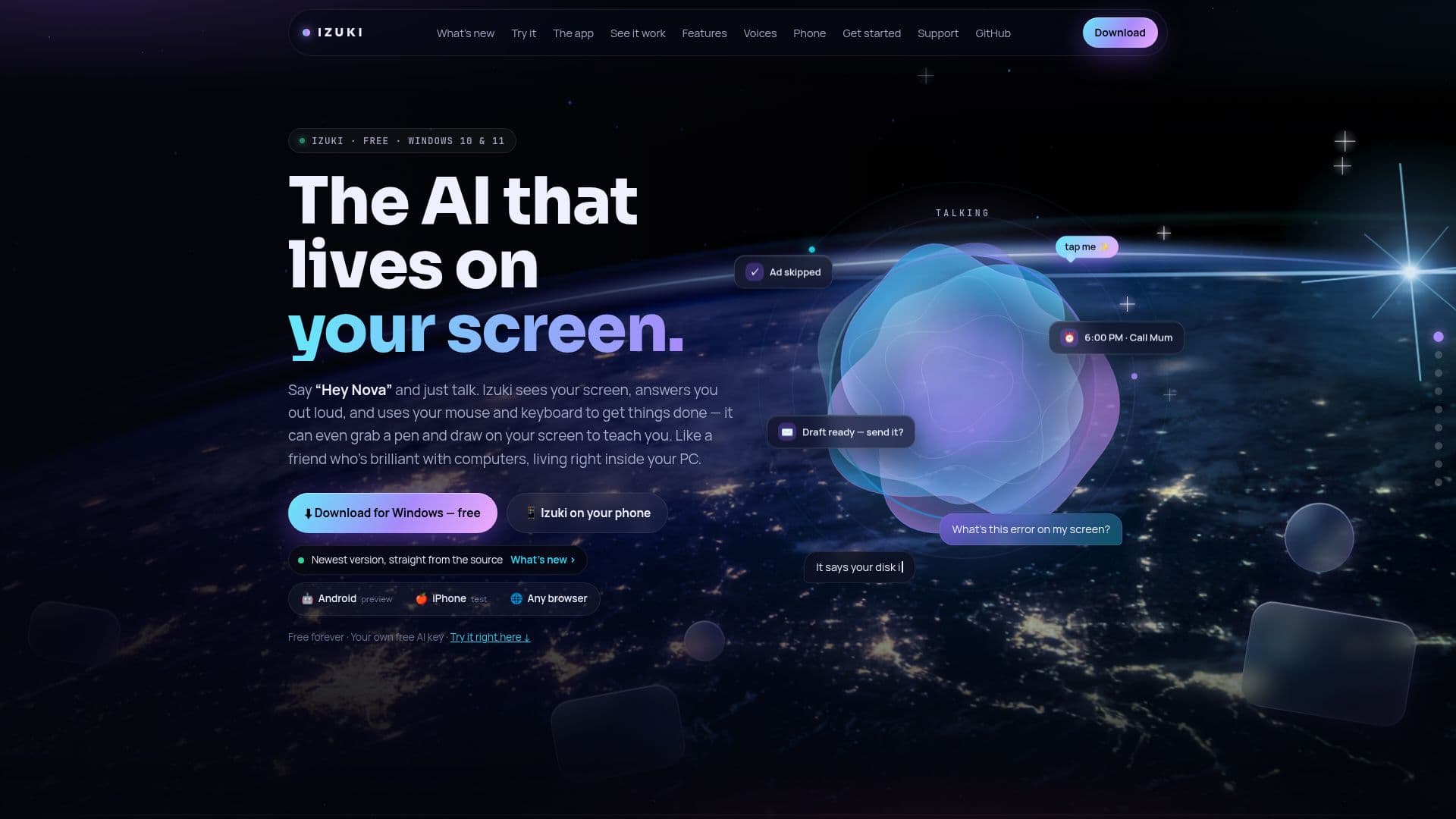
Izuki is a free AI assistant designed for Windows users, offering a hands-free experience through voice commands. By simply saying 'Hey Nova,' users can engage with Izuki to perform various tasks on their PC. This includes seeing the screen, answering questions out loud, and executing actions like clicking, typing, and drawing. The assistant is also accessible from mobile devices, providing a seamless transition between platforms.
Read More
Izuki is open source and utilizes free AI keys from platforms like Gemini, Groq, OpenRouter, and Mistral, or a model on your own PC. It offers a range of features, including Jarvis mode for direct interaction with Windows, teacher mode for educational purposes, and PC Care for system maintenance. Users can also send pictures via chat, Discord, or Telegram for Izuki to analyze.
The assistant is equipped with over 30 voices and real 3D characters, enhancing the interactive experience. It supports integration with various devices, including Roku, Android TV, Google TV, and Fire TV, allowing users to control their entertainment systems with ease.
Izuki provides a unique feature called 'The Island,' a floating interface that offers quick access to tasks and reminders. It also includes a Drive mode for hands-free navigation with Google Maps. The assistant is designed to be safe, ensuring that user keys remain on the PC and offering an instant stop feature with the Esc key.
Overall, Izuki aims to be a versatile and accessible AI assistant, providing users with a comprehensive tool for managing their digital tasks efficiently.
- CategoryAI Voice Agents
- Pricing ModelFree
- DeploymentCloud
- PlatformsWindows, Mobile
Izuki's Core Features
Voice-activated commands
Screen interaction and task execution
Open source with free AI keys
Integration with mobile devices
Jarvis mode for Windows interaction
Teacher mode for educational assistance
PC Care for system maintenance
Over 30 voices and 3D characters
How to use Izuki?
Install: Download and run the installer
Activate: Say 'Hey Nova' to start
Interact: Use voice commands for tasks
Integrate: Connect with mobile and TV devices
Izuki's Use Cases
- Voice Commands
- Screen Interaction
- Mobile Integration
- Educational Assistance
- System Maintenance