
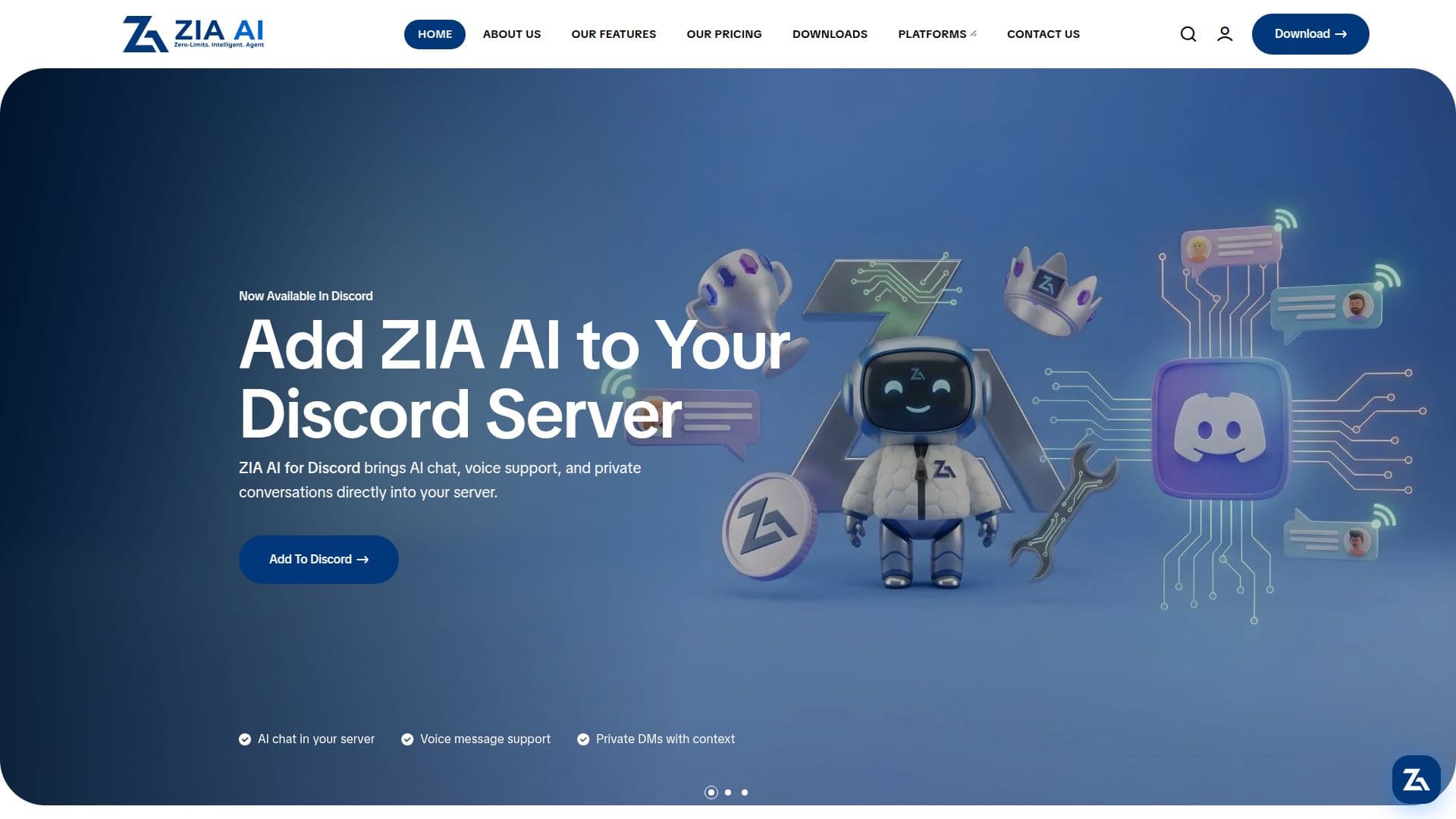
Description
ZIA AI is an intelligent assistant created by Dawaer Digital Development Company, designed for both Windows and Web platforms. It provides users with the ability to interact with their devices using natural language, enabling them to open applications, search the web, generate images, and automate various tasks seamlessly. ZIA AI is not affiliated with Zoho Corporation or its AI system named Zia.
Read More
The assistant combines multiple intelligent features, including voice control, AI conversation, image generation, and system automation, all in one platform. On Windows, ZIA AI responds to the wake word 'Hey Zia' or via keyboard shortcuts, supporting real-time speech-to-text and text-to-speech replies. The web version currently supports text chat and image generation, with voice commands exclusive to the Windows desktop app.
ZIA AI uses advanced AI models such as Google Gemini for conversation, Qwen AI for image generation, and Kokoro TTS for natural-sounding voice output. It ensures data privacy and security by using encrypted storage and secure WebSocket connections, complying with Google API Services User Data Policy.
The assistant offers three subscription tiers: Free, Plus, and Premium, each providing different limits for chat messages, image generations, and voice minutes. Payments are securely handled by Lahza Gateway. ZIA AI supports multiple languages, including Arabic and English, with more languages to be added soon.
ZIA AI is tailored for a wide range of users, from students to professionals, offering a personalized experience by learning user workflows and delivering context-aware support. It is available 24/7, providing automation and creativity across devices, making it a valuable tool for enhancing productivity and creativity.
- CategoryAI Personal Assistants
- Pricing ModelFreemium
- DeploymentCloud
- PlatformsWindows, Web
ZIA AI Intelligent Assistant's Core Features
Voice control on Windows
AI conversation
Image generation
System automation
Real-time speech-to-text
Text-to-speech replies
Floating bubble UI
Secure cloud storage
How to use ZIA AI Intelligent Assistant?
Configure: Set up your preferences
Use: Interact using natural language
Automate: Create workflows
Optimize: Personalize your experience
ZIA AI Intelligent Assistant's Use Cases
- Voice Commands
- Image Generation
- System Automation
- Language Support
- Data Syncing