Description
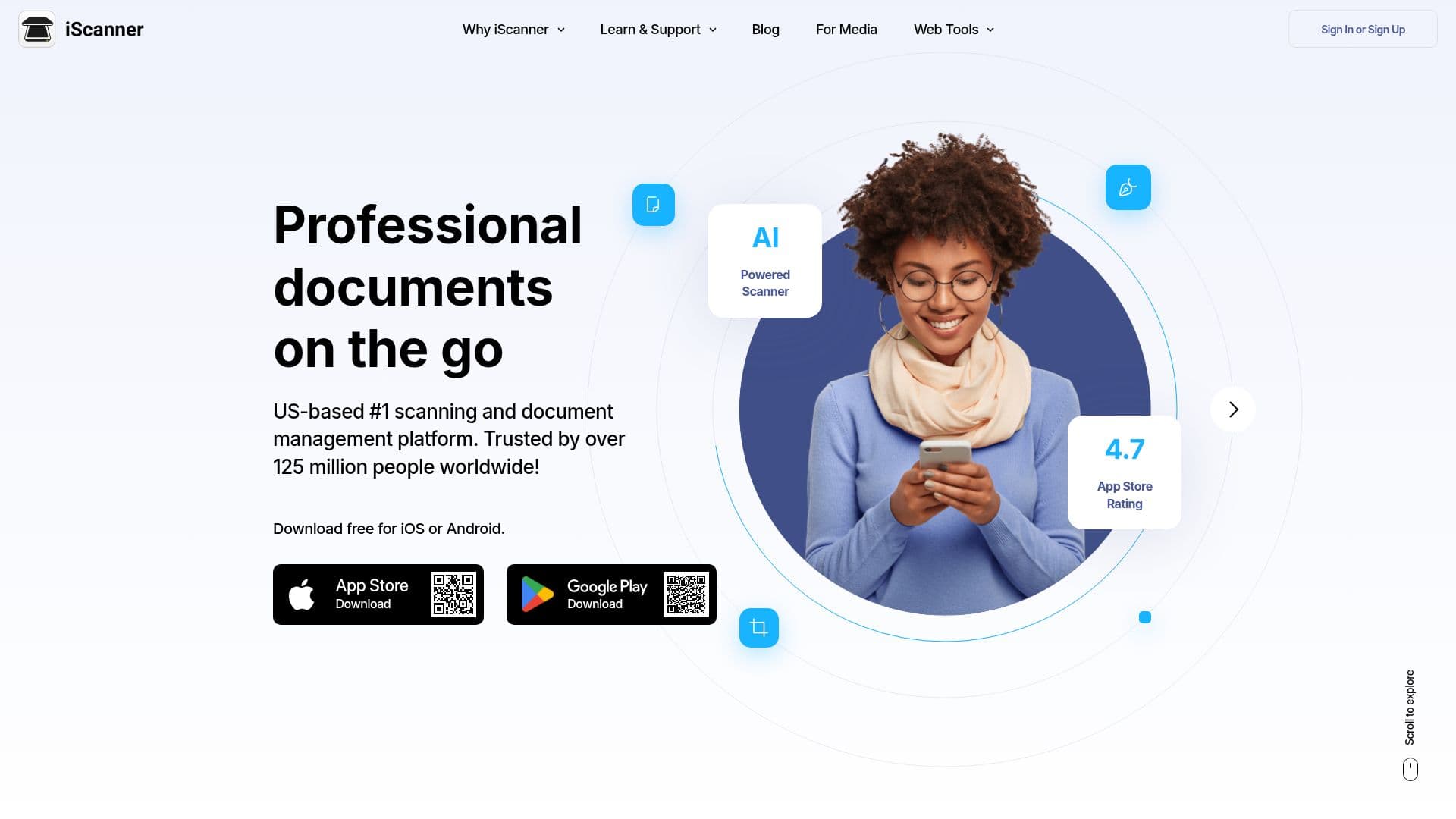
iScanner is a versatile mobile application designed to turn your smartphone into a comprehensive document management tool. With over 125 million users worldwide, it is a trusted platform for scanning and managing documents on the go. The app is available for both iOS and Android devices, allowing users to scan documents, solve math problems, and even count objects using AI technology.
One of the standout features of iScanner is its ability to convert scanned documents into professional-looking PDFs. The app uses AI to correct distortions, crop images accurately, and enhance the overall quality of scans. Users can also utilize the OCR feature to convert scanned documents into editable text in 23 languages.
iScanner offers a range of tools for document editing, including e-signatures, merging and splitting PDFs, and adding annotations. The app also provides free cloud storage, enabling users to sync and access their documents across multiple devices.
For those involved in home remodeling or inventory management, iScanner's AR measuring tape and 3D room scanner features are particularly useful. These tools allow users to measure dimensions and create 3D room plans effortlessly.
The app's user-friendly interface and robust feature set make it an excellent choice for professionals, students, and anyone needing a reliable document management solution. With its free tier and advanced capabilities, iScanner stands out as a leading mobile scanning app.
iScanner's Core Features
AI-powered document scanning
OCR in 23 languages
E-signature and document editing
AR measuring tape and 3D room scanner
Free cloud storage and file sync
Automatic distortion correction
Object counting with AI
High-resolution scanning (300+ dpi)
Background cleaning and enhancement
Automatic cropping and edge repair
Text extraction and live text capture
Merge and split PDFs
Annotate and edit documents
Sync across devices
Share documents directly from the app
How to use iScanner?
Download: Install iScanner from App Store or Google Play
Scan: Open the app and use the camera to scan documents
Edit: Use editing tools to enhance and annotate scans
Sync: Access your documents across devices with cloud sync
iScanner's Use Cases
- Document Scanning
- Text Recognition
- Home Remodeling
- Inventory Management
- Document Editing
- File Management
- Professional Use
- Educational Use
- Remote Work
- Legal Documentation