Description
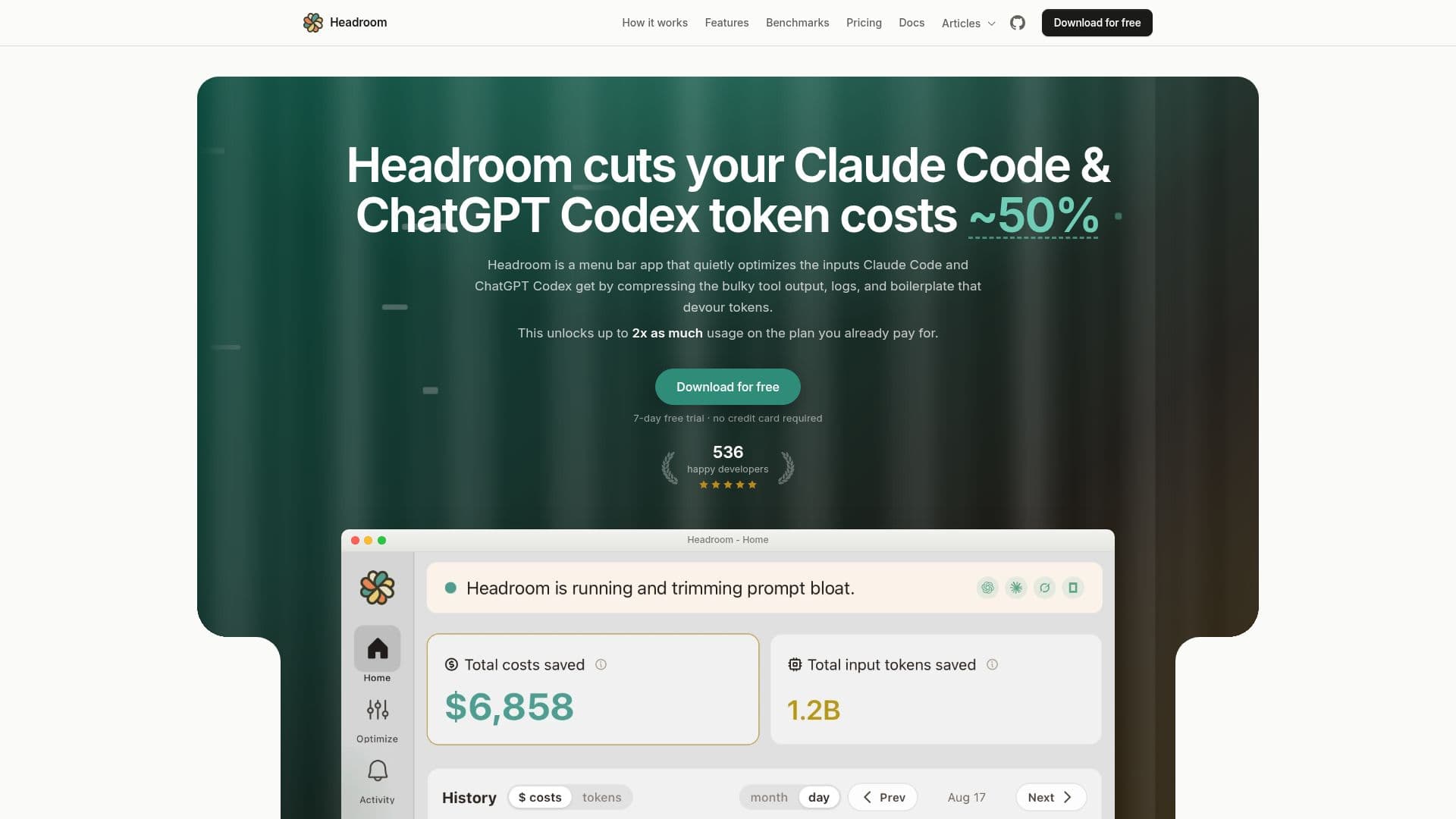
Headroom is a menu bar application designed for developers utilizing AI coding agents like Claude Code and ChatGPT Codex. Its primary function is to reduce token usage by reversibly compressing large prompt inputs, such as bulky tool output, logs, and boilerplate, directly on the user's machine. This local optimization process can cut token costs by around 50% on noisy inputs, leading to an overall session saving of 25-50%, effectively doubling the usable capacity of an existing AI subscription plan.
Read More
The application works by sitting between the coding agent and its AI provider, compressing data before it is sent. This ensures that prompts and code never leave the user's machine, maintaining privacy and security. The compression is reversible, meaning the AI model can still access the original, uncompressed content if needed, without any measurable impact on output quality. Headroom aims to solve the problem of developers hitting usage limits prematurely due to verbose machine-generated context rather than their own code or queries.
Beyond core compression, Headroom offers a suite of one-click add-ons to tackle additional sources of token waste. These include RTK for summarizing terminal command output, MarkItDown for converting PDF and Office documents to Markdown, Serena for targeted code reads, Codebase Memory for indexing repository structures, Context7 for retrieving version-specific library documentation, Ponytail for steering models towards smaller implementations, Caveman for shorter replies, and Chisle, which combines Ponytail and Caveman while also trimming command and web output.
Headroom supports macOS (14+), Windows (x64), and Linux (Ubuntu 24.04+). It integrates seamlessly with various IDE extensions and agent runners that launch Claude Code or Codex, configuring the agent's own config file for automatic routing. The application offers a 7-day free trial without requiring a credit card, after which users can select a paid plan that matches their Claude or ChatGPT tier, priced as a small fraction of the subscription it extends. This makes it a cost-effective solution for maximizing AI coding agent usage and efficiency.
- CategoryAI Coding Assistants
- Pricing ModelFreemium
- DeploymentDesktop App
- PlatformsmacOS, Windows, Linux
Headroom's Core Features
Local Input Compression: Reduces Claude Code and ChatGPT Codex token usage by compressing large prompt inputs locally.
Token Cost Reduction: Cuts token costs by approximately 50% on noisy inputs, leading to 25-50% overall session savings.
Privacy-First Design: All prompt optimization runs on-device; prompts and code never leave the user's machine.
Reversible Compression: Compresses noise reversibly, allowing the model to retrieve original content without quality loss.
7-Day Free Trial: Offers a full-featured trial with no credit card required.
Cross-Platform Compatibility: Available as a desktop app for macOS, Windows, and Linux.
One-Click Add-ons: Extends functionality with optional tools for specific optimization needs.
Project Learnings: Saves reusable commands, environment details, and project preferences to instruction files.
Activity Overview: Provides a dashboard to review recorded compressions, learnings, updates, and usage warnings.
Usage Tracking: Continuously displays Claude Code and ChatGPT Codex usage windows in the menu bar.
Output Token Optimization: Add-ons like Ponytail and Caveman help reduce the length and complexity of model replies.
Seamless Integration: Works with most IDE extensions and agent runners for Claude Code and ChatGPT Codex.
Subscription Tier Matching: Paid plans align with Claude and ChatGPT subscription tiers for optimized value.
Self-Contained Runtime: Operates without interfering with project packages or dependencies.
Environmental Benefit: Reduces energy consumption by minimizing tokens processed by data centers.
How to use Headroom?
Download and Install: Download the Headroom desktop app for macOS, Windows, or Linux and install it.
Start Free Trial: Open the app and begin a 7-day free trial, no credit card required.
Connect an Agent: Configure the app to route requests from your Claude Code or ChatGPT Codex agent through Headroom.
Verify Routing: Confirm that Headroom is actively optimizing your coding agent's requests.
Use Coding Agent: Continue using your AI coding agent as usual; Headroom will automatically compress inputs.
Monitor Savings: Check the in-app dashboard or menu bar for live token savings and usage tracking.
Install Add-ons: Explore and install optional add-ons from within the app to target specific types of token waste.
Review Learnings: Utilize the 'Optimize' feature to review and manage saved project instructions and session history.
Headroom's Use Cases
- Reduce Token Costs
- Extend Coding Sessions
- Optimize Large Prompts
- Maintain Privacy
- Debug with AI
- Codebase Exploration
- Document Processing
- Generate Shorter Replies
- Manage Usage Limits
- Sustainable AI Coding