Description
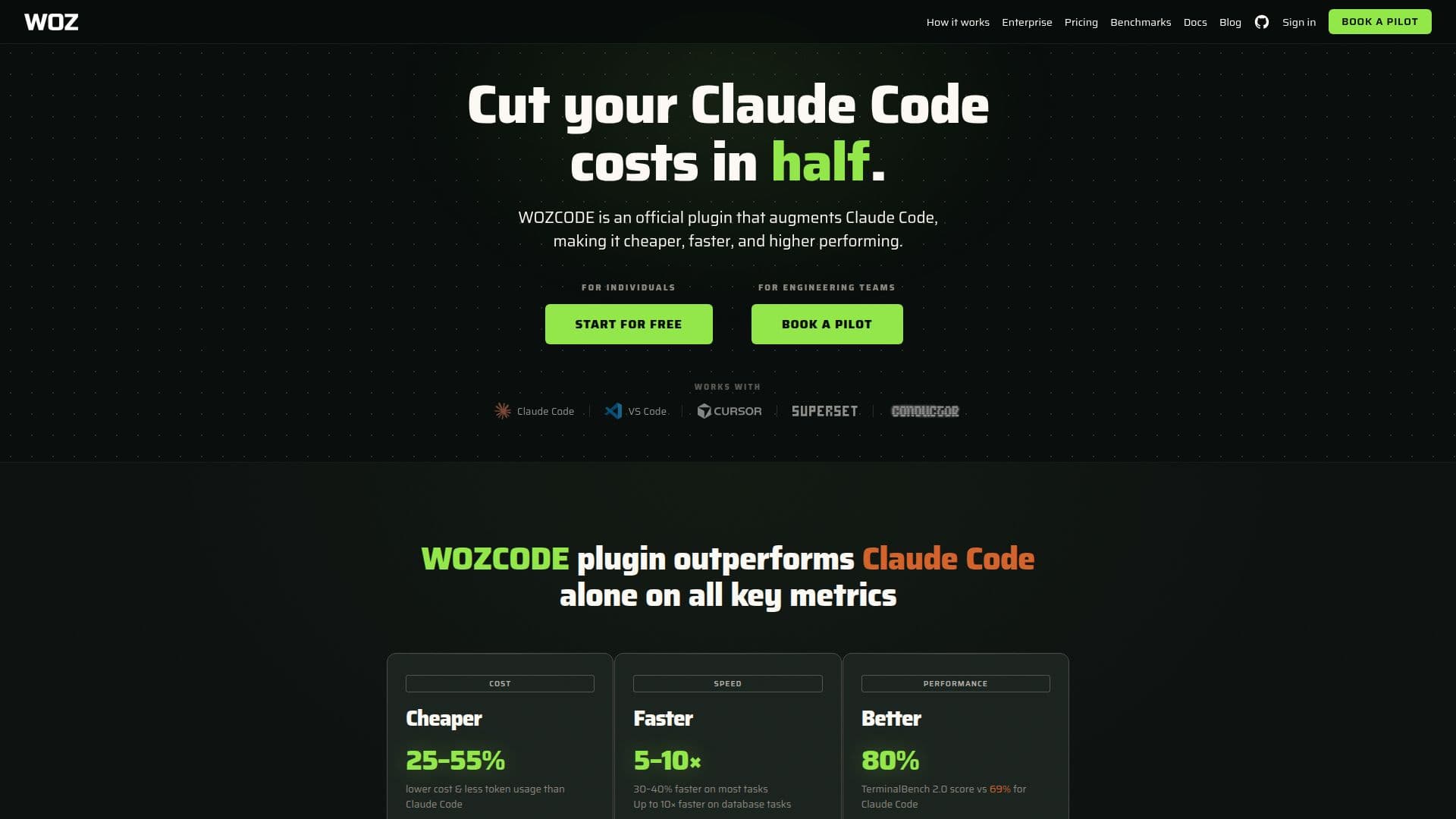
WOZCODE is a high-performing AI coding plugin designed specifically for Claude Code. It significantly enhances coding efficiency by achieving an 80% score on TerminalBench 2.0, making it 5–10 times faster and 25–50% cheaper than using Claude Code alone. The plugin is easy to install, requiring no signup or credit card, and offers a free tier with optional upgrades for additional savings.
Read More
WOZCODE operates entirely on your local machine, ensuring that your code, prompts, and API keys remain secure and private. It employs patented token-reduction technology, which reduces token spend by 25–55% through smarter search, batched edits, and AST truncation. This approach minimizes the number of API calls, compounding savings across sessions.
The plugin is particularly beneficial for both individual developers and engineering teams, allowing them to maximize their Claude Code subscriptions by reducing token usage and increasing coding output. WOZCODE's features include fuzzy matching for edits, which tolerates minor discrepancies and prevents unnecessary retries, further enhancing efficiency.
Pricing for WOZCODE starts with a free tier, with optional upgrades available for users who require unlimited Claude Code savings and additional support features. The enterprise version offers a 30-day paid pilot, volume pricing, and dedicated support, making it suitable for large organizations looking to cut AI coding costs significantly.
WOZCODE is compatible with various platforms, including terminal, Claude Desktop, VS Code, and more, ensuring seamless integration into existing workflows. Users can verify savings and performance improvements through built-in benchmarking tools, providing transparency and confidence in the plugin's capabilities.
- CategoryAI Coding Assistants
- Pricing ModelFreemium
- DeploymentLocal
- PlatformsTerminal, VS Code
WOZCODE's Core Features
Patented token-reduction technology
100% local operation
Fuzzy matching for edits
Free tier available
Optional account for additional savings
Enterprise version with dedicated support
Compatible with multiple platforms
Built-in benchmarking tools
How to use WOZCODE?
Install: Run the installation command in your terminal
Configure: Set up WOZCODE in your preferred coding environment
Use: Start coding with enhanced performance and reduced costs
Optimize: Monitor savings and adjust settings as needed
WOZCODE's Use Cases
- Cost Reduction
- Performance Enhancement
- Local Security
- Team Efficiency
- Savings Verification