
Description
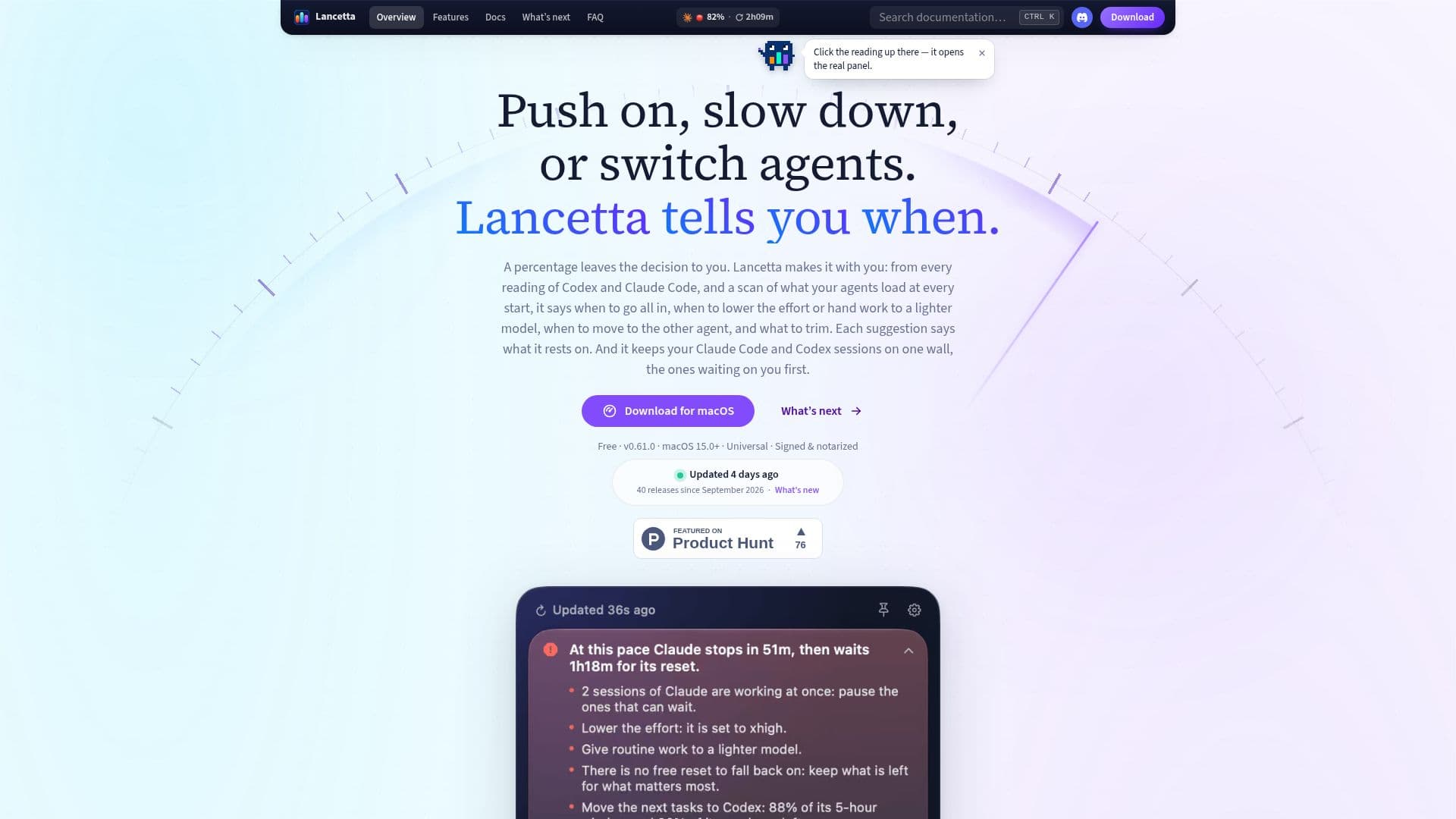
Lancetta is a native macOS menu-bar application designed to assist users in managing their coding agents, Codex and Claude Code. The app provides real-time guidance on when to utilize these agents, based on their quota readings. By analyzing the usage patterns and quota availability, Lancetta offers actionable suggestions such as when to push on with tasks, slow down, or switch to a different agent. This ensures that users make the most of their available resources without unnecessary expenditure.
Read More
The app operates by reading quota data without consuming any tokens, making it a cost-effective solution for developers. It provides insights into the pace of usage, potential resets, and the optimal times to start or stop tasks. Lancetta also monitors the background processes left by agents, offering options to reclaim memory and manage resources efficiently.
Lancetta is particularly beneficial for developers who run multiple sessions simultaneously, as it keeps track of which sessions require attention. The app's interface is designed to be unobtrusive, residing in the menu bar and providing notifications only when immediate action is required. It supports multiple languages, including English, Italian, French, German, Spanish, Portuguese, and Dutch, adapting to the user's macOS language settings.
The app is free to use, with no hidden costs or token consumption for quota readings. It is built with SwiftUI, ensuring a seamless integration with macOS, and is compatible with macOS 15.0 Sequoia or later. Lancetta is an ideal tool for developers looking to optimize their use of Codex and Claude Code, providing a clear and efficient way to manage coding resources.
- CategoryAI Coding Assistants
- Pricing ModelFree
- DeploymentMenu-bar app
- PlatformsmacOS
Lancetta's Core Features
Real-time quota guidance
Free to use
No token consumption for readings
Background process management
Multi-language support
Session tracking
SwiftUI integration
Notifications for urgent actions
How to use Lancetta?
Install: Download and install Lancetta on macOS.
Connect: Link Codex and Claude Code to Lancetta.
Monitor: Use the menu-bar app to track quota usage.
Optimize: Follow suggestions to manage resources efficiently.
Lancetta's Use Cases
- Quota Management
- Session Tracking
- Resource Optimization
- Multi-language Support
- Real-time Notifications