
Description
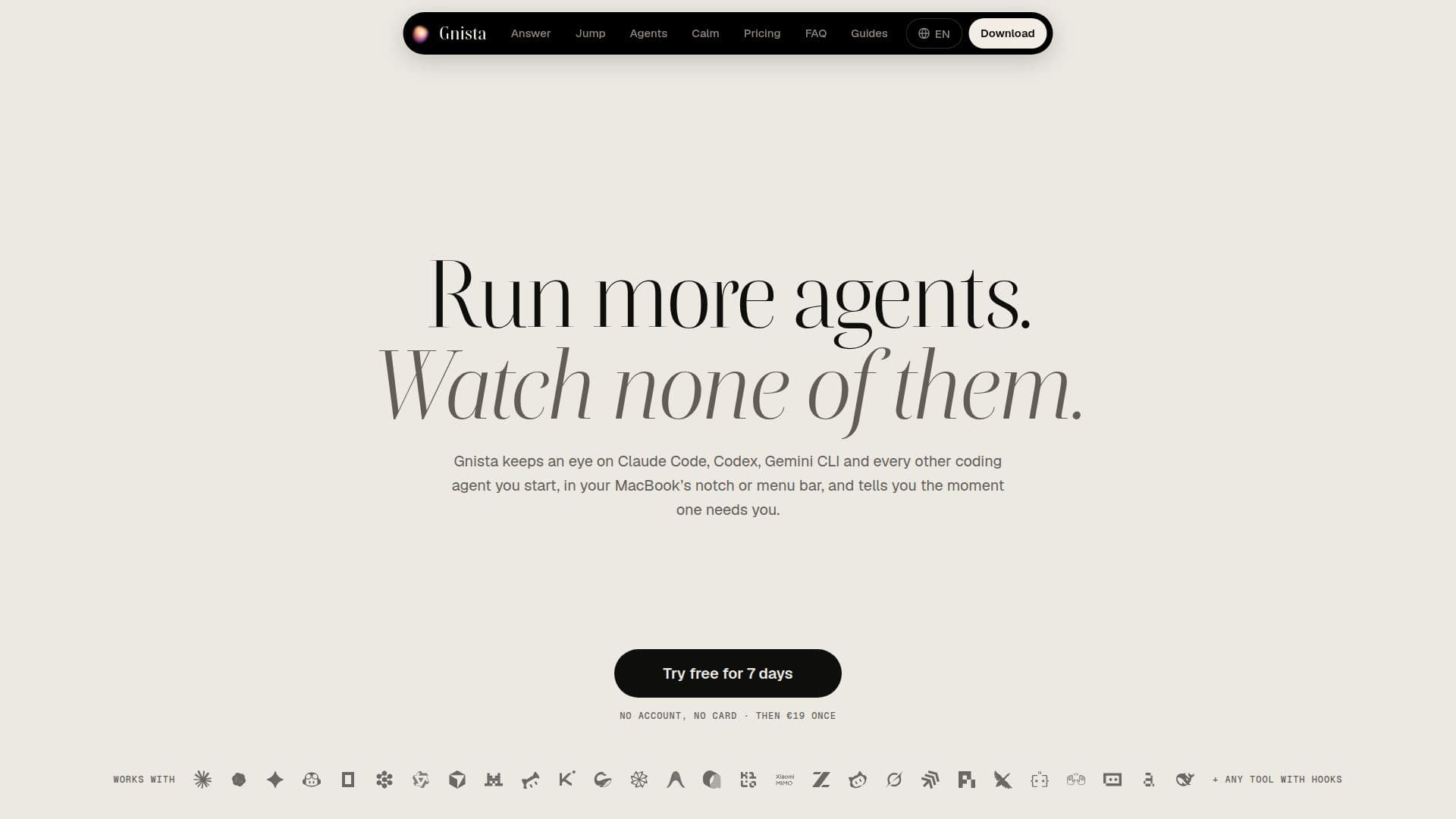
Gnista is a macOS application that enhances developer productivity by providing real-time oversight of various coding agents. It integrates seamlessly with your MacBook's notch or menu bar, offering a discreet yet effective way to monitor the status of agents such as Claude Code, Codex, Gemini CLI, and many others. The application keeps track of which agents are actively working, which have completed their tasks, and crucially, which ones are waiting for your input.
Read More
When an agent requires attention, Gnista displays a notification in the notch, presenting the request—be it a command, a diff with line numbers, or a question—for five seconds. Users can quickly approve, deny, or provide answers directly from this interface using keyboard shortcuts (⌘Y for allow, ⌘N for deny), eliminating the need to switch between applications or terminal tabs. This capability extends to various types of agent interactions, including permission requests, replies to agent outputs, and answers to multiple-choice questions or plans.
Gnista supports a wide array of coding agents and integrates with numerous terminals, editors, and applications, including Terminal, iTerm2, VS Code, Cursor, and the Claude app. It can even monitor agents running on Linux servers over SSH, in devcontainers, or Kubernetes pods, providing a unified view across different development environments. For agents that cannot directly receive input from outside their environment, Gnista intelligently shows what they are asking and provides a quick jump to the exact terminal tab, tmux pane, or editor window where the agent is running.
The application also offers detailed insights into agent activity, including cost and usage limits for supported models. It can display the model being used by an agent, its context window fullness, and price each turn based on the model maker's rates. Users can also define custom agents using a simple JSON configuration, allowing virtually any tool to report its status to Gnista. Privacy is a core tenet, with no session data, telemetry, or analytics leaving the user's Mac. Gnista operates quietly, with configurable notifications that respect screen sharing, calls, and Focus modes, ensuring minimal disruption.
- CategoryAI Coding Assistants
- Pricing ModelOne-time purchase, Yearly Subscription
- DeploymentDesktop App
- PlatformsmacOS
Gnista's Core Features
Real-time coding agent monitoring in macOS notch or menu bar
Instant notifications for agent actions, requests, and completion
Direct interaction with agents from the notch (allow, deny, reply, answer questions)
Support for a wide range of coding agents including Claude Code, Codex, Gemini CLI, Copilot
Integration with multiple terminals, editors, and applications (e.g., Terminal, iTerm2, VS Code)
Monitoring of agents on Linux servers via SSH, devcontainers, and Kubernetes pods
Detailed agent status display: working, done, needs attention, branch, app, duration
Cost and usage limit tracking for supported AI models
Custom agent integration via JSON configuration for any command-line tool
Quiet notifications during screen sharing, calls, and Focus modes
Keyboard shortcuts for quick interaction (⌘Y, ⌘N, ⌥G)
Jump to exact terminal tab, tmux pane, or editor window where an agent runs
Privacy-focused design with no data leaving your Mac
One-time personal license with a year of updates and optional renewal
Yearly team plans for multiple Macs with MDM configuration and priority support
How to use Gnista?
Install Gnista: Download and open the application on your Mac.
Configure Display: Choose to display agent status in the notch, menu bar, or both via Settings.
Select Agents: Tick the coding agents Gnista automatically detects on your system.
Monitor Agents: Observe agent status (working, done, needs you) in your chosen display area.
Interact with Agents: Respond to agent requests (allow, deny, reply, answer) directly from the notch or menu bar.
Jump to Session: Click an agent's session to instantly navigate to its exact terminal tab or application window.
Customize Agents: Add support for custom tools by providing a simple JSON configuration file.
Gnista's Use Cases
- Monitoring Coding Agents
- Quick Agent Interaction
- Remote Development Oversight
- Productivity Enhancement
- Cost and Usage Tracking
- Custom Tool Integration
- Team Collaboration