Description
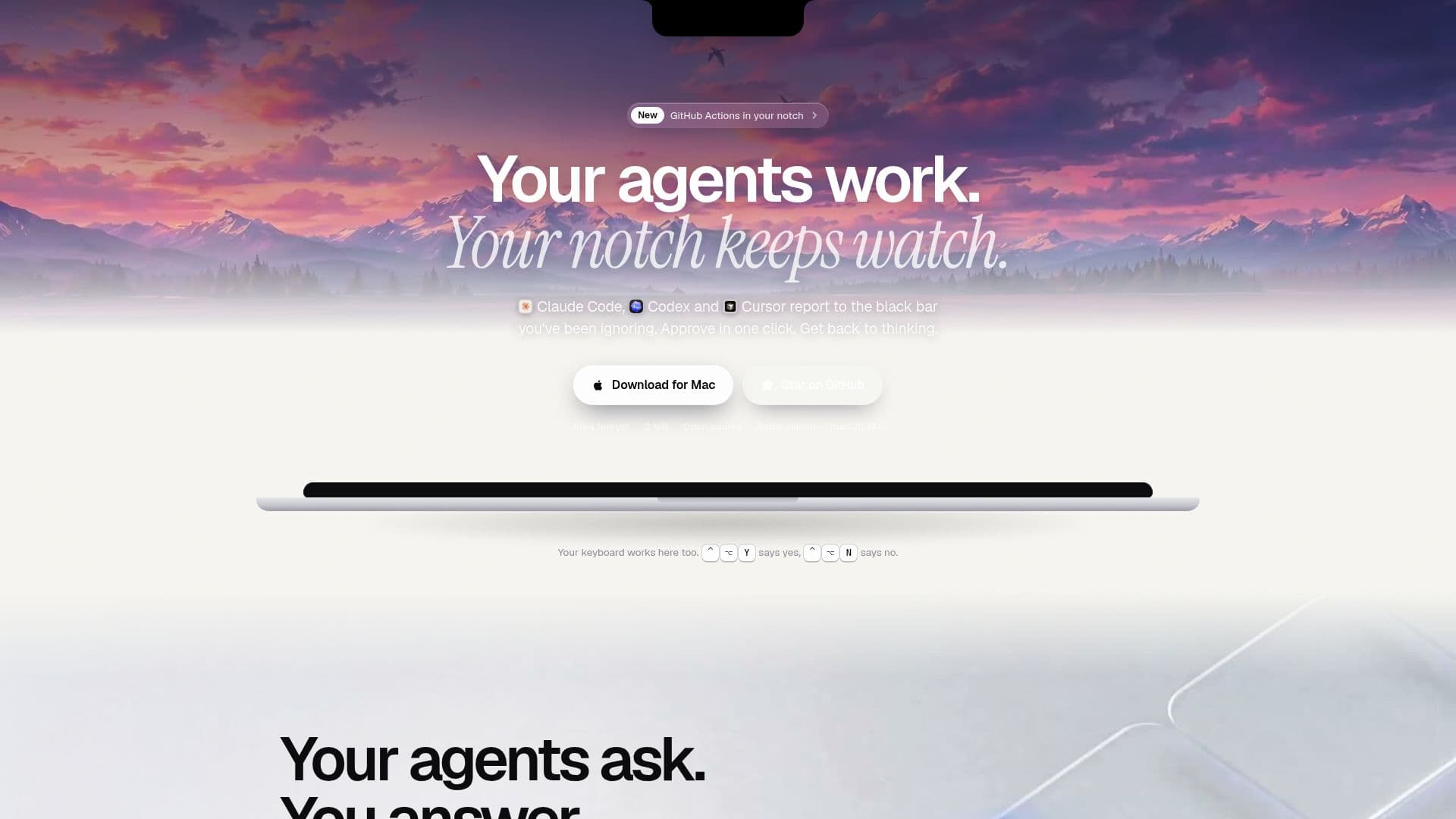
NotchBar is a free and open-source macOS application designed to enhance the workflow of developers using AI coding agents such as Claude Code, Codex, and Cursor. It seamlessly integrates these agents into the Mac's notch, or a floating island on Macs without a physical notch, providing a discreet yet powerful interface for managing AI-driven development tasks.
Read More
The primary function of NotchBar is to keep developers informed about their agents' activities without requiring constant app switching. When an agent requires approval for an action, a prompt appears in the notch, allowing for a quick one-click "yes" or "no" response using keyboard shortcuts (⌃ ⌥ Y for yes, ⌃ ⌥ N for no). This minimizes interruptions and helps maintain focus, ensuring that the developer's train of thought remains unbroken.
Beyond approvals, NotchBar offers comprehensive monitoring capabilities. It tracks agent usage, providing insights into tasks shipped, time spent per agent, files processed, lines of code, and even estimated API costs. This data is presented in a unique "Mochi" report, which can be reviewed after a coding session, offering a tangible summary of the agents' contributions.
Another significant feature is its integration with Git and CI/CD pipelines. The moment an agent executes a `git push`, NotchBar displays the pipeline's progress live in the notch, stage by stage. It provides real-time notifications for successful builds (green) or failures (red), identifying the specific job and step that broke, often before the developer even opens GitHub. For public repositories, this works with zero setup. For private repositories, a simple one-time connection via GitHub settings is required, leveraging existing `gh login` credentials without storing tokens.
NotchBar is built for efficiency and minimal system impact. It is a lightweight 2 MB download, uses approximately 19 MB of memory, and averages 0.3% CPU usage, ensuring it doesn't slow down the Mac. It operates locally with agents, only connecting online for updates and CI/CD status checks, sending only the repository name and commit hash to GitHub, with an option to disable this functionality. It supports Apple silicon Macs (M1 or newer) running macOS 14 Sonoma or later.
- CategoryAI Coding Assistants
- Pricing ModelFree
- DeploymentRuns locally
- PlatformsmacOS
NotchBar's Core Features
AI Agent Integration: Supports Claude Code, Codex, and Cursor
One-Click Approvals: Approve agent actions directly from the Mac's notch
Keyboard Shortcuts: Use ⌃ ⌥ Y for yes and ⌃ ⌥ N for no
Live CI/CD Monitoring: Displays Git push pipeline status in real-time
Failure Notifications: Identifies broken jobs and steps in CI/CD
Usage Reporting (Mochi): Provides daily summaries of agent activity, files, lines, tests, and API costs
Risky Command Alerts: Notifies users for potentially dangerous commands like `rm -rf`
Resource Monitoring: Shows agent usage limits and potential run-out points
Open Source: Free and MIT licensed with no hidden tiers
Lightweight Performance: Low memory (19 MB) and CPU (0.3%) usage
Local Operation: Processes agent interactions locally; code never leaves the Mac
GitHub Integration: Connects to public and private GitHub repos for CI/CD status
Apple Silicon Support: Optimized for M1 Macs and newer
macOS Sonoma Compatibility: Requires macOS 14 or later
Dynamic Island Emulation: Creates a floating island on Macs without a physical notch
How to use NotchBar?
Download NotchBar: Visit the website on your Mac and download the .dmg file.
Install the Application: Double-click the .dmg file and drag NotchBar to your Applications folder.
Grant Permissions: If macOS prompts, go to System Settings > Privacy & Security and click "Open Anyway" once.
Launch NotchBar: Open the application from your Applications folder.
Connect GitHub (Optional): For private repositories, go to Settings > GitHub > Connect GitHub and approve in your browser.
Monitor Agents: Observe Claude Code, Codex, and Cursor activity and approvals in your Mac's notch.
Review Reports: Open the notch after a session to view Mochi's summary of agent work and costs.
NotchBar's Use Cases
- AI Agent Workflow Management
- Continuous Integration Monitoring
- Developer Productivity Enhancement
- Code Review and Approval
- AI Agent Usage Tracking
- Real-time Development Feedback
- Open Source Development