
Description
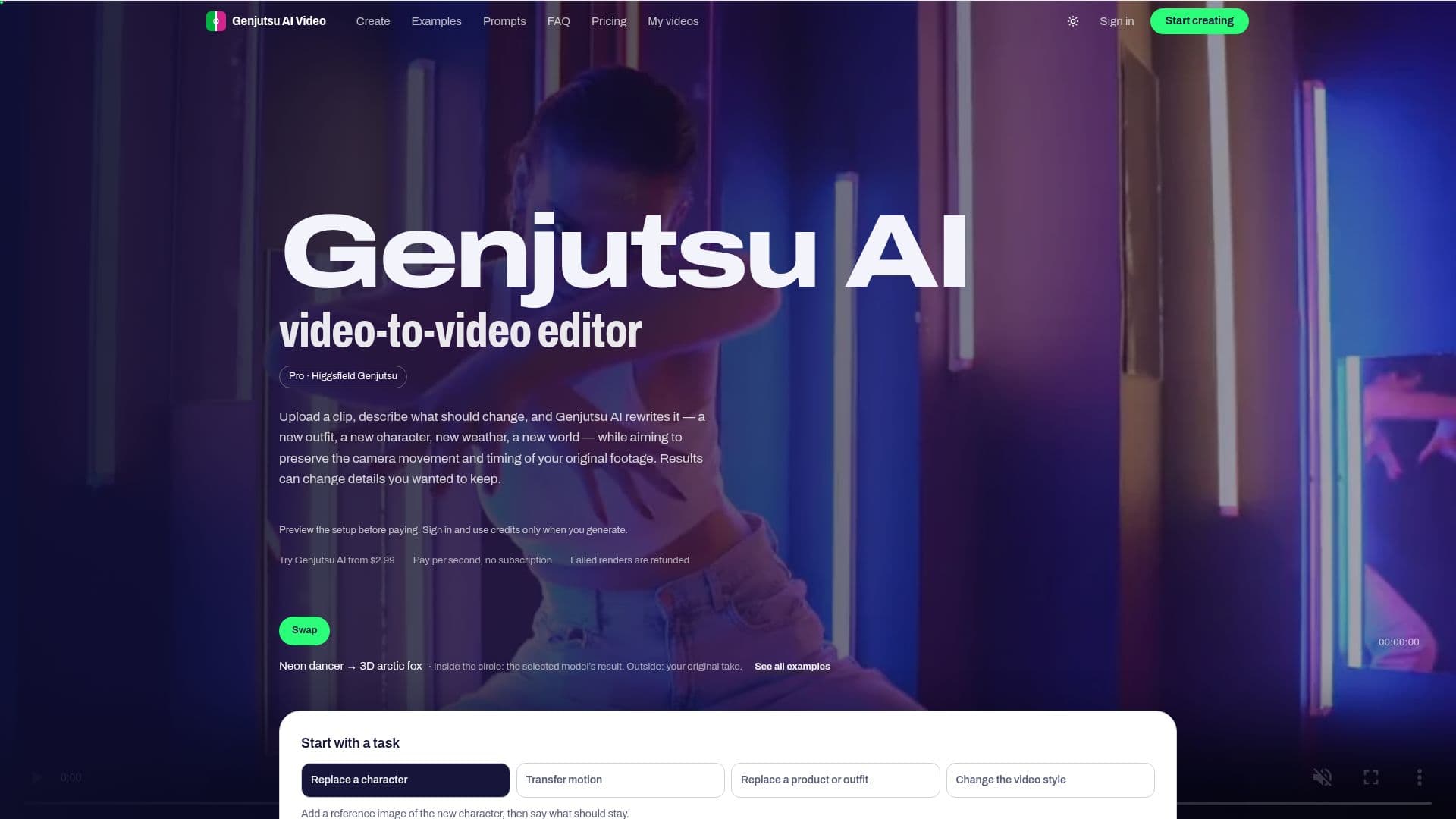
Genjutsu AI Video Editor is an innovative tool designed to transform video clips by allowing users to swap characters, outfits, weather, and scenes while retaining the original camera motion and timing. This video-to-video editor provides a unique way to re-render clips with desired changes, making it ideal for creative professionals and enthusiasts looking to enhance their video content.
Read More
The editor operates in two modes: Standard and Pro. The Pro mode utilizes the Higgsfield AI Genjutsu model through its official API, offering high-quality renders without the need for a subscription. Users pay only for the seconds they render, with prices starting at $2.99 for a trial pack that includes 300 credits. This pack is sufficient for one 5-second Pro render at 480p or two Standard Swaps.
Genjutsu AI Video Editor supports video clips ranging from 4 to 30 seconds, with resolutions of at least 480p. It accepts MP4 files up to 200 MB, and longer clips can be trimmed and converted within the editor. The tool is browser-based, ensuring that no files are uploaded until the user initiates the rendering process.
The editor is designed to handle various transformations, such as outfit swaps, character replacements, weather changes, and location modifications. It also offers restyling options, allowing users to convert clips into hand-painted anime or claymation styles. Despite its capabilities, users should note that generative editing can sometimes alter unintended details like faces or backgrounds.
Genjutsu AI Video Editor is suitable for users who have the rights to their footage and wish to use the generated videos commercially. However, it prohibits content involving minors, deepfakes, or impersonation of real people. The tool provides a straightforward pricing model with one-time credit purchases, ensuring transparency and flexibility for users.
- CategoryAI Video Editors
- Pricing ModelOne-time purchase
- DeploymentCloud
- PlatformsWeb-based
Genjutsu AI Video Editor's Core Features
Video-to-video editing
Character and outfit swapping
Weather and scene changes
Pro mode with Higgsfield AI Genjutsu
Standard mode with Kling O3 and FLUX.3 Edit
Supports 4 to 30-second clips
480p and 720p output resolutions
One-time credit purchase model
How to use Genjutsu AI Video Editor?
Upload: Select and upload your video clip
Describe: Specify the changes you want
Render: Choose Standard or Pro mode and render
Download: Save the finished video to your account
Genjutsu AI Video Editor's Use Cases
- Outfit Swap
- Character Replacement
- Weather Change
- Location Swap
- Restyle Clips