Description
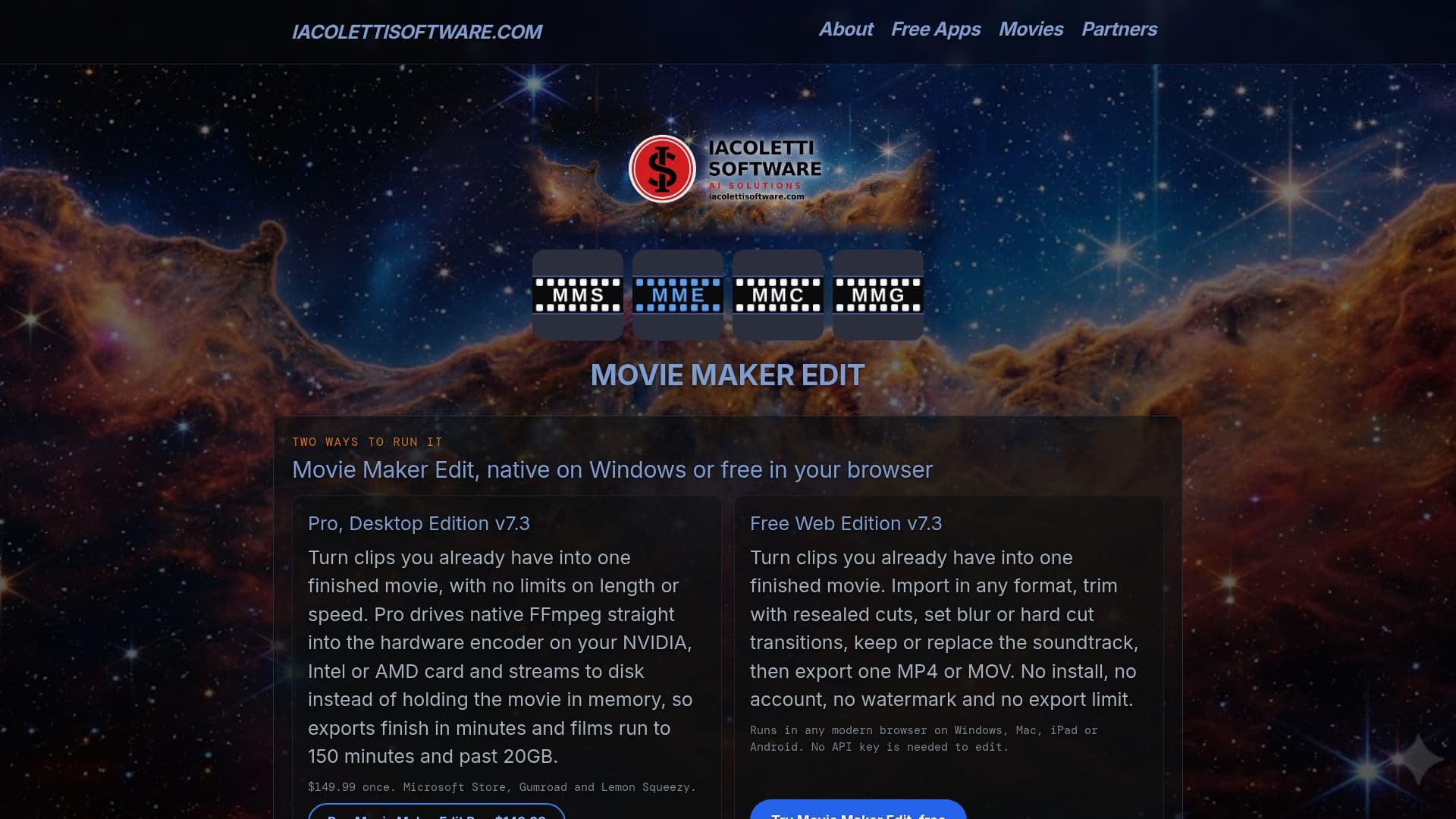
Movie Maker Edit Pro is a comprehensive video editing tool designed to turn your existing clips into a finished movie. Available as a native application on Windows or as a free web edition, it offers flexibility for users across different platforms, including Windows, Mac, iPad, and Android. The Pro version, priced at a one-time fee of $149.99, utilizes native FFmpeg to leverage hardware encoders on NVIDIA, Intel, or AMD cards, ensuring fast exports and support for large files up to 150 minutes and over 20GB.
Read More
The tool simplifies the editing process with its Autoproduce feature, which automatically organizes clips, sets transitions, and levels audio without requiring technical expertise. Users can import clips in various formats, trim them, set transitions, and export in MP4 or MOV formats. The web edition offers similar capabilities without installation or account requirements.
Movie Maker Edit Pro includes advanced AI features that require an xAI or Google API key. These features include AI Review of Clips, which identifies issues in clips, and AI Review of Movie, which provides feedback on the finished film. Additional features like narration, spoken voice, and captions enhance the editing experience, allowing users to add professional touches to their projects.
The tool is ideal for users looking to create feature-length films or shorter projects with ease. It supports a wide range of use cases, from family videos to professional productions, and ensures that all editing and rendering processes are performed locally, keeping user data secure. With its user-friendly interface and robust capabilities, Movie Maker Edit Pro is a valuable tool for both amateur and professional filmmakers.
- CategoryAI Video Editors
- Pricing ModelFreemium
- DeploymentDesktop, Web
- PlatformsWindows, Mac, iPad, Android
Movie Maker Edit Pro's Core Features
Autoproduce: Automatically organizes clips and sets transitions
Native FFmpeg: Utilizes hardware encoders for fast exports
AI Review of Clips: Identifies issues in clips
AI Review of Movie: Provides feedback on finished films
Narration: Adds voiceover with word-level timings
Spoken Voice: Reads typed text in selectable voices
Add Captions: Burns captions into the video
Free Web Edition: No installation or account required
How to use Movie Maker Edit Pro?
Import Clips: Load clips in various formats
Autoproduce: Automatically organize and edit clips
Preview Movie: Review the film before exporting
Export Movie: Save the final product in MP4 or MOV format
Movie Maker Edit Pro's Use Cases
- Family Video Editing
- Professional Film Production
- Social Media Content
- Educational Videos
- Marketing Videos