
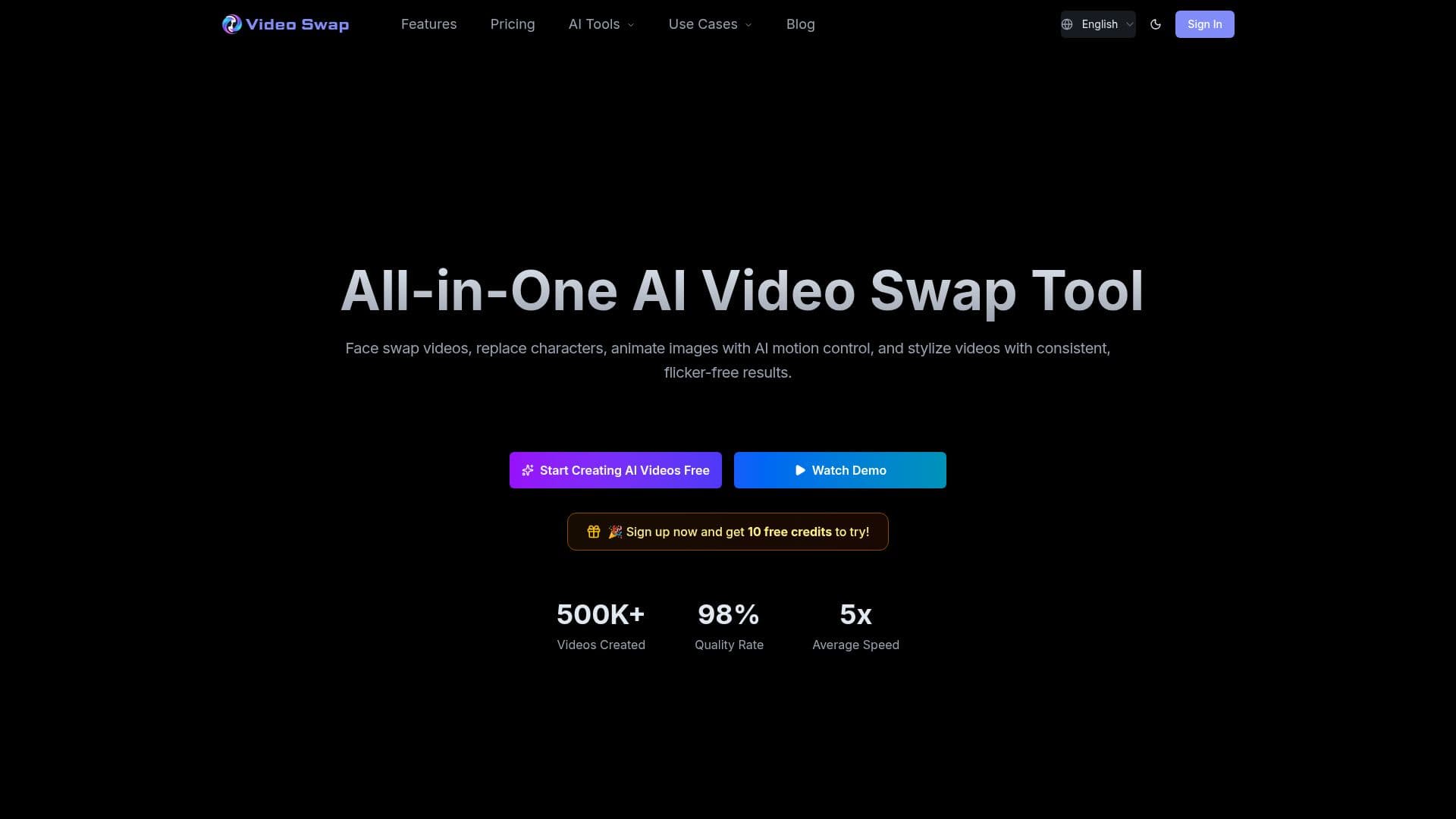
Description
Video Swap (AI Video Swap Studio) is an online AI video creation platform that combines four capabilities in one workflow: video face swap, character swap or replacement, AI motion control, and video style transfer. Users upload materials or enter text descriptions and generate high-quality video content without professional editing skills.
Read More
Video Face Swap replaces faces in videos with natural expressions and movement, while Character Swap replaces full characters while keeping the scene consistent. AI Motion Control animates static images using a performance reference video, and Video Style Transfer applies anime, cinematic, cartoon, and other styles with one-click, flicker-free consistency.
The platform runs entirely in the browser on desktop, tablet, or phone with no downloads, and is designed for beginners with a simple upload-select-generate flow. It integrates multiple AI models and supports Chinese, English, and Japanese interfaces. Uploaded materials are processed securely, and generated videos can be used commercially provided you hold rights to the input.
Video Swap uses a credit system where each feature consumes credits per second of processed video. It offers Basic, Pro, and Ultimate plans plus a free trial, with maximum clip lengths around 10 to 15 seconds and a 50 MB file limit per feature.
- CategoryAI Video Editors
- Pricing ModelFreemium
- DeploymentCloud
- PlatformsWeb
Video Swap's Core Features
AI video face swap with natural expressions and motion
Character swap that keeps the scene consistent
AI motion control to animate static images from a reference video
One-click video style transfer with flicker-free results
Browser-based, no downloads, works on desktop and mobile
Credit-based pricing with per-second consumption per feature
Commercial-use license and HD output on paid plans
Multi-language interface (Chinese, English, Japanese)
How to use Video Swap?
Choose a feature: Pick face swap, character swap, motion control, or style transfer.
Upload materials: Add your face image, character image, source video, or style reference.
Set options: Select the mode, resolution, and effect.
Generate: Let the AI process the clip in the background.
Download: Save the generated video for personal or commercial use.
Video Swap's Use Cases
- Short-form creator edits
- Ad localization
- Photo animation
- Series style consistency
- Virtual spokesperson