
Description
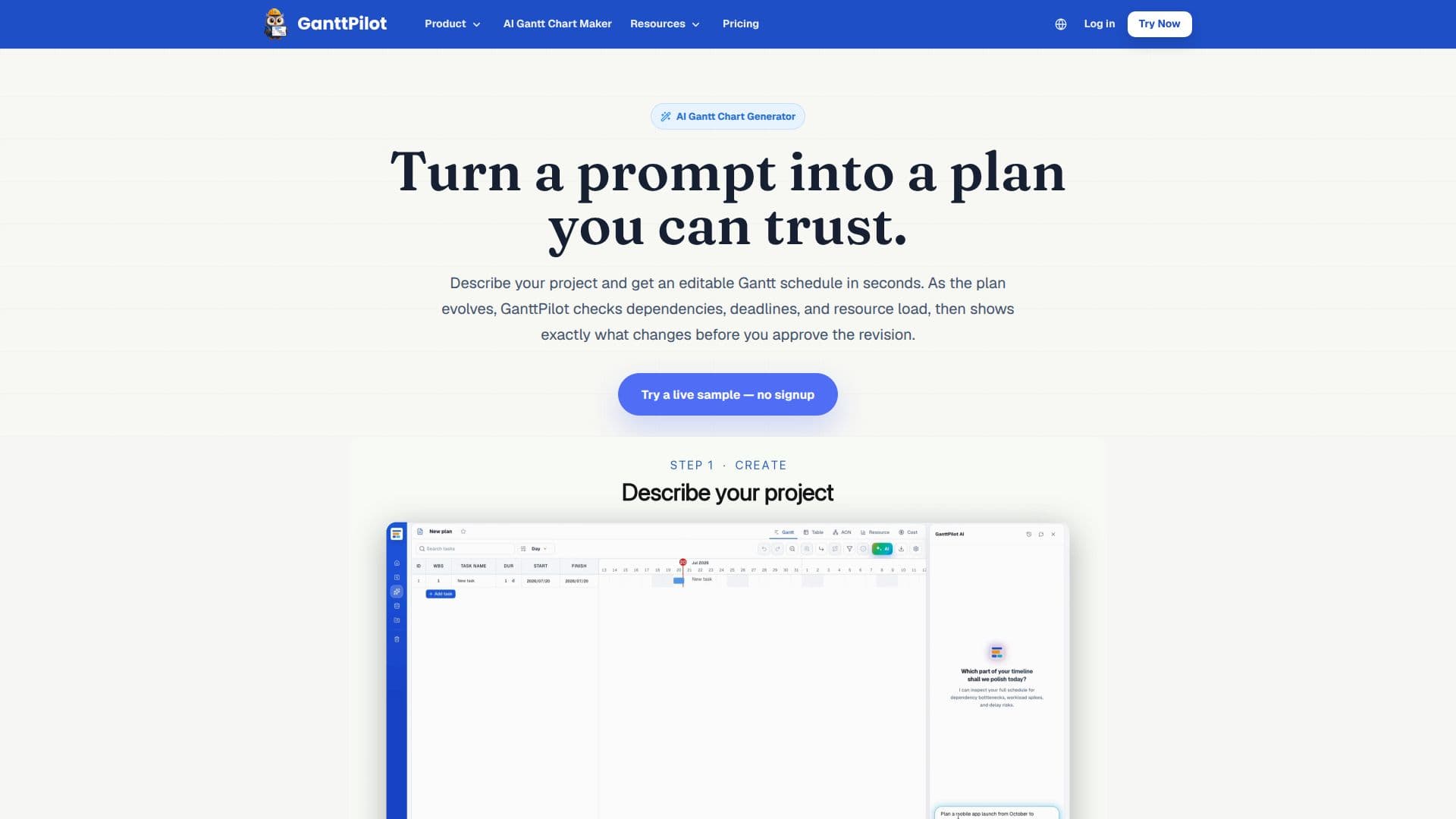
GanttPilot is an AI Gantt schedule workspace for project teams. You describe a project in plain language and get an editable Gantt schedule in seconds, or start from a reusable template or an existing file. Unlike a simple drawing tool, it is powered by a real critical-path (CPM) engine, so the output is structured schedule data with tasks, durations, dependencies, milestones, and resources that you can keep editing.
Read More
The workflow centers on create, check, and adapt. GanttPilot checks the schedule logic to surface missing dependencies, risky deadlines, resource pressure, and tasks that may drive the final date. When something changes, you describe it and GanttPilot shows a revision preview of exactly which tasks move and by how much, and nothing is applied until you approve it, so AI suggests and you decide. It can import Excel, CSV, XLSX, Microsoft Project XML, and MPP schedules and export Project XML for handoff to Microsoft Project or Primavera-style workflows, working alongside traditional tools rather than replacing them.
GanttPilot supports project schedules with tasks, dates, dependencies, and revisions across product launches, client delivery, marketing campaigns, events, construction, installation, and shutdown or turnaround work. It offers multiple views including Gantt, table, AON network, resource load, cost chart, and S-curve, plus optional Google Drive file workflows. It starts with a 14-day trial including AI credits, with a Pro plan at $19/month adding more credits, unlimited projects, AI revision previews, resource and dependency checks, and Project XML export.
- CategoryAI Project Management
- Pricing ModelFreemium
- DeploymentCloud
- PlatformsWeb
GanttPilot's Core Features
Prompt-to-Gantt generation of editable schedules
Real critical-path (CPM) scheduling engine
Schedule logic checks for dependencies, deadline risk, and resource pressure
Revision previews showing impact before applying changes
User approval required for every AI-suggested revision
Import of Excel, CSV, XLSX, Microsoft Project XML, and MPP files
Project XML export for handoff to other planning tools
Multiple views: Gantt, table, AON network, resource load, cost, and S-curve
How to use GanttPilot?
Create a schedule: Describe your project in a prompt, pick a template, or import an existing file.
Check the logic: Review flagged missing dependencies, deadline risks, and resource pressure.
Describe changes: Tell GanttPilot what changed in dates, scope, or resources.
Preview the impact: See which tasks move and by how much before anything updates.
Approve and export: Approve the revision, then export Project XML or share when ready.
GanttPilot's Use Cases
- Plan a product launch
- Client delivery projects
- Construction and installation
- Shutdown and turnaround
- Handoff to Microsoft Project