
Description
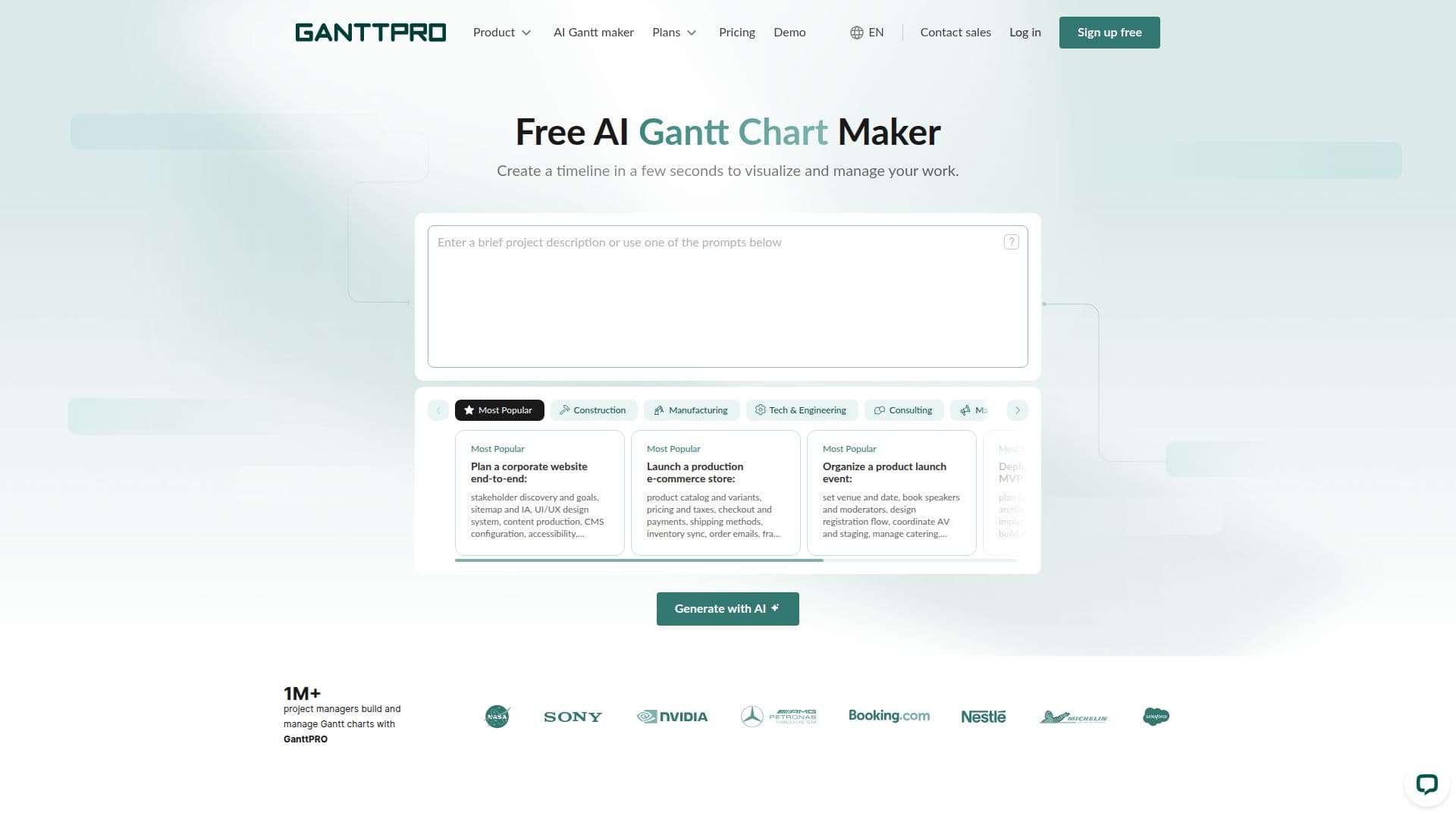
GanttPRO is online Gantt chart software for planning, creating, and managing tasks and project schedules. Its free AI Gantt chart maker lets users generate a ready-to-use project timeline in seconds by simply describing the project in plain language or using ready-made prompts, eliminating the blank-page problem.
Read More
The AI generator follows a practical planning workflow: it identifies the industry and project type, maps the typical project journey, builds structured phases and breaks them into detailed tasks, connects tasks with logical dependencies, adds measurable milestones, and assigns realistic roles from the industry rather than names. Every AI-generated chart is fully customizable in the app, where users can edit task dates and durations, change assignees, adjust timelines, modify dependencies, and add custom fields, then collaborate with their team.
Beyond AI generation, GanttPRO provides a full project management toolset including Gantt, grid, board, list, portfolio, and calendar views, auto scheduling, critical path, baselines, task hierarchy, resource and workload management, budget planning, time tracking, and history of changes. It integrates with Jira Cloud, Slack, Microsoft Teams, Google Drive, OneDrive, and more, offers an open API, and supports export to PDF, PNG, XML, and Excel. Used by more than a million project managers, GanttPRO offers plans from $7/user/month with a 14-day free trial.
- CategoryAI Project Management
- Pricing ModelPaid
- DeploymentCloud
- PlatformsWeb
GanttPRO's Core Features
Free AI Gantt chart maker from a plain-language description
Automatic phases, tasks, dependencies, and milestones
Realistic industry role assignments across tasks
Fully customizable, editable AI-generated charts
Multiple views: Gantt, grid, board, list, portfolio, calendar
Auto scheduling, critical path, and baselines
Resource, workload, and budget management with time tracking
Integrations (Jira, Slack, Teams, Google Drive) and open API
How to use GanttPRO?
Describe your project: Type a brief or detailed description of your project, or use a ready-made prompt.
Generate the plan: Click generate to turn your prompt into a ready-to-use project with tasks, phases, dependencies, and milestones.
Open it in GanttPRO: Continue working on the AI-generated Gantt chart in the app.
Customize the chart: Edit dates, durations, assignees, dependencies, and add custom fields.
Collaborate and export: Invite your team, then export the chart to PDF, PNG, XML, or Excel.
GanttPRO's Use Cases
- Fast project kickoff
- Team project management
- Resource and workload planning
- Portfolio oversight
- Industry-specific planning