Description
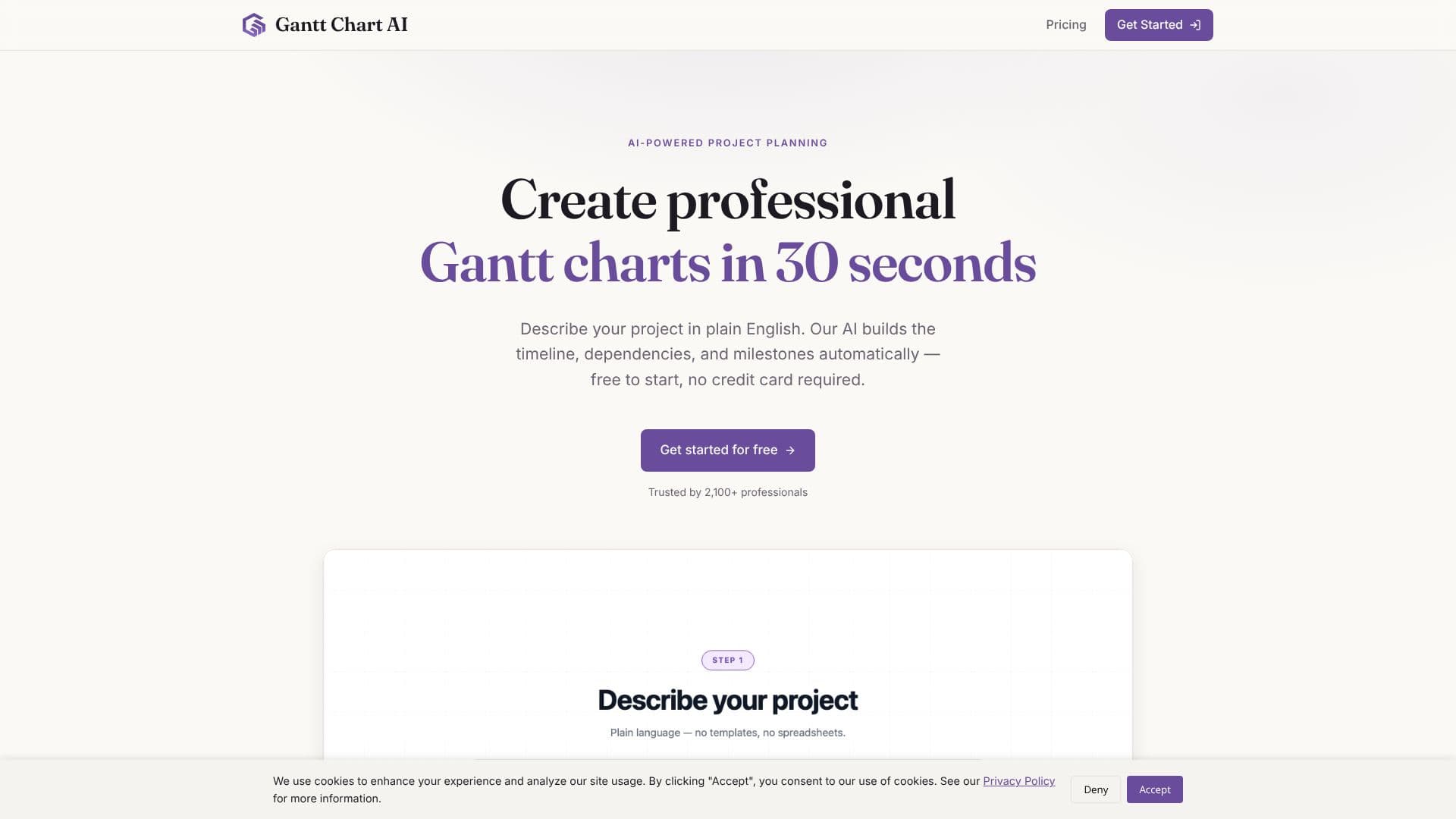
GanttChart.AI revolutionizes project planning by leveraging artificial intelligence to generate professional Gantt charts from simple text descriptions. Users can input their project details in plain English, and the AI automatically constructs the timeline, identifies dependencies, and sets milestones, delivering a complete project plan in as little as 30 seconds. This eliminates the need for complex software or manual chart creation, significantly streamlining the planning process.
Read More
The platform features an intuitive interface designed for ease of use, allowing users to create project timelines quickly without a steep learning curve. A key component is the interactive Gantt editor, a new addition that provides a powerful visual interface for fine-tuning project plans. Users can drag timelines, edit task dependencies, and customize various details to precisely match their project requirements. This visual editor ensures full control over the timeline directly within the browser.
Integration with familiar tools is a core aspect of GanttChart.AI. Users can sync and edit their timelines directly within Google Sheets, leveraging the spreadsheet interface they already know. For further flexibility, charts can be exported to Excel format. This allows for easy sharing and management of project plans using widely adopted spreadsheet software.
The tool offers flexible export options, including Excel, CSV, and JSON formats, and provides access to all previously created charts through a personal dashboard. GanttChart.AI is trusted by over 2,100 professionals and is ideal for projects with clear tasks, definable durations, and sequential dependencies, such as construction, software development, event planning, and product launches.
Pricing is transparent, with a free tier available for trying out the service, offering 2 free Gantt charts, Google Sheets saving, and export to Excel, CSV, or JSON. Paid tiers, Pro and Business, offer more credits, full editor access, priority support, and dedicated account management for regular and power users respectively. GanttChart.AI aims to make project planning remarkably simple and efficient for a wide range of professional users.
- CategoryAI Project Management
- Pricing ModelFreemium
- DeploymentCloud
- PlatformsWeb
GanttChart.AI's Core Features
AI-powered Gantt chart generation from text descriptions
Automatic timeline, dependency, and milestone creation
Intuitive user interface for quick project planning
Interactive drag-and-drop Gantt chart editor
Ability to edit task dependencies and assign team members
Sync and edit timelines directly in Google Sheets
Export Gantt charts to Excel, CSV, and JSON formats
Access to a dashboard for managing created charts
Free tier available for trying out the service
Professional support options for paid tiers
How to use GanttChart.AI?
Describe your project: Input your project idea in plain English.
Generate timeline: AI automatically builds the timeline, dependencies, and milestones.
Fine-tune plan: Use the interactive editor to adjust timelines and dependencies.
Sync or export: Save to Google Sheets or export your Gantt chart to Excel.
GanttChart.AI's Use Cases
- Project Timeline Generation
- Dependency Mapping
- Milestone Tracking
- Agile Project Planning
- Construction Project Management
- Software Development Roadmaps
- Event Planning Schedules
- Product Launch Timelines