
Description
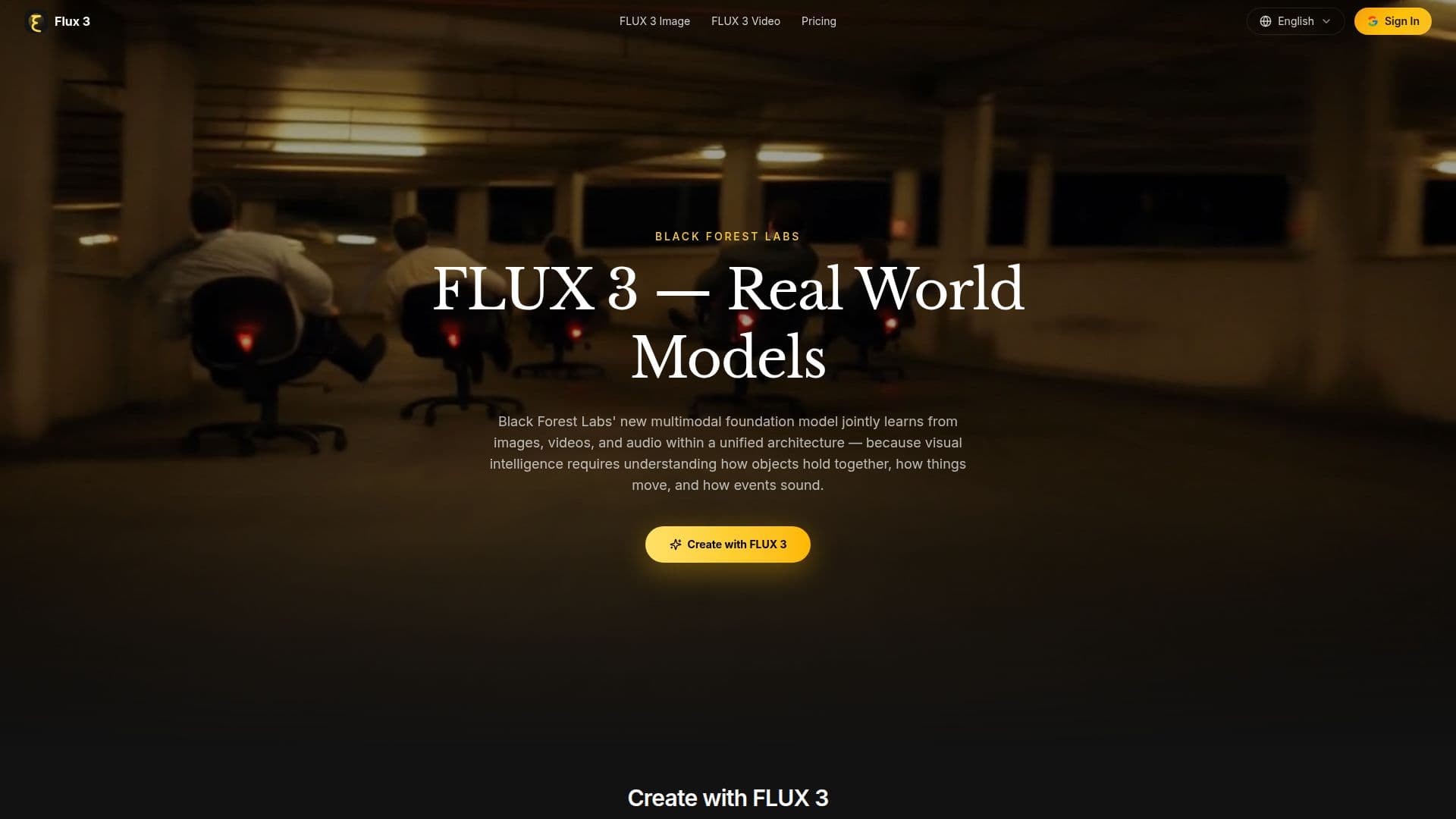
Flux 3 is a groundbreaking multimodal AI model developed by Black Forest Labs, designed to enhance creative processes by integrating images, videos, and audio into a unified architecture. Built on the innovative Self-Flow framework, Flux 3 allows for simultaneous learning and generation across various media, making it a versatile tool for creators, marketers, and robotics teams alike.
Read More
The core functionality of Flux 3 lies in its ability to generate high-quality images and videos while maintaining contextual audio. Users can create cinematic clips with native audio, multilingual dialogue, and diverse styles, all from simple text prompts or reference materials. This capability is particularly beneficial for filmmakers and marketers who require rapid iteration and high-quality outputs in their projects.
Flux 3's architecture is designed to understand the relationships between different modalities, ensuring that sound aligns with visual actions and that narratives flow logically. This is achieved through a robust training process that scales compute and data, improving both the quality of generated content and performance in downstream tasks. The model's ability to mix modalities freely allows for creative flexibility, enabling users to chain clips into longer sequences while maintaining character consistency across scenes.
Targeted at a wide range of users, including creators, designers, and robotics teams, Flux 3 is positioned as an intelligent creative partner rather than just a single-modality converter. The platform is being rolled out in phases, with early access available for feedback and safety testing, ensuring that users can contribute to the development of this innovative tool.
With features like action prediction and enhanced image synthesis, Flux 3 is set to redefine the landscape of visual intelligence. Its capabilities extend beyond traditional content creation, bridging the gap between digital and physical environments, making it a vital resource for anyone looking to leverage AI in their creative workflows.
- CategoryAI Models & LLMs
- Pricing ModelFreemium
- DeploymentCloud
- PlatformsWeb
Flux 3's Core Features
Text-to-video generation
Image-to-video animation
Video-to-video reference transfer
Generative video-audio continuation
Multilingual dialogue generation
Image synthesis and editing
Action prediction
Agentic multi-shot chaining
How to use Flux 3?
Create with Flux 3: Start generating content by accessing the homepage.
Select a mode: Choose between image or video generation based on your project needs.
Input your prompts: Describe your desired scene or upload reference materials.
Generate content: Allow Flux 3 to create images or videos with synchronized audio.
Review and edit: Use the editing tools to refine your generated content.
Chain clips: Combine multiple clips into longer sequences for complex narratives.
Export your work: Save your creations in the desired format for distribution.
Flux 3's Use Cases
- Cinematic Video Creation
- Marketing Campaigns
- Robotics Applications
- Image Editing
- Multilingual Content