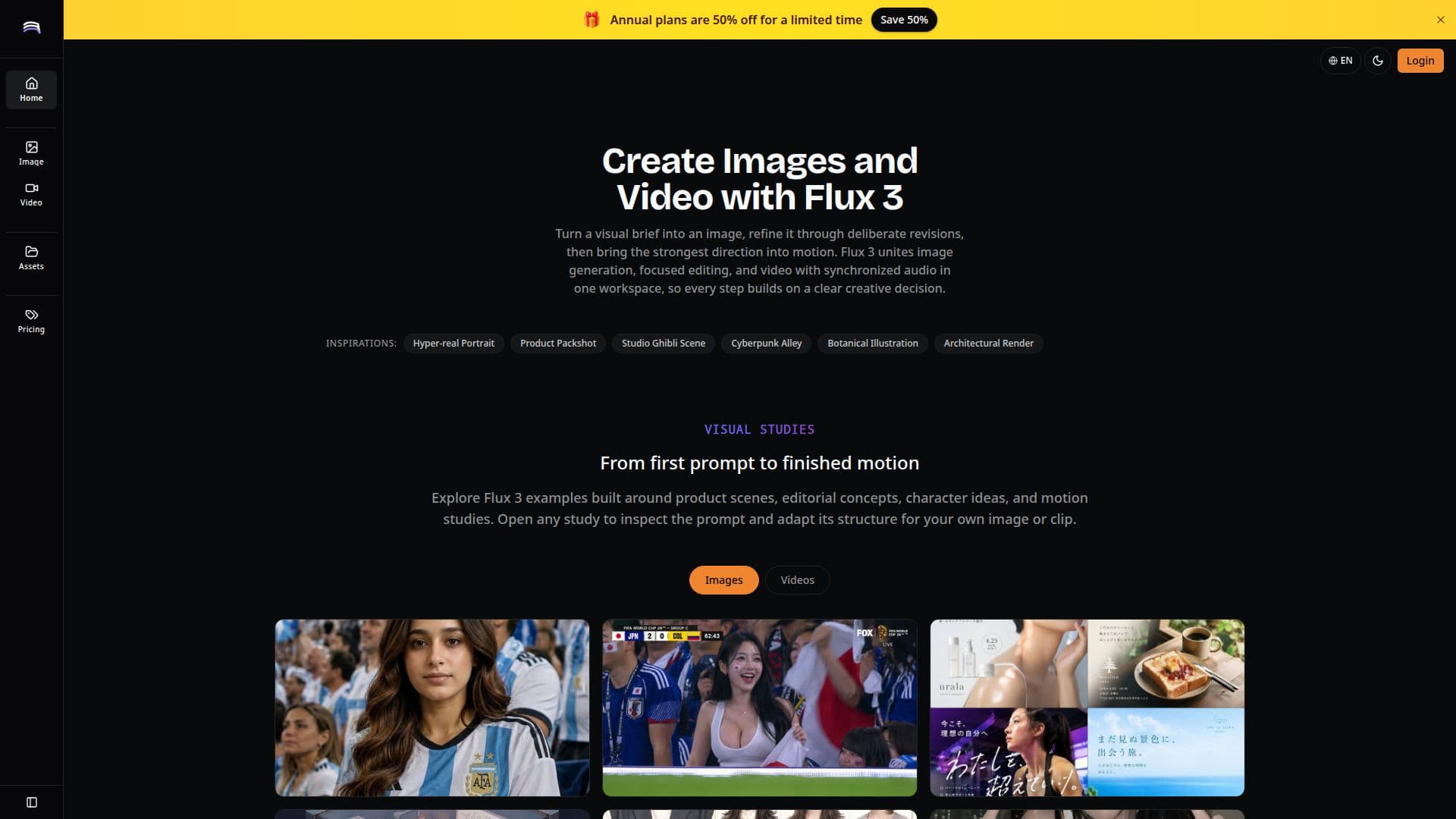
Description
Flux 3 is an innovative AI studio designed for multimodal generation, allowing users to create prompt-led images, focused edits, and videos with synchronized audio all within one cohesive workspace. This platform streamlines the creative process by enabling users to turn a visual brief into a polished image or video through a series of deliberate revisions.
Read More
At its core, Flux 3 emphasizes the importance of visual studies, providing examples built around product scenes, editorial concepts, character ideas, and motion studies. Users can open any study to inspect the prompt and adapt its structure for their own projects. The platform is organized around a repeatable workflow that encourages users to define their visual goals, generate directions, identify the strongest elements, and describe the next changes with precision. This iterative approach ensures that every creative decision is informed and purposeful.
Flux 3 allows users to start from a complete visual brief, where they can describe the subject, setting, composition, light, palette, and intended use in one connected prompt. This structured brief simplifies the evaluation of the first result, as every major creative choice is backed by rationale. Users can revise one decision at a time, focusing on specific priorities like camera angles or color relationships, which makes comparisons more meaningful than starting anew with a different prompt.
The platform also supports the transition from still images to motion, allowing users to promote a still into animation by describing camera movements, subject actions, pacing, and audio mood as integral decisions. This ensures that the video prompts are built on validated stills, maintaining a consistent direction throughout the creative process.
With Flux 3, users can keep a reusable record of their directions, saving prompts, selected images or clips, and the reasons for each edit. This practice transforms successful experiments into repeatable recipes for future projects. Overall, Flux 3 is a powerful tool for creators and professionals looking to explore visual possibilities and refine their artistic vision in a structured and efficient manner.
- CategoryImage Generation & Editing
- Pricing ModelSubscription
- DeploymentCloud
- PlatformsWeb
Flux 3: AI Image and Video Generation Studio's Core Features
Multimodal generation
Iterative workspace
Prompt-led image creation
Focused editing
Video generation with audio
Visual studies exploration
Structured visual briefs
Single decision revisions
Stable edit requests
Reusable direction records
How to use Flux 3: AI Image and Video Generation Studio?
Define your visual goal: Start by outlining what you want to create.
Create a visual brief: Describe the subject, setting, and intended use in a connected prompt.
Generate initial images or videos: Use the brief to create your first visual outputs.
Revise with precision: Make focused changes to specific elements like color or composition.
Promote stills to motion: When ready, describe how to animate your still images.
Save your prompts: Keep a record of successful prompts and edits for future reference.
Iterate as needed: Continue refining your visuals based on feedback and creative direction.
Flux 3: AI Image and Video Generation Studio's Use Cases
- Product Scene Exploration
- Editorial Key Art
- Character Look Development
- Short Video Drafts
- Campaign Moodboards