
Description
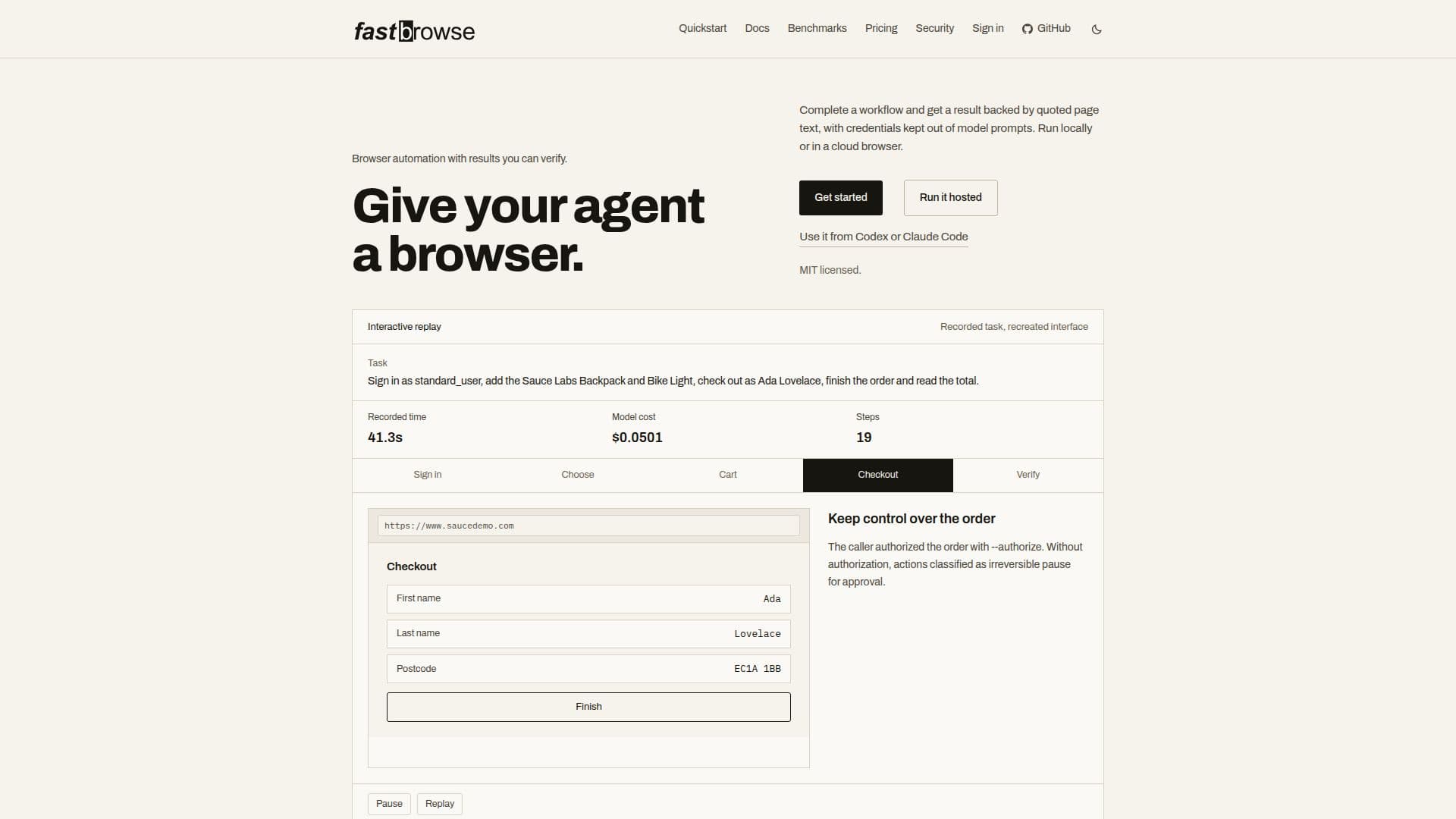
fastbrowse provides a robust solution for browser automation, designed to deliver verifiable results. It enables agents to perform tasks in a browser, returning answers backed by quoted page text or schema-validated data. A core principle of fastbrowse is the secure handling of credentials; passwords and other sensitive information are passed by name and resolved only on allowed origins, ensuring they never enter model prompts.
Read More
The system operates by indexing the controls available on a web page, from which its agent, Jev, selects the appropriate operation and target. This method ensures precise interaction with web elements. After each action, fastbrowse observes the page again to confirm the outcome before proceeding, enhancing the reliability of complex workflows. For irreversible actions, an authorization gate is built-in, pausing for approval unless explicitly pre-authorized, giving users fine-grained control over automated processes.
fastbrowse can be run in various environments, including a hosted browser pool, local Chrome, a Browser Use Cloud browser, or by attaching to an existing browser session. This flexibility allows users to choose the deployment method that best suits their needs, whether for development, testing, or production. The tool is open-source under the MIT license, with a managed hosted service available as an optional product.
Key capabilities include the ability to reuse saved local or cloud browser profiles and integrate with credential managers like Bitwarden and 1Password through Nebula, ensuring secure logins without exposing secrets to models. Each task execution provides detailed metrics, including steps taken, model calls made, and associated costs, allowing for transparent performance comparison and optimization.
fastbrowse is suitable for developers and teams looking to automate web tasks with high accuracy and verifiability. It supports integration with various agents and platforms, including Codex and Claude Code via a skill, or directly through its CLI, Python SDK, JavaScript SDK, or MCP server. The hosted service offers a sandboxed Chrome environment on a managed browser pool, accessible via API, with a pay-per-run model that includes monthly allowances and top-up options. Plans range from a Free tier for building integrations to Enterprise for dedicated browser fleets and custom solutions.
- CategoryBrowser & Web Automation
- Pricing ModelFreemium
- DeploymentCloud, Local
- PlatformsWeb, CLI, Python, JavaScript
fastbrowse's Core Features
Browser automation with verifiable results
Cited answers from page text
Schema-validated data output
Secure credential management (secrets stay out of prompts)
Indexed page controls for action selection
Pre-action page observation for result checking
Authorization gate for irreversible actions
Local Chrome, cloud browser, or hosted execution
MIT licensed open-source project
Built-in Bitwarden integration for logins
Detailed step, model call, and cost reporting
Python, JavaScript, and CLI SDKs available
Hosted API service with sandboxed browser pool
Pay-per-run pricing model with monthly allowances
Integration with AI agents like Codex and Claude Code
How to use fastbrowse?
Install fastbrowse: Install the CLI, Python SDK, or JavaScript SDK.
Choose a browser: Select to run locally, in a cloud browser, hosted, or attach to an existing session.
Define a task: Provide a task in natural language and a starting URL.
Manage credentials: Configure secrets by name for specific origins, or use Bitwarden/1Password integration.
Authorize actions: Grant authorization for irreversible actions or review them during execution.
Execute the task: Run the task and receive cited answers or schema-validated data.
Review results: Inspect steps, model calls, and costs for each completed run.
fastbrowse's Use Cases
- Automated Data Extraction
- Workflow Automation
- Secure Web Logins
- Task Verification
- Agent-Driven Browsing
- Cost-Effective Testing
- Integration Development
- Audit Trail Generation