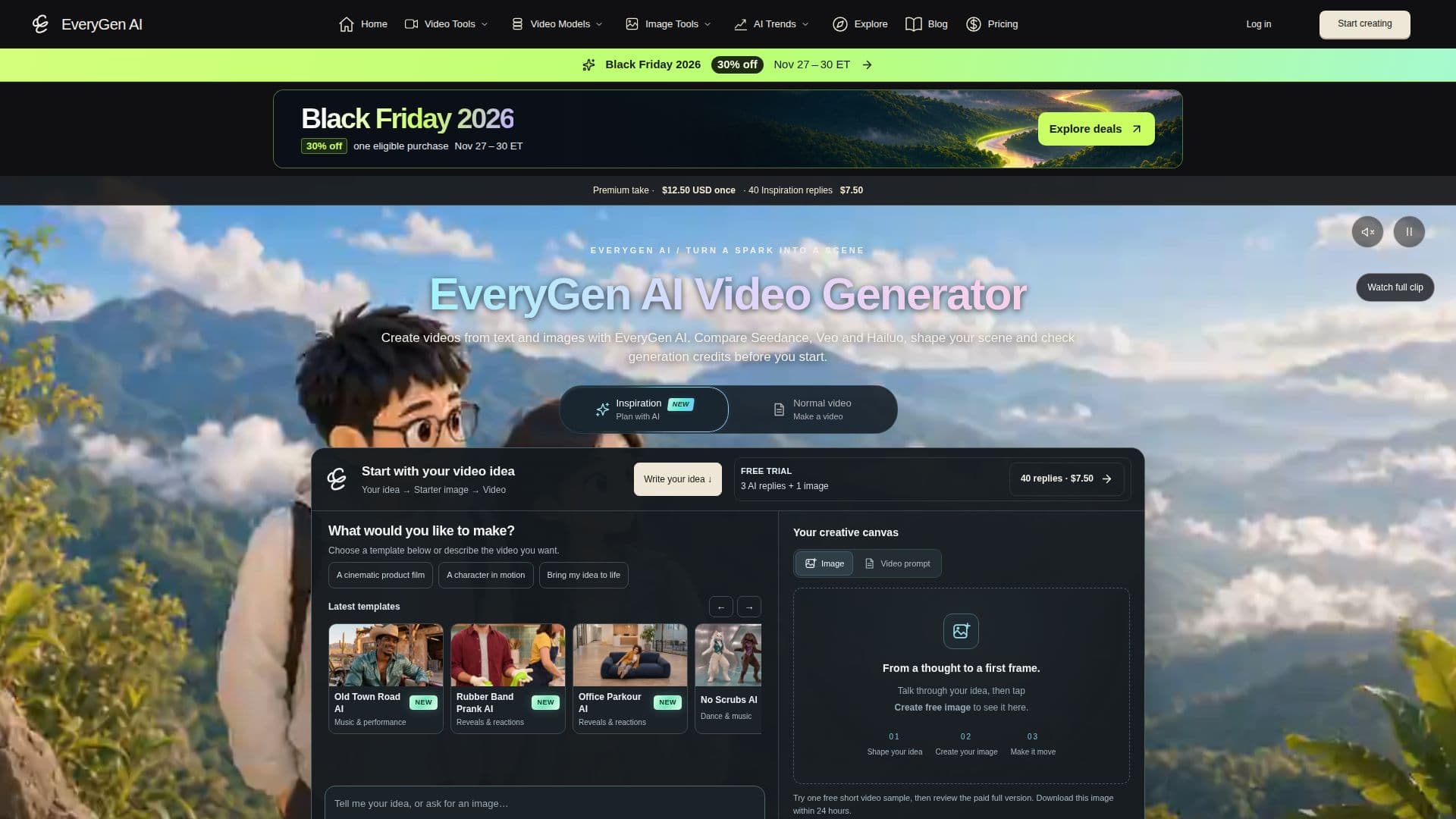
Description
EveryGen AI is an online video creation workspace designed for users to generate short videos and images from text prompts, still images, and supported reference media. The platform offers a comprehensive suite of tools for creative visual production, supporting various workflows including text-to-image, text-to-video, and image-to-video generation.
Read More
Users can begin their creative process by describing a subject, action, and camera movement to create an AI video from text. Alternatively, they can start with a still image and direct its motion to turn it into an AI video. The platform also supports reference-guided image generation and model-specific reference controls, allowing for precise scene preparation. EveryGen AI integrates multiple video models such as Seedance, Kling, Veo, Gemini, Grok, MiniMax, FLUX Video, Wan, Vidu, PixVerse, SkyReels, and HappyHorse, enabling users to compare inputs, supported durations, resolutions, and audio options within a single workspace.
Before initiating a generation, EveryGen AI provides credit quotes based on the selected model, settings, and desired output, ensuring transparency in costs. Users can manage their creations and task history privately, with generated files available for download for 24 hours. The platform offers various pricing options, including one-time video passes, credit packs, and monthly or annual subscriptions, catering to different usage needs from occasional posts to high-volume production schedules. A free trial includes three successful Inspiration text replies and one supporting image per account.
EveryGen AI aims to simplify the video creation process by bringing diverse AI models and tools into one accessible environment. It supports features like first and last frame control, multi-reference video, and video-to-video workflows. The platform also includes an Inspiration Agent to help refine ideas and prompts. Whether for product campaigns, social stories, cinematic studies, or animated ideas, EveryGen AI provides the tools to plan, generate, and compare video outputs.
- CategoryAI Video Generators
- Pricing ModelFreemium
- DeploymentCloud
- PlatformsWeb
EveryGen AI Video Generator's Core Features
Text-to-Video Generation
Image-to-Video Generation
Text-to-Image Generation
Multi-Model Comparison (Seedance, Veo, Hailuo, Kling, Gemini, Grok, etc.)
AI-Assisted Scene Preparation
Credit Quoting System
Private Creations and Task History
Reference-Guided Image Generation
Model-Specific Reference Controls
Guest One-Time Video Passes
Video-to-Video Workflow
First & Last Frame Control
Multi-Reference Video Support
Creative Video Templates (Rap duo, Bullet time, Sketch to video)
Inspiration Agent for Prompt Refinement
How to use EveryGen AI Video Generator?
Prepare Input: Start with a text prompt, upload an image, or choose an AI Trend and provide required inputs.
Choose Model and Settings: Select a video model (e.g., Seedance, Veo), duration, and resolution.
Review Credits: Check the video-pass or shared-credit estimate for your chosen configuration.
Fund Generation: Purchase a compatible video pass, credit pack, or subscription, or use existing credits.
Generate Video: Return to your saved scene and click 'Generate' to start the process.
Track Progress: Monitor the status of your task in the 'Creations' section.
Review and Download: Preview the completed video and download the file within 24 hours.
EveryGen AI Video Generator's Use Cases
- Product Campaigns
- Social Stories
- Cinematic Studies
- Animated Ideas
- Character Dance Videos
- Sketch to Video
- Day to Night Transitions
- Content Creation
- Concept Visualization