
Description
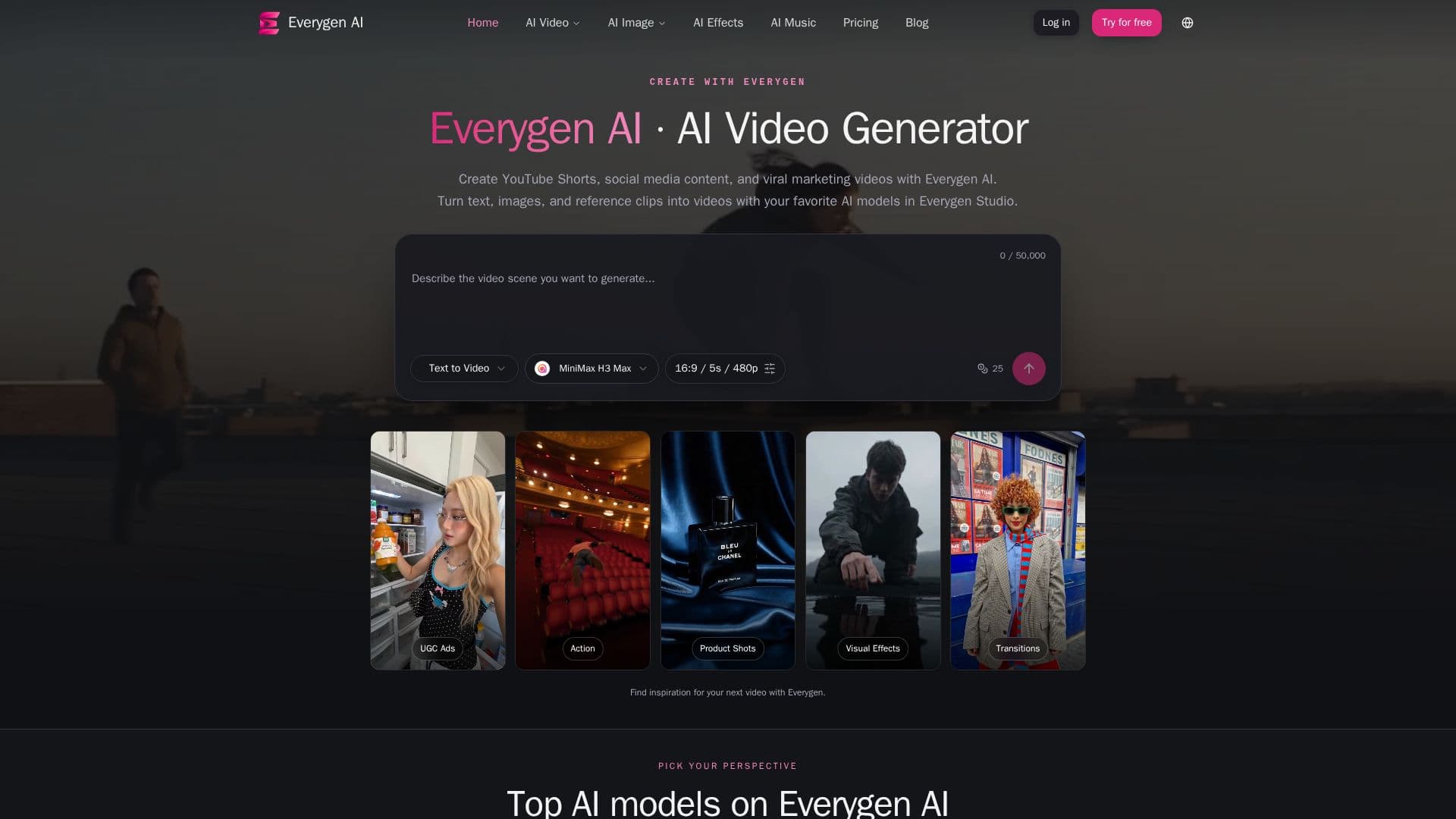
Everygen AI is a comprehensive online studio designed for independent creators to generate AI-powered videos and images. The platform consolidates multiple creative workflows into a single workspace, including text-to-video, image-to-video, video-to-video, and direct image generation from text prompts. This integrated approach allows users to bring diverse ideas to life, whether starting from a written description, an existing image, or a reference video.
Read More
The studio provides access to a selection of AI models for both video and image generation. For video, users can choose from models like MiniMax H3, Seedance, Kling, Veo, Wan, and HappyHorse. For image creation, options include GPT Image, Nano Banana, and Seedream. The availability of specific models and their associated settings depends on the chosen generation mode, with credit costs clearly displayed before each task.
Everygen AI supports various input types, enabling users to animate still images by defining start and end frames, or to guide video generation using reference media such as images, videos, and audio. The platform also allows for editing uploaded images. All creations are stored privately in the user's account history, where they can be previewed and downloaded.
Pricing for Everygen AI is credit-based, with different plans available, including monthly subscriptions, annual plans, and one-time credit packs. New users receive free credits upon verification, valid for a limited time. Subscription credits refresh monthly, while one-time packs have a longer expiration period. The credit cost for each generation varies based on the selected AI model and settings, providing flexibility for different creative needs. Everygen AI emphasizes responsible operation, protecting user data and providing clear channels for support, privacy, and content concerns.
- CategoryAI Video Generators
- Pricing ModelFreemium
- DeploymentCloud
- PlatformsWeb
Everygen AI's Core Features
Text-to-Video Generation
Image-to-Video Animation
Video-to-Video Guidance
Text-to-Image Generation
Image Editing Capabilities
Multiple AI Video Models (MiniMax H3, Seedance, Kling, Veo, Wan, HappyHorse)
Multiple AI Image Models (GPT Image, Nano Banana, Seedream)
Credit Cost Estimation Before Generation
Private Generation History
Downloadable Creations
Flexible Aspect Ratios
Quality and Size Controls
Reusable Prompt Experimentation
Commercial-Ready Output Quality
Monthly and Annual Subscription Plans
One-Time Credit Packs
Free Credits for New Users
Secure Payment Processing
How to use Everygen AI?
Select Creation Mode: Choose between Text to Video, Image to Video, Video to Video, or Image Generation.
Input Content: Provide text prompts, upload images for animation, or use reference media for video guidance.
Choose AI Model: Select from available video or image AI models based on your desired output.
Configure Settings: Adjust generation controls, duration, resolution, and review the estimated credit cost.
Generate Content: Initiate the creation process and wait for the AI to produce your video or image.
Review and Download: Access your creations in your account history, preview results, and download desired files.
Everygen AI's Use Cases
- Create YouTube Shorts
- Social Media Content Creation
- Viral Marketing Videos
- Animate Still Images
- Video Guided by References
- Text-Based Video Production
- Image Generation from Text
- Editing Existing Visuals
- Creative Idea Exploration