Description
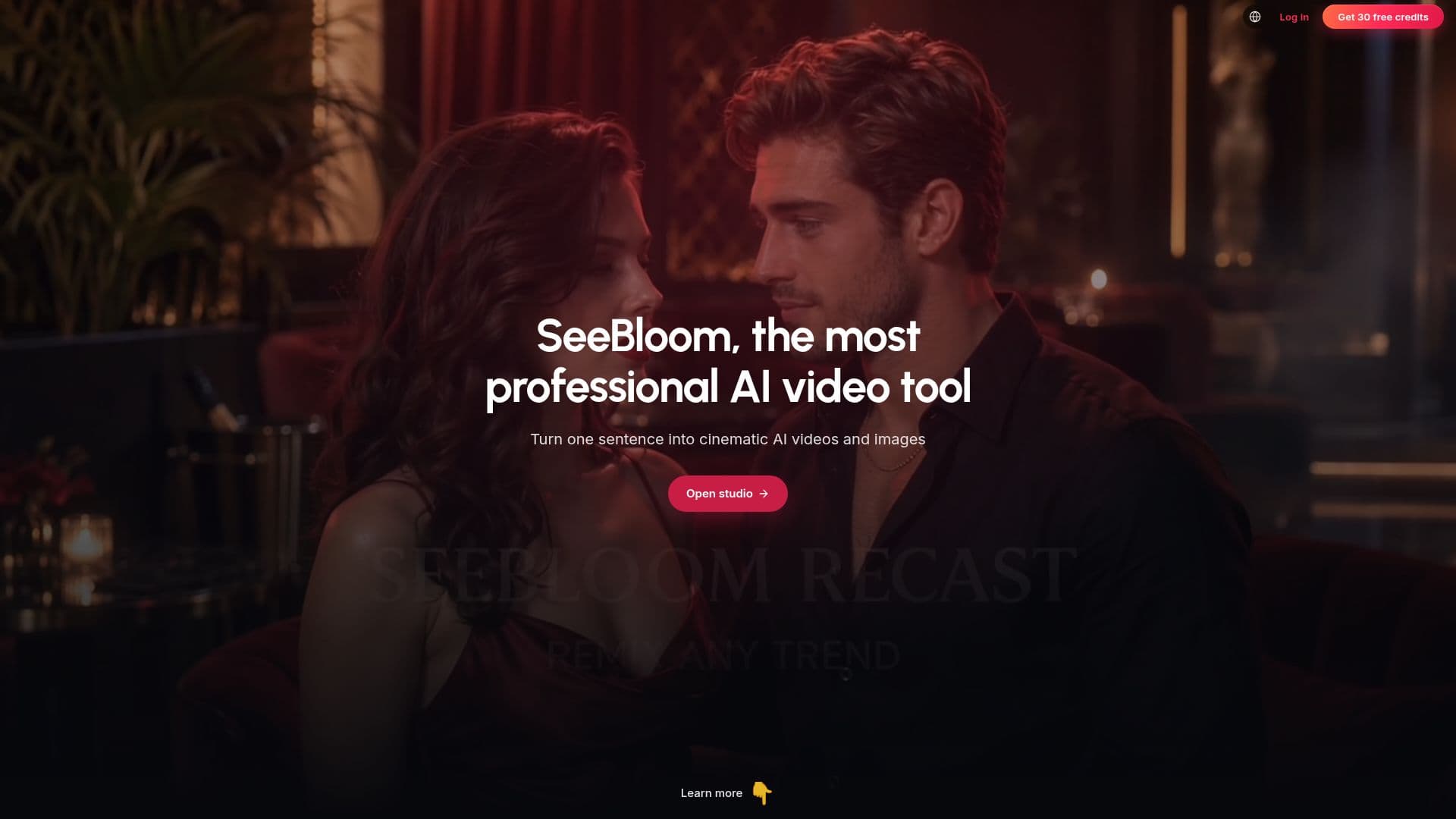
SeeBloom is an independent AI video and image studio designed for creators to generate a wide range of video and image content. The platform operates by allowing users to first select a specific creation type, which then highlights compatible AI models for generation. Supported creation types include text/image to video, first→last frames, universal image/video/audio references, AI video editing, AI video extension, and Doc→Video.
Read More
The studio integrates with various advanced AI models such as Veo 3.1, Seedance 2.5, Kling 3.0, Wan 3.0 Boundless, Runway Gen-4.5, Nano Banana 2.1, and GPT Image 2.5. This diverse selection enables users to achieve different creative outcomes, from short cinematic clips to photorealistic stills. For instance, Veo 3.1 can produce 4–8 second clips, while Seedance 2.5 can generate videos up to 30 seconds long. For longer video content, users can merge clips from their library or utilize models that support video extension.
A standout feature is Doc→Video, which transforms documents like PPT, PDF, Word, or Excel files, or even public no-login webpage URLs, into short explainer video clips using the Wan 3.0 Boundless model. This feature streamlines the process of converting static content into dynamic visual narratives. The platform also supports AI image generation and editing, expanding its utility beyond video creation.
SeeBloom operates on a credit-based system, eliminating the need for subscriptions. New accounts receive 30 free credits, allowing users to experience the platform's capabilities before committing to a purchase. Additional credits are available through one-time credit packs, which do not auto-renew and never expire. A key user-friendly policy is the automatic refund of credits for any failed generation, including those blocked by safety filters. The platform supports prompts in multiple languages, including Chinese and English, with the interface adapting to the user's selected language.
- CategoryAI Video Generators
- Pricing ModelOne-time Credit Packs
- DeploymentCloud
- PlatformsWeb
SeeBloom's Core Features
Text/Image to Video Generation
First→Last Frames Video Creation
Universal Image/Video/Audio References
AI Video Editing
AI Video Extension
Doc→Video Conversion (PPT, PDF, Word, Excel, Webpage)
AI Image Generation
AI Image Editing
Multiple AI Model Support (Veo 3.1, Seedance 2.5, Kling 3.0, Wan 3.0 Boundless, Runway Gen-4.5, Nano Banana 2.1, GPT Image 2.5)
Creation Type to Model Matching
Free Credits on Sign-up
One-time Credit Packs (No Subscription)
Automatic Refund for Failed Generations
Credits Never Expire
Multi-language Prompt Support
How to use SeeBloom?
Sign Up: Create a new SeeBloom account to receive 30 free credits.
Select Creation Type: Choose from options like text/image to video, Doc→Video, or AI image generation.
Choose AI Model: The studio will highlight models compatible with your selected creation type.
Input Content: Provide text prompts, images, documents (PPT, PDF, Word, Excel), or webpage URLs.
Generate Content: Submit your request and the AI will process it.
Review and Download: Access your generated videos or images in your library.
SeeBloom's Use Cases
- Marketing Video Creation
- Educational Content Production
- Social Media Content
- Video Prototyping
- Image Asset Generation
- Document to Video Conversion
- Video Editing and Extension