Description
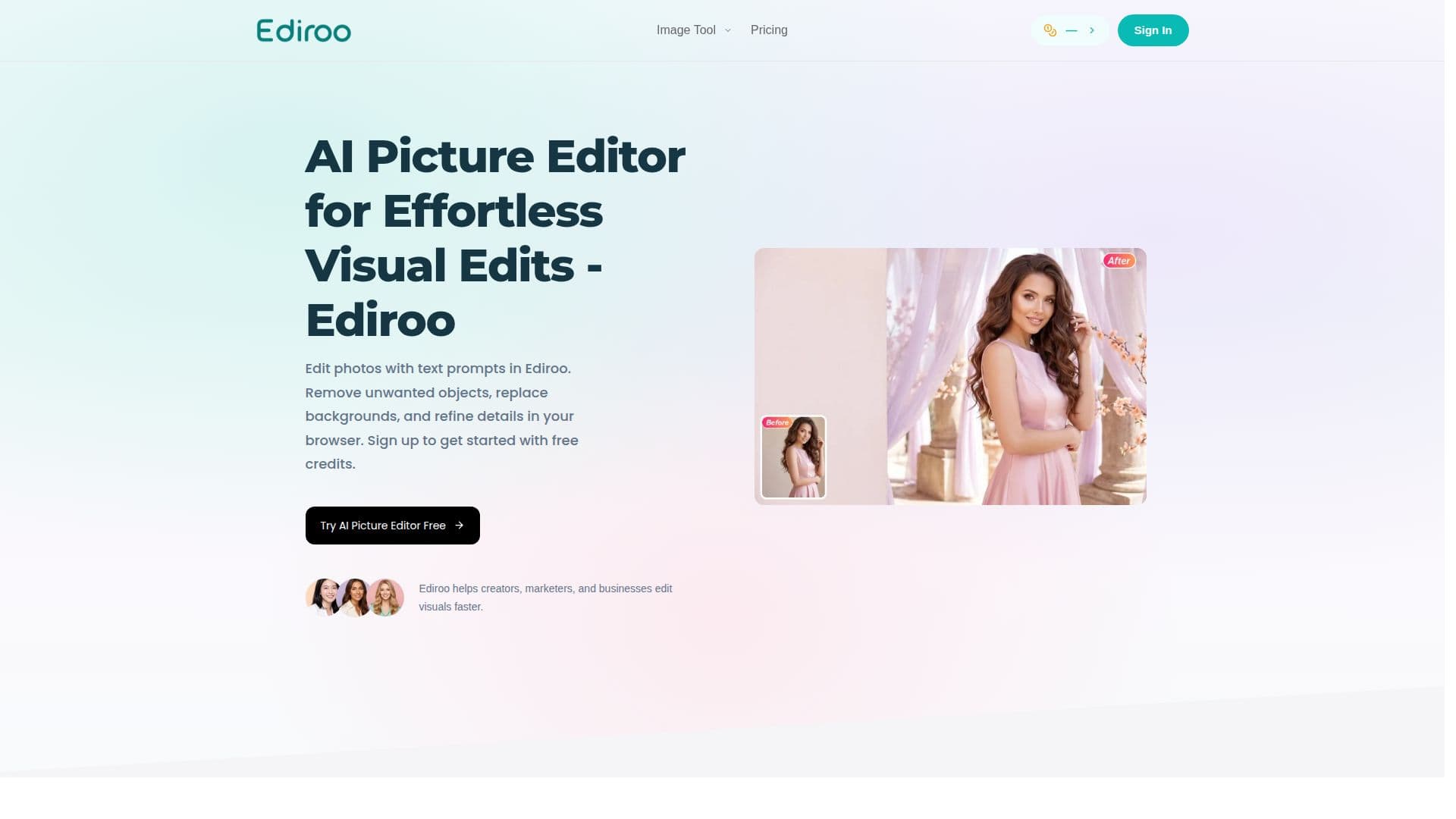
Ediroo is an intuitive, browser-based AI picture editor that simplifies visual editing for a diverse user base, including creators, marketers, online sellers, and everyday photographers. The platform allows users to upload images in JPG, PNG, or WebP formats and articulate desired modifications through simple text prompts. This prompt-driven approach eliminates the need for complex software or manual layering, making advanced photo editing accessible to a wider audience.
Read More
Core capabilities of Ediroo include precise object removal, enabling users to eliminate unwanted elements like photobombers, power lines, or clutter by naturally reconstructing the background. It also offers clean background replacement, ideal for e-commerce listings and portrait presentations, where subjects can be isolated and placed against new backdrops with harmonized lighting and contours. Furthermore, Ediroo provides intelligent detail enhancement to revitalize compressed scans, balance exposure, and sharpen soft details, supporting high-fidelity 1K and 2K models for natural restoration of facial contours and vintage photographs.
Beyond these, Ediroo features a unique Multi Fusion mode, allowing users to combine elements from up to three images into a single composition. For privacy-conscious users, a standalone metadata cleaner is available, which locally strips GPS and device tags from images without requiring an account. The platform emphasizes transparency with clear credit pricing for edits, offering free credits for new users, along with subscription plans and one-time credit packs for continued use. All original uploads and generated images are persistently stored in the user's account under "My Creations," ensuring easy access and no automatic deletion.
Ediroo is built on principles of speed, simplicity, and context-aware photorealism, aiming to democratize high-end visual editing. It focuses on purpose-built tools rather than a bloated editor, ensuring efficiency. The platform also prioritizes user privacy, processing files securely via encrypted channels and never using user content to train public AI models. Commercial usage rights are included with all paid plans and credit packs, subject to the model provider's terms and the user's rights to the original images.
- CategoryAI Photo Editors
- Pricing ModelFreemium
- DeploymentCloud
- PlatformsBrowser-based
Ediroo's Core Features
Text-prompt image editing
Browser-based AI picture editor
Object removal and background reconstruction
Background replacement with lighting harmonization
Detail enhancement for image restoration
Multi Fusion mode for combining up to three images
Standalone metadata cleaner (free and local)
Transparent credit pricing for edits
Free credits for new users
Persistent cloud storage for uploads and creations
Prompt-guided precision with optional reference images
Automatic credit refunds for failed generations
No watermarks on downloaded images
Support for JPG, PNG, and WebP file formats
Commercial usage rights included with paid plans
How to use Ediroo?
Upload Source Images: Sign in and upload a JPG, PNG, or WebP file up to 30 MB, optionally adding up to 3 reference images.
Enter Editing Instructions: Type specific prompt instructions, detailing modifications or preservations, and select aspect ratio and AI model.
Review and Download Results: Submit your task, review the processed image in seconds, and download successful outputs without watermarks.
Ediroo's Use Cases
- E-commerce Product Shots
- Social Media Content Creation
- Real Estate Photo Enhancement
- Personal Photo Cleanup
- Vintage Photo Restoration
- Marketing Visuals
- Object Removal
- Background Swapping
- Detail Sharpening
- Logo and Overlay Cleanup