
Description
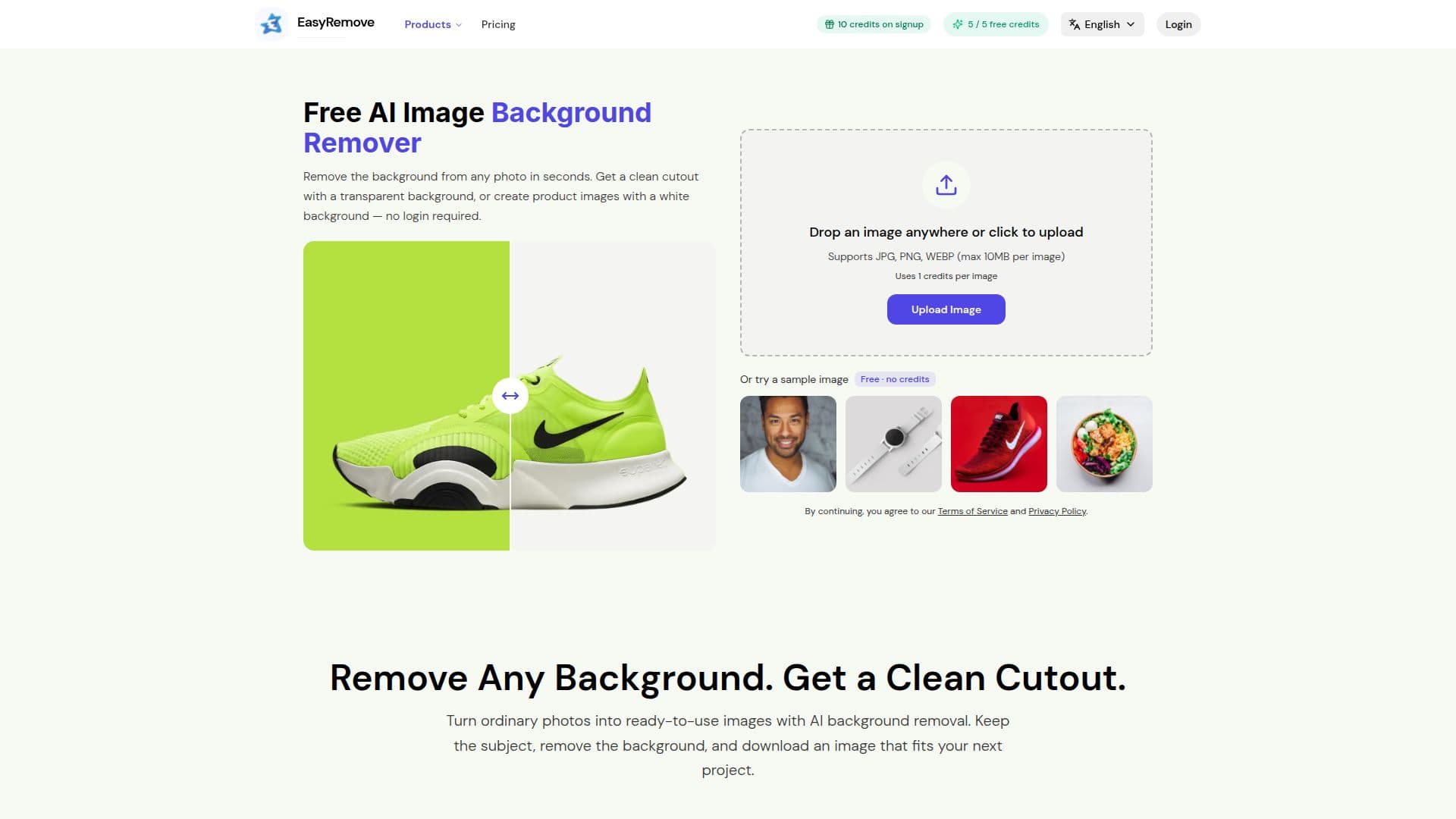
EasyRemove is an intuitive online tool designed for quick and efficient image background removal using artificial intelligence. It allows users to transform ordinary photos into ready-to-use images by isolating the main subject and eliminating the surrounding background. The platform is accessible directly through a web browser, requiring no software installation, making it convenient for various users.
Read More
The primary function of EasyRemove is to create transparent PNG images, which are ideal for websites, presentations, profile pictures, product listings, and graphic design projects. Beyond transparency, the tool also offers the option to replace the original background with a clean white one, making it particularly useful for e-commerce sellers who need consistent, professional-looking product photos for online stores, marketplaces, and catalogs.
EasyRemove supports popular image formats including JPG, PNG, and WEBP, with a maximum file size limit of 10 MB per image. Its AI background remover is engineered to manage intricate details such as hair and animal fur, although results may vary depending on the original image's lighting, quality, and subject-background contrast. The process is straightforward: users upload an image, the AI automatically processes it, and then they can preview, download a transparent PNG, or continue editing to change the background color.
The service operates on a credit-based system, offering free credits for initial trials. Background removal typically consumes one credit per image, while watermark removal uses two credits per run. For users with higher volume needs, EasyRemove provides additional credit packs and subscription plans. The tool is built for everyday image editing, catering to e-commerce sellers, graphic designers, and anyone needing quick, clean image cutouts without requiring a login to start.
- CategoryBackground Removers
- Pricing ModelFreemium
- DeploymentCloud
- PlatformsWeb
EasyRemove's Core Features
AI Image Background Removal
Create Transparent PNGs
Generate White Background Product Photos
Supports JPG, PNG, WEBP Uploads
Maximum 10 MB File Size per Image
Handles Detailed Edges (Hair, Fur)
Online Web-Based Tool (No Software Installation)
Credit-Based Usage
Free Credits Available for Trial
Subscription Plans Available
Credit Packs for Pay-As-You-Go
No Login Required to Start
Preview Before Download
Option to Change Background Color
How to use EasyRemove?
Upload Image: Drag and drop an image or click to upload from your device. No account is needed to begin.
Remove Background: EasyRemove automatically processes the image to remove the background once uploaded.
Preview Result: Review the cutout and compare it with the original image to ensure details are correct.
Download or Edit: Select "Download" to save a transparent PNG, or "Edit" to further design by adding text, changing background, or resizing.
EasyRemove's Use Cases
- Transparent PNG Creation
- E-commerce Product Photos
- Profile Picture Enhancement
- Marketing Material Preparation
- Everyday Image Editing
- Consistent Product Catalogs