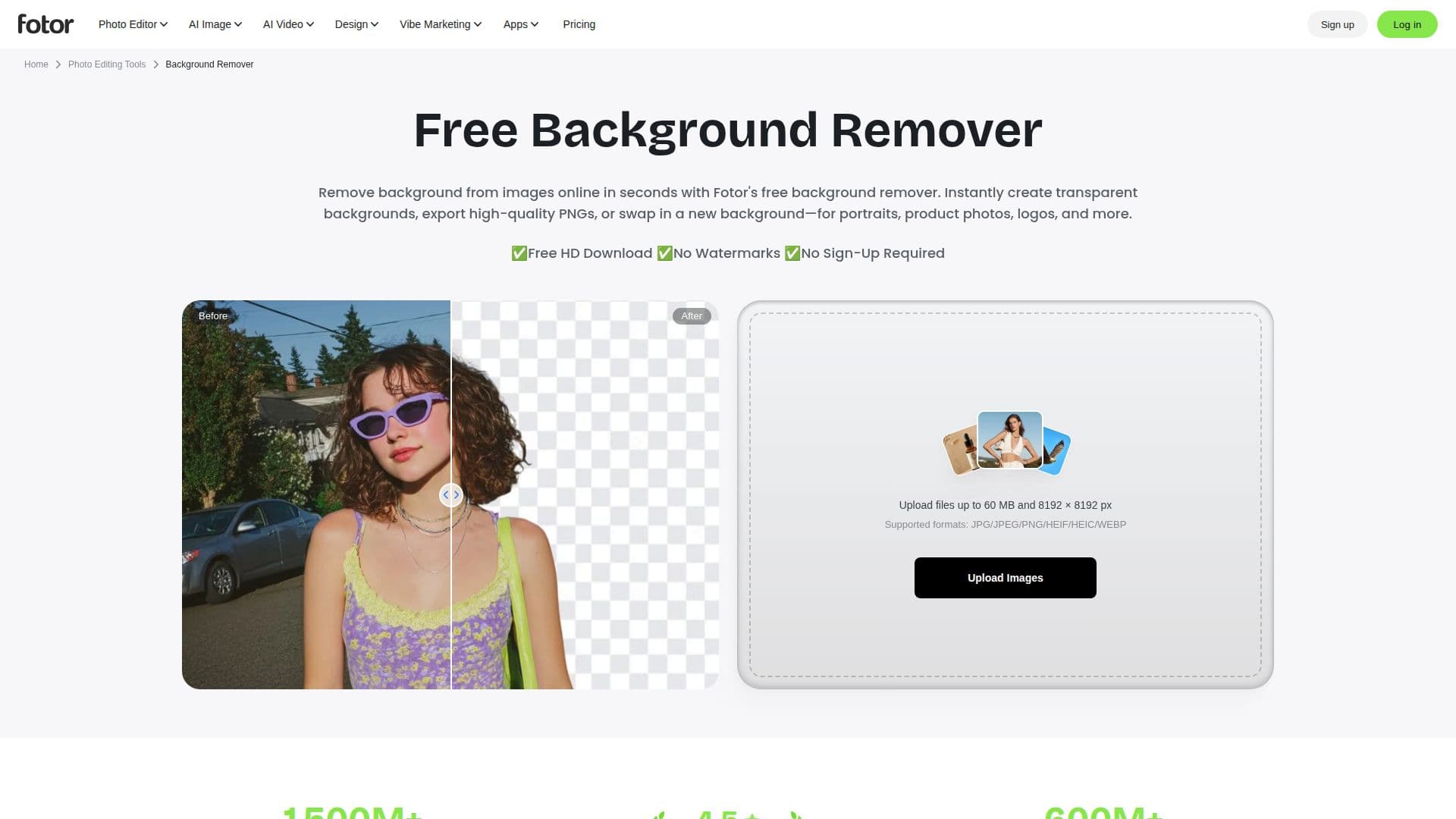
Description
Fotor AI Background Remover is a powerful tool designed to streamline the process of removing backgrounds from images. Utilizing advanced AI technology, it automatically detects and removes backgrounds, providing users with high-quality, transparent PNG images. This tool is particularly beneficial for eCommerce sellers, photographers, and creative agencies who need to produce professional-looking visuals quickly and efficiently.
Read More
One of the standout features of Fotor AI Background Remover is its ability to handle intricate details such as fine hair, fur, and transparent objects, ensuring clean and accurate cutouts without compromising on quality. Users can also edit backgrounds in one seamless workflow, allowing them to change or customize backgrounds, add text, and apply effects to create professional visuals.
Fotor supports batch processing, enabling users to remove backgrounds from up to 50 images at once, which significantly improves productivity for businesses managing large image catalogs. Additionally, the tool extends its capabilities to video background removal, allowing users to upload video files and remove backgrounds without the need for a green screen or advanced video editing skills.
The tool is accessible on various devices, including desktops, tablets, and mobile phones, and offers a free tier with no sign-up required. Users can also integrate Fotor's background remover API into their own workflows to process images at scale. With its user-friendly interface and robust features, Fotor AI Background Remover is an essential tool for anyone looking to enhance their visual content efficiently.
- CategoryBackground Removers
- Pricing ModelFreemium
- DeploymentCloud
- PlatformsWeb, Mobile
Fotor AI Background Remover's Core Features
Automatic AI Background Removal
Precise Cutouts for Fine Details
Transparent & Custom Backgrounds
Batch Background Removal
Video Background Removal
Seamless Editing Workflow
Supports Multiple Image Formats
API Integration Available
How to use Fotor AI Background Remover?
Upload: Add your image to the platform
AI Removal: Let AI detect and remove the background
Edit: Customize the background or add effects
Download: Save the final image as a transparent PNG
Fotor AI Background Remover's Use Cases
- eCommerce Product Images
- Professional Portraits
- Logo Design
- Creative Projects
- Real Estate Marketing