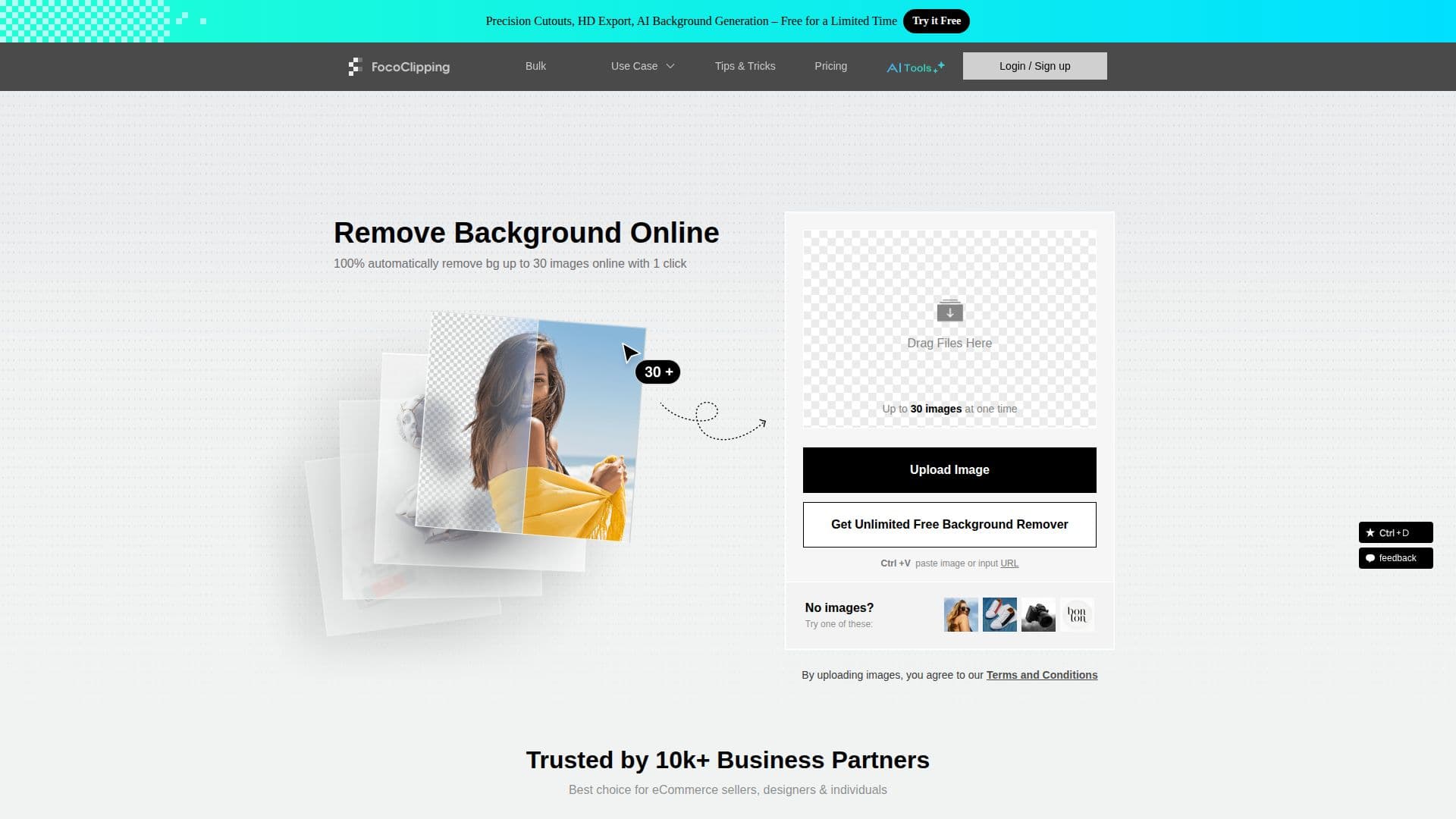
Description
FocoClipping is an AI-powered online tool designed to remove image backgrounds quickly and efficiently. With its advanced AI algorithm, FocoClipping can detect and separate the foreground from the background in just 3 seconds, making it a powerful solution for eCommerce sellers, designers, and individuals. The tool is capable of handling various types of images, including portrait, product, and graphic photos, and can even manage multi-person images and white backgrounds.
Read More
In addition to background removal, FocoClipping offers features such as hair touch-up tools for detailed editing, bulk background removal for processing over 30 images at once, and a web API for integration into eCommerce sites and design projects. Users can also customize their background removal service and focus on image cutout details, particularly for industries like clothing and shoes.
FocoClipping provides both standard and full-resolution image downloads, with the option to use credits for high-resolution images. The tool supports common image formats like JPG, JPEG, and PNG, and allows for commercial use of the resulting images. Users can choose between pay-as-you-go credits or subscription plans, with a 14-day money-back guarantee if unsatisfied with the results.
The platform is user-friendly, offering both automatic and manual editing options, and is designed to simplify workflows and improve efficiency. FocoClipping is trusted by over 10,000 business partners and is particularly beneficial for photographers, marketers, and car dealers looking to save time and money on image processing.
- CategoryBackground Removers
- Pricing ModelFreemium
- DeploymentCloud
- PlatformsWeb
FocoClipping's Core Features
AI-powered background removal
3-second processing time
Bulk image processing
Hair touch-up tools
Web API and SDK available
Supports JPG, JPEG, PNG formats
Commercial use allowed
14-day money-back guarantee
How to use FocoClipping?
Upload: Add your image to FocoClipping
Remove: Use AI to automatically remove the background
Edit: Apply manual edits if necessary
Download: Save the final image in your desired format
FocoClipping's Use Cases
- E-commerce
- Photography
- Marketing
- Design
- Car Dealerships