
Description
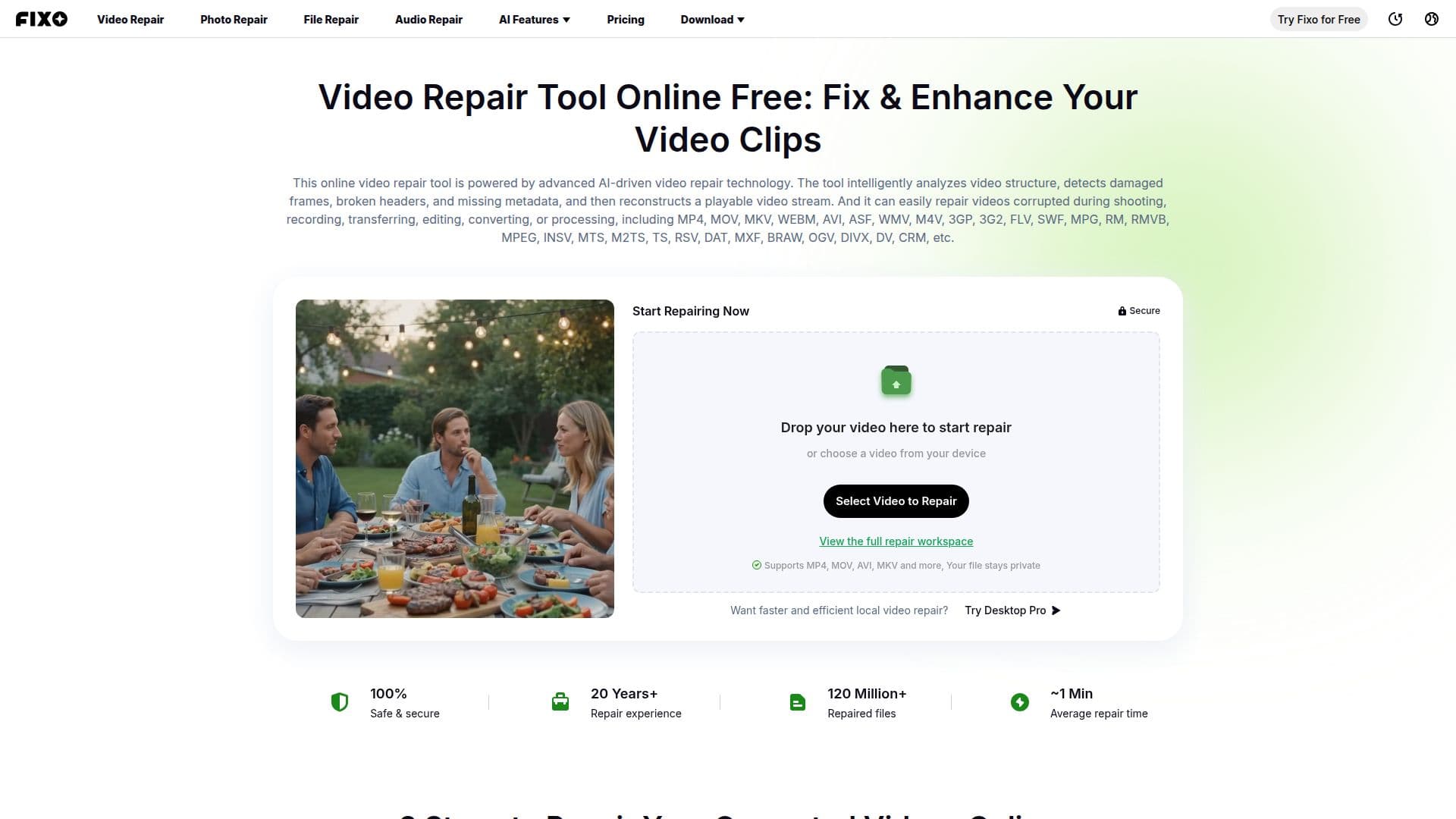
EaseUS Online Video Repair is a free online tool that fixes damaged, corrupt, broken, and unplayable video files directly in the browser. It handles problems such as freezing, stuttering, or videos that will not open, and repairs damage caused by transmission interruptions, transcoding failures, or incorrect editing, including issues like an incorrectly written MP4 file header, incomplete structure, or partial data loss.
Read More
The tool supports a wide range of video formats, including MP4, MOV, MKV, WEBM, AVI, WMV, M4V, 3GP, FLV, MPG, INSV, MTS, and many others, and works with footage from devices such as Sony, Canon, GoPro, Nikon, and DJI. It uses AI-based repair technology to detect damage and reconstruct missing data, and also offers video sharpening filters to help improve blurry footage. The process is simple: upload the corrupted video, start the automatic repair, and preview and save the fixed file.
EaseUS Online Video Repair allows one video per day for free, with paid options starting at $9.95 for more repairs. It is part of the EaseUS Fixo family, which also offers downloadable video repair software for handling files locally, including repairs from sources like SD cards.
- CategoryAI Video Editors
- Pricing ModelFreemium
- DeploymentCloud
- PlatformsWeb
EaseUS Online Video Repair's Core Features
AI-powered automatic video repair
Support for MP4, MOV, MKV, and many more formats
Fixes freezing, stuttering, and unplayable files
Works with footage from major camera brands
Repairs corrupted file headers and structure
Video sharpening filters for blurry footage
Browser-based upload, repair, and preview
How to use EaseUS Online Video Repair?
Upload the video: Add your corrupted or damaged video file.
Start repair: Begin the automatic repair process.
Preview: Review the repaired video before saving.
Save: Download the fixed video file.
EaseUS Online Video Repair's Use Cases
- Repair corrupted MP4
- Camera footage recovery
- SD card video repair
- Fix playback problems