
Description
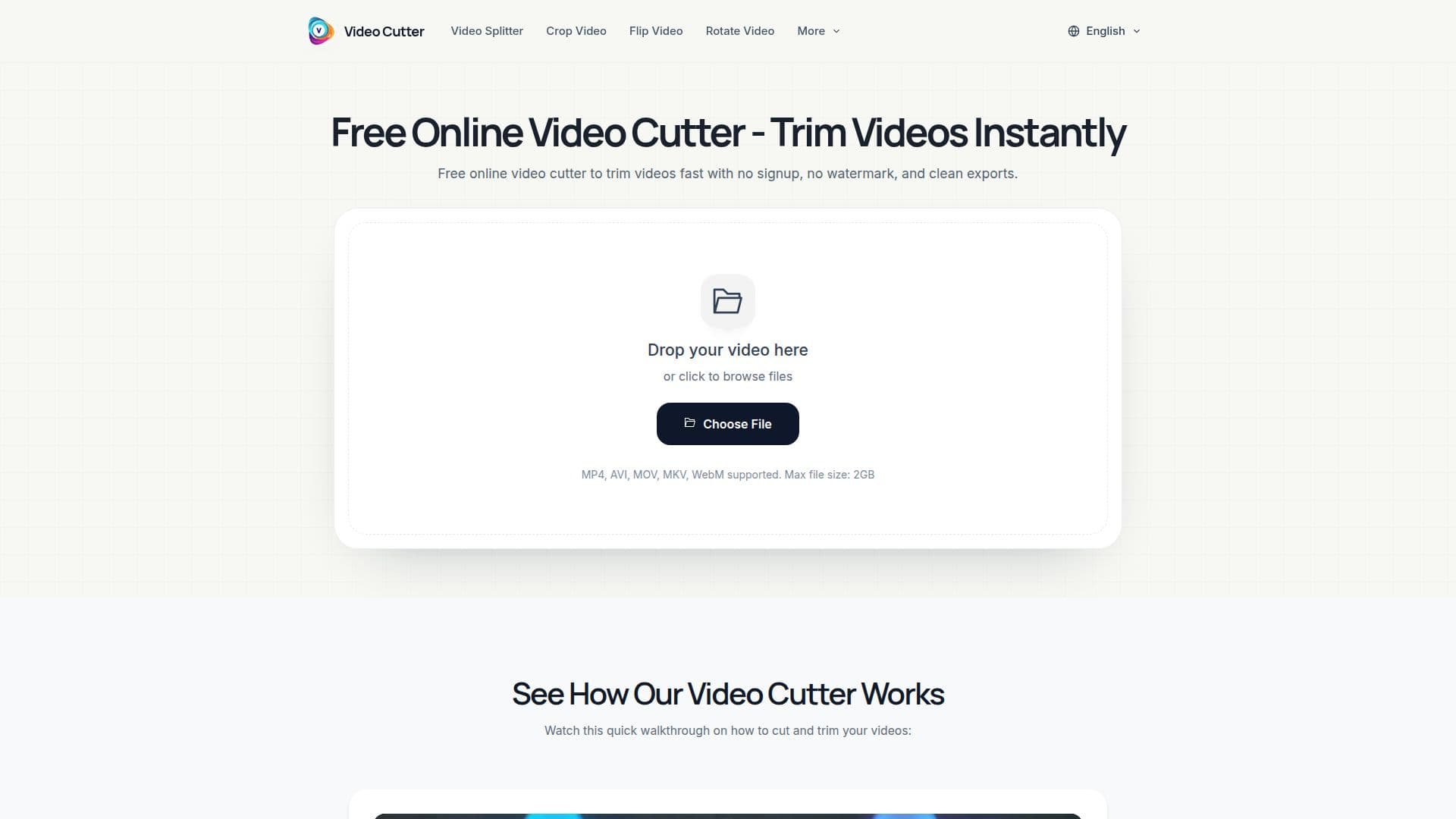
Video Cutter is a free online tool for trimming videos and cutting clips directly in your browser. You upload a file, set start and end points with simple trim handles, then process and download the result — with no login, no ads, no watermarks, and no usage limits.
Read More
It supports common video formats including MP4, MOV, AVI, MKV, and WebM, and accepts files up to 2GB. Because it runs in the browser, you can trim a video without installing desktop software, and exported clips do not include a watermark. The tool is built for quick everyday editing — removing intros, outros, mistakes, or long pauses — and for creating shorter clips for TikTok, Instagram Reels, YouTube Shorts, product demos, presentations, and training content.
Alongside the core cutter, the site offers focused related tools: an MKV Cutter for lossless MKV trimming that preserves audio tracks, subtitles, and chapters; a Video Splitter for splitting videos into multiple segments; and a YouTube Cutter for trimming highlight clips and Shorts from long-form videos with support for HD and 4K files.
- CategoryAI Video Editors
- Pricing ModelFree
- DeploymentCloud
- PlatformsWeb
Video Cutter's Core Features
Free online video trimming in the browser
Support for MP4, MOV, AVI, MKV, and WebM up to 2GB
No login, no ads, and no watermark
Simple start and end trim controls
MKV Cutter with lossless, multi-track support
Video Splitter for multiple segments
YouTube Cutter with HD and 4K support
How to use Video Cutter?
Upload your video: Choose a file from your device.
Set trim points: Drag the trim handles to keep the section you want.
Process: Export your trimmed clip.
Download: Save the clip when processing is complete.
Video Cutter's Use Cases
- Trim videos
- Social media clips
- MKV cutting
- Split videos
- YouTube clips