Description
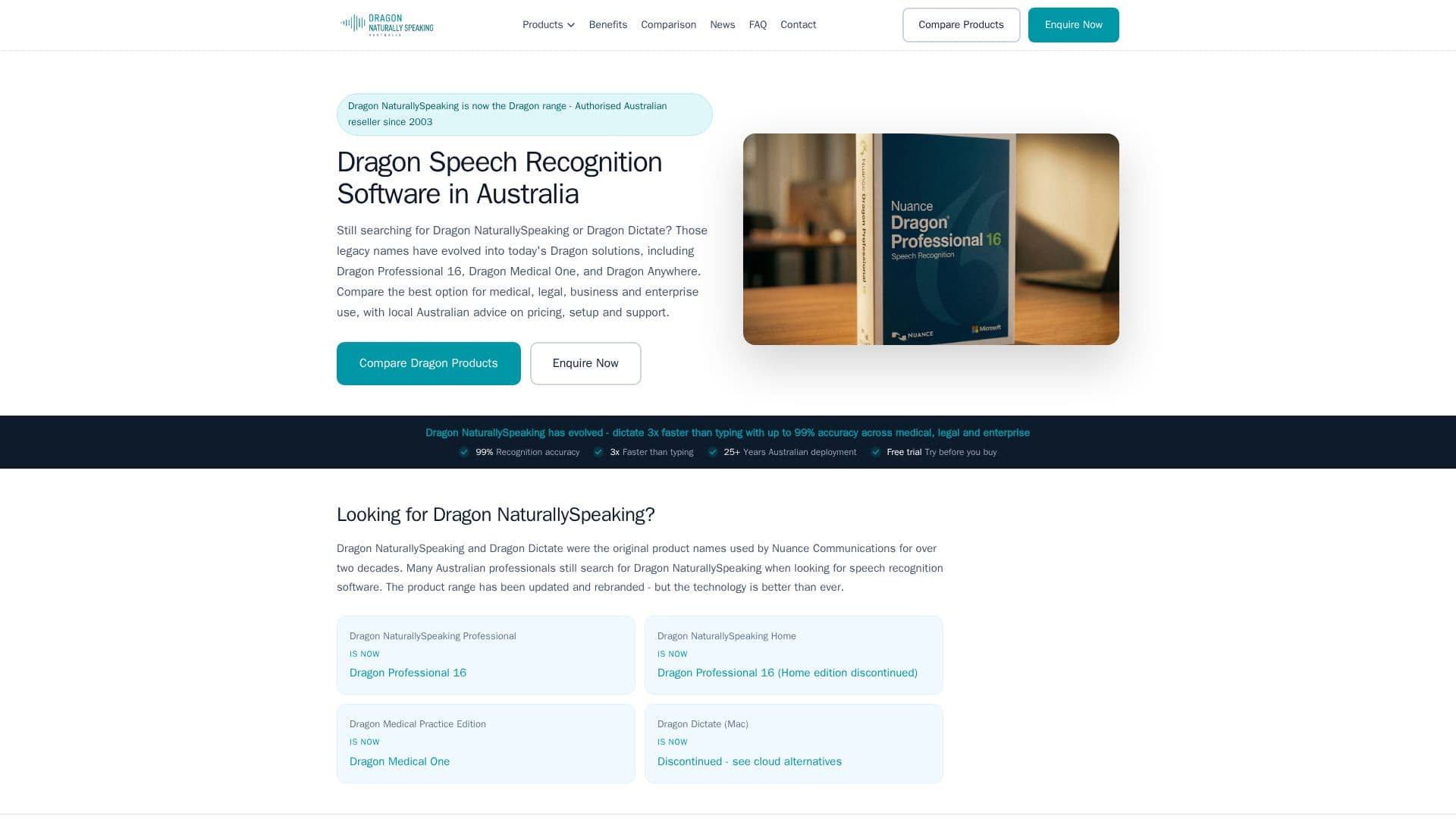
Dragon Professional is Nuance's flagship desktop speech recognition software for Windows, now sold under Microsoft (which owns Nuance) and currently at version 16. It's built for individual professionals and organizations in document-heavy fields who want to create documents by talking instead of typing.
Read More
The software runs on Nuance's Deep Learning speech engine, which the company says gives high recognition accuracy from first use, including for users with accents or those working in open offices or mobile settings. Nuance claims dictation up to three times faster than typing, with up to 99% recognition accuracy. Dragon Professional v16 is optimized for Windows 11 and stays backward compatible with Windows 10.
Beyond live dictation, Dragon Professional also handles back-end transcription: it can transcribe pre-existing audio or voice files from a single speaker, including in batch through its Auto Transcribe Folder Agent (ATFA), reducing the need for outsourced transcription services. Users can automate repetitive documentation with custom voice commands, inserting standard boilerplate text or signatures, or building multi-step macros by voice; these customizations can be shared across an organization's Dragon users.
For teams, Nuance Management Center lets administrators deploy and manage the software at volume, distributing updated disclosures, templates, forms and legal boilerplate across an organization from a single console, and handling license redistribution as a workforce grows. Dragon Professional also extends to mobile through the separate Dragon Anywhere Mobile app, letting users create, edit and format documents of any length while away from a desktop.
The product is aimed at professionals in sectors including financial services, education, and health and human services, as well as solo practitioners and users with accessibility needs; a customer testimonial on the site specifically credits it for accessibility support as a disabled business owner. Nuance backs the product with training guides, technical support, and, for enterprise clients, on-site pilot programs and e-learning courses.
Dragon Professional's site does not list self-service pricing; buyers are directed to contact Nuance/Microsoft sales or customer service to purchase or evaluate the software.
- CategoryAI Transcription Tools
- Pricing ModelSubscription
- DeploymentCloud and Desktop
- PlatformsWindows
Dragon Professional's Core Features
Nuance Deep Learning speech recognition engine
Up to 99% recognition accuracy from first use
Dictation claimed up to 3x faster than typing
Optimized for Windows 11, backward compatible with Windows 10
Back-end batch transcription via Auto Transcribe Folder Agent (ATFA)
Custom voice commands and multi-step macros
Nuance Management Center for volume licensing and deployment across teams
Extends to mobile via the separate Dragon Anywhere Mobile app
Built for financial services, education, and health and human services sectors
How to use Dragon Professional?
Contact sales: Reach out to Nuance/Microsoft to purchase or evaluate Dragon Professional; no self-serve checkout is listed.
Install on Windows: Set up Dragon Professional 16 on Windows 11 or Windows 10.
Dictate documents: Speak to create documents in real time with the Deep Learning speech engine.
Automate repetitive text: Set up custom voice commands and macros for boilerplate and multi-step tasks.
Transcribe existing audio: Use the Auto Transcribe Folder Agent to batch-transcribe pre-recorded audio files.
Dragon Professional's Use Cases
- Voice dictation
- Batch audio transcription
- Workflow automation
- Accessibility support