Description
LazyTyper is a lightweight desktop voice typing app that lets you dictate text instead of typing it. It uses a global hotkey to record your voice and inject the transcribed text directly at the cursor position, so you can write in emails, documents, code, and chat hands-free.
Read More
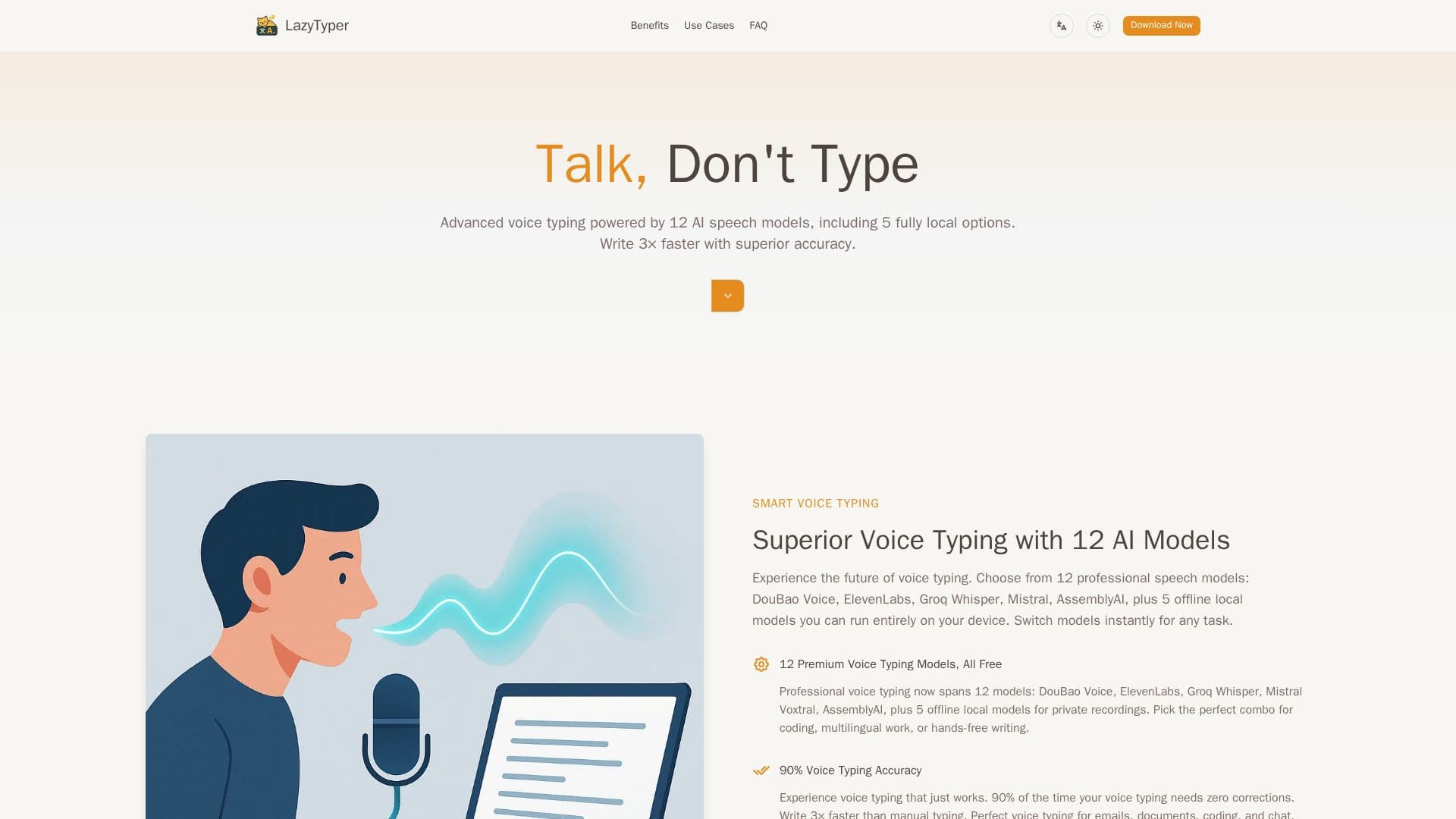
The app offers a choice of 12 AI speech models, including cloud options such as DouBao Voice, ElevenLabs, Groq Whisper, Mistral Voxtral, and AssemblyAI, plus five fully local models you can run entirely on your device for offline or private recordings. You can switch models instantly to match a task, for example choosing DouBao Voice for Chinese, ElevenLabs for coding, or Groq Whisper for speed.
LazyTyper reports around 90% accuracy, meaning most transcriptions need no edits, and claims roughly 3x faster writing than manual typing. It handles accents, technical terms, and mixed languages, and can transcribe several languages within a single sentence, with support for 100+ languages. The app is small, runs efficiently in the background, and integrates with the system tray.
It is free to download and use with no ads, and is available for Windows, macOS, and Linux, with Linux packages (.deb, .rpm, .AppImage) on the GitHub releases page. An internet connection is required for the cloud models, while voice recordings are sent directly to your chosen transcription provider rather than through LazyTyper's servers, and API keys and settings are stored locally. It suits students, writers, developers, professionals, and multilingual users.
- CategoryAI Transcription Tools
- Pricing ModelFree
- DeploymentDesktop app
- PlatformsWindows, macOS, Linux
LazyTyper's Core Features
Voice typing that injects text at the cursor position
12 AI speech models, including 5 that run fully on-device
Instant switching between models for different tasks
Global hotkey for voice recording
Around 90% accuracy with roughly 3x faster writing than typing
Mixed-language dictation and support for 100+ languages
Lightweight app with system tray integration
Available for Windows, macOS, and Linux, free with no ads
How to use LazyTyper?
Download and install: Get LazyTyper for Windows, macOS, or Linux from the site or GitHub releases.
Choose a model: Select one of the 12 speech models based on your language and task.
Trigger recording: Press the global hotkey to start voice recording.
Speak: Dictate your text and let the app transcribe it in real time.
Insert text: The transcription is injected automatically at your cursor position.
LazyTyper's Use Cases
- Hands-free writing
- Coding by voice
- Multilingual dictation
- Private, offline transcription
- Meeting and note capture