Description
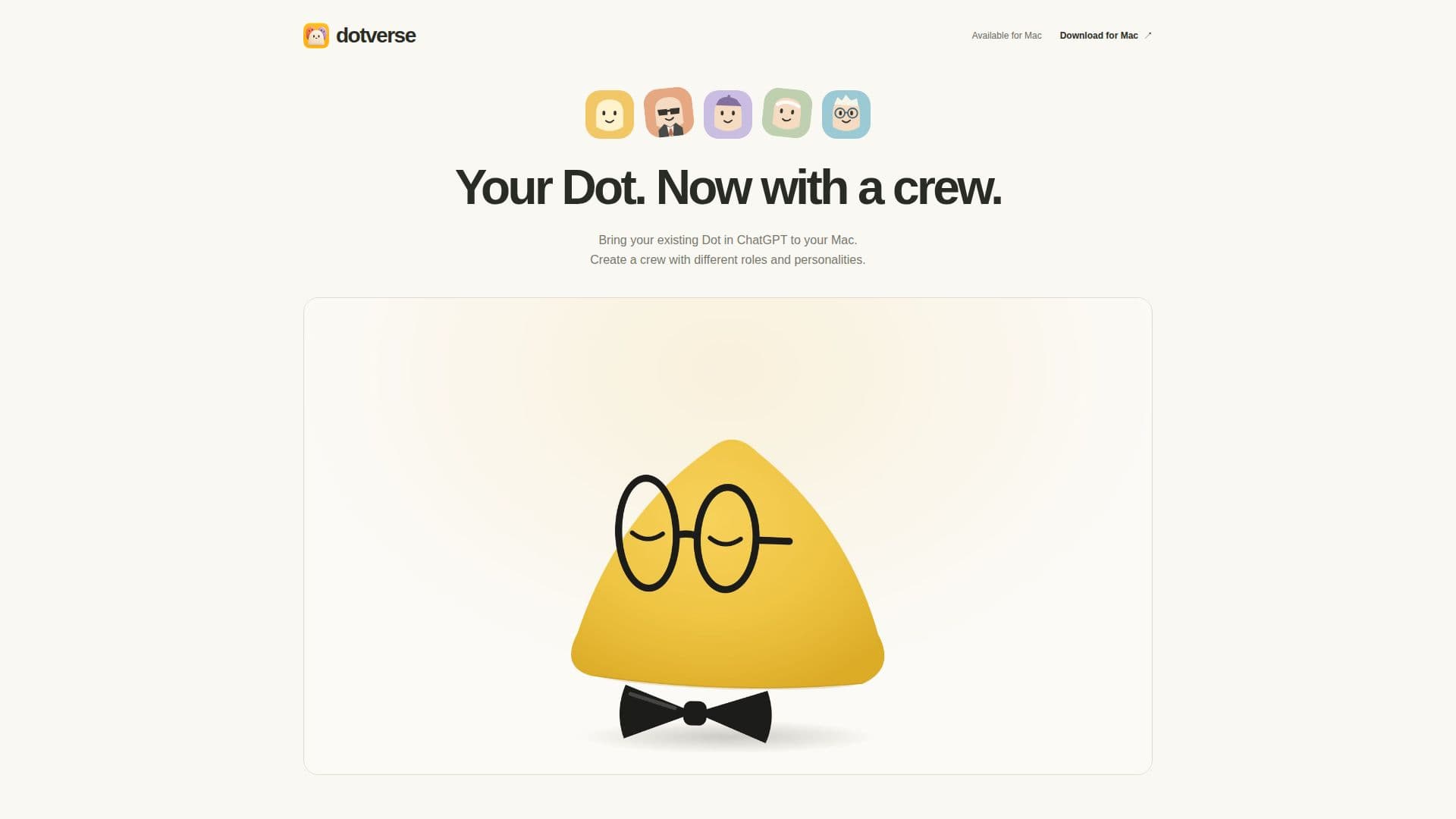
Dotverse is a dedicated Mac application that extends the functionality of your existing Dot within ChatGPT. It provides a unique environment where users can build and manage a "crew" of specialized AI assistants. Each member of this crew can be assigned a specific role and personality, allowing for highly tailored interactions and task execution.
Read More
The application is designed to bring your personalized AI experience directly to your desktop. For instance, you can create a "Dot for writing" that acts as a candid editor, refining drafts while preserving your unique voice. Another example is a "Dot for planning," which functions as a pragmatic planner, breaking down large ideas into actionable steps. For educational purposes, a "Dot for learning" can serve as a patient tutor, explaining complex topics with clear examples.
Dotverse operates by connecting to your pre-existing Dot in ChatGPT through a secure sign-in process; it does not offer a separate AI service or require an API key. This ensures that all custom Dots within Dotverse share the same underlying memory and conversation history as your primary Dot. While each custom Dot maintains its own conversation view and specific attributes, requests are processed one at a time through the shared backend.
Installation is straightforward, involving a simple drag-and-drop of the DMG file into your Applications folder. The application is compatible with Apple Silicon Macs running macOS 14 or later. Dotverse stores encrypted copies of conversations and drafts locally on your Mac, while also sending messages to your connected Dot service. Clearing local history in Dotverse does not affect the conversations or memory stored within ChatGPT's Dot service.
This tool is ideal for users who frequently interact with their ChatGPT Dot and wish to diversify its capabilities through specialized, role-based AI assistants, all managed from a native Mac application.
- CategoryAI Personal Assistants
- DeploymentDesktop Application
- PlatformsmacOS
Dotverse's Core Features
Mac application for existing ChatGPT Dots
Create custom AI crew members with roles
Assign unique personalities to each Dot
Specialized Dots for writing, planning, and learning
Connects to existing ChatGPT Dot via sign-in
Shares underlying Dot memory and conversation history
Local encrypted storage of conversations and drafts
Compatible with Apple Silicon Macs (macOS 14+)
Easy DMG installation process
In-app version checking and updates
How to use Dotverse?
Download: Obtain the Dotverse DMG file from the official website.
Install: Drag the Dotverse application into your Mac's Applications folder.
Launch: Open Dotverse from your Applications folder.
Sign In: Connect to your existing Dot in ChatGPT through the sign-in window.
Create Crew: Begin creating different Dots with specific roles and personalities for various tasks.
Interact: Utilize your specialized Dot crew for writing, planning, learning, and more.
Dotverse's Use Cases
- Content Creation
- Project Planning
- Personalized Learning
- Task Specialization
- Enhanced ChatGPT Interaction