
Description
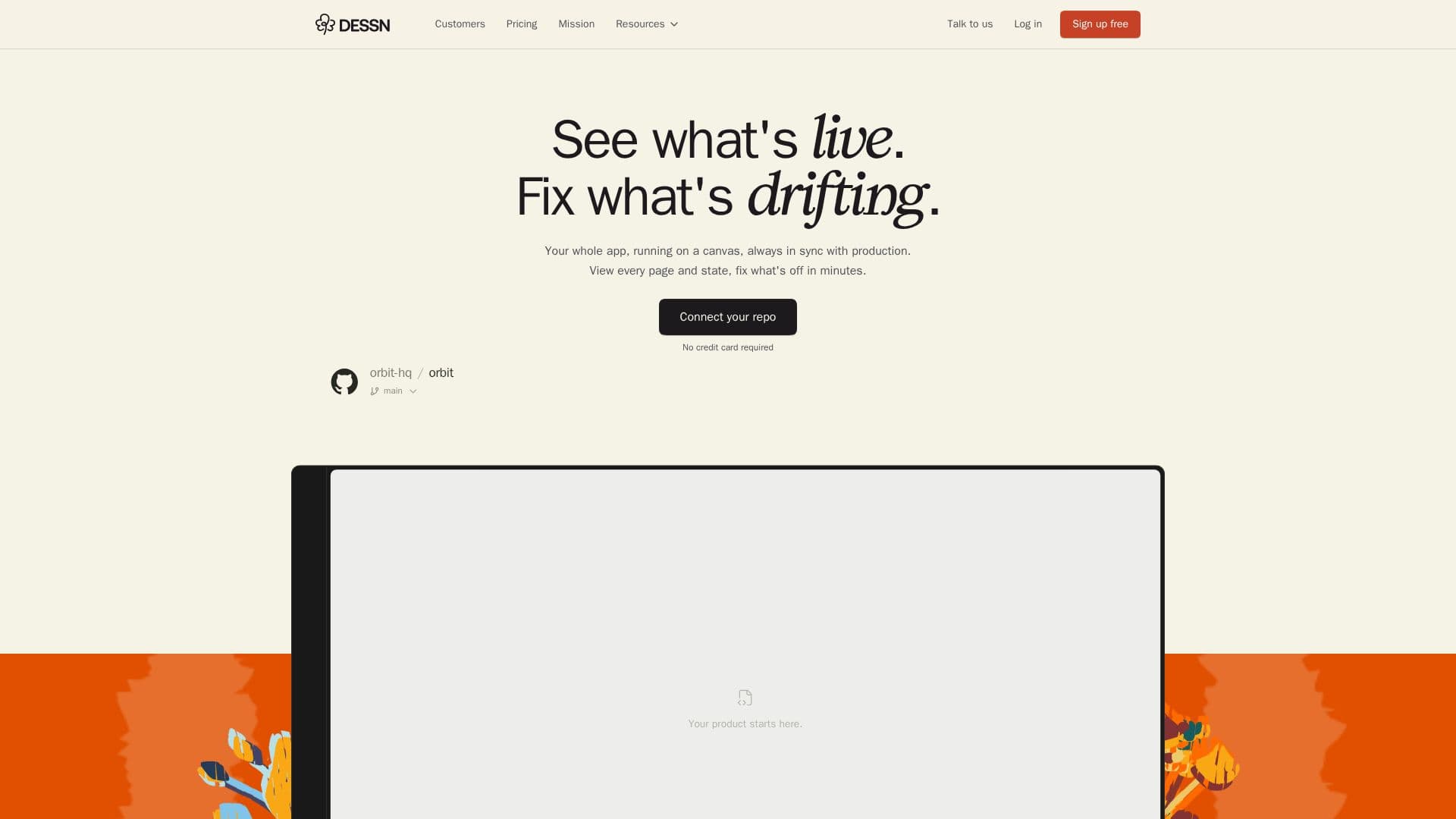
Dessn is a unique platform that bridges the gap between design and development by turning your production codebase into an interactive, collaborative design environment. It allows product teams—including designers, product managers, and engineers—to explore, design, and prototype directly within their live production code, eliminating the need for separate design tools or complex local setups.
Read More
The core functionality of Dessn revolves around its ability to pull product pages onto a canvas, enabling visual exploration of ideas and prototyping with actual components, data states, and logic from the production environment. This ensures perfect fidelity to the existing design system and keeps designs perpetually in sync with the live product. Users can view every page and state of their application, identify and fix discrepancies, and visualize entire user flows.
Dessn integrates seamlessly with existing AI tools and coding agents, allowing users to view canvases and prototypes alongside their underlying code, create new flowcharts or comments, and approve Dessn's work from their terminal. It supports various application frameworks including React, Vue.js, Electron, and React Native, and connects to codebases via GitHub or GitLab with read-only access, ensuring data security and preventing unauthorized code modifications.
The platform offers features like direct editing, collaborative sharing, and automated design system auditing. It helps teams understand their codebase visually, capture flows and patterns, and QA downstream impacts of design changes. Dessn also facilitates user testing by allowing teams to share fully interactive prototypes and collect feedback against the actual product experience. Pricing includes a free tier with unlimited viewer seats and 20 monthly credits, a Pro plan at $30 per editor per month for everyday design work, and custom Enterprise solutions for larger organizations with advanced security and support. Dessn guarantees that user code, prompts, and outputs are never used to train AI models.
- CategoryAI UI & UX Design Tools
- Pricing ModelFreemium
- DeploymentCloud
- PlatformsWeb
Dessn's Core Features
Turn production codebase into design canvas
Collaborative design environment
Prototype with real components
Ship merge-ready code
Always in sync with production
Perfect fidelity to design system
View every page and state of live app
Visualize entire user flows
Automate design system auditing
Iterate with perfect fidelity to production
Direct editing in production
Share and collaborate on designs
Connect to GitHub and GitLab repositories
Supports React, Vue.js, Electron, React Native apps
Integrates with Claude Code, Codex, Cursor
How to use Dessn?
Connect Repository: Link your GitHub or GitLab repository with one click.
Pull Pages: Import any product page from production onto the Dessn canvas.
Design & Prototype: Explore ideas visually and prototype using real components and data.
Collaborate: Share designs, gather feedback, and work together on the same canvas.
Approve & Ship: Approve Dessn's work from your terminal or polish manually, then ship merge-ready code.
Dessn's Use Cases
- User Flow Mapping
- Design Auditing
- Design Iteration
- Design System Management
- User Testing
- QA and Review
- Collaborative Prototyping
- Codebase Understanding