Description
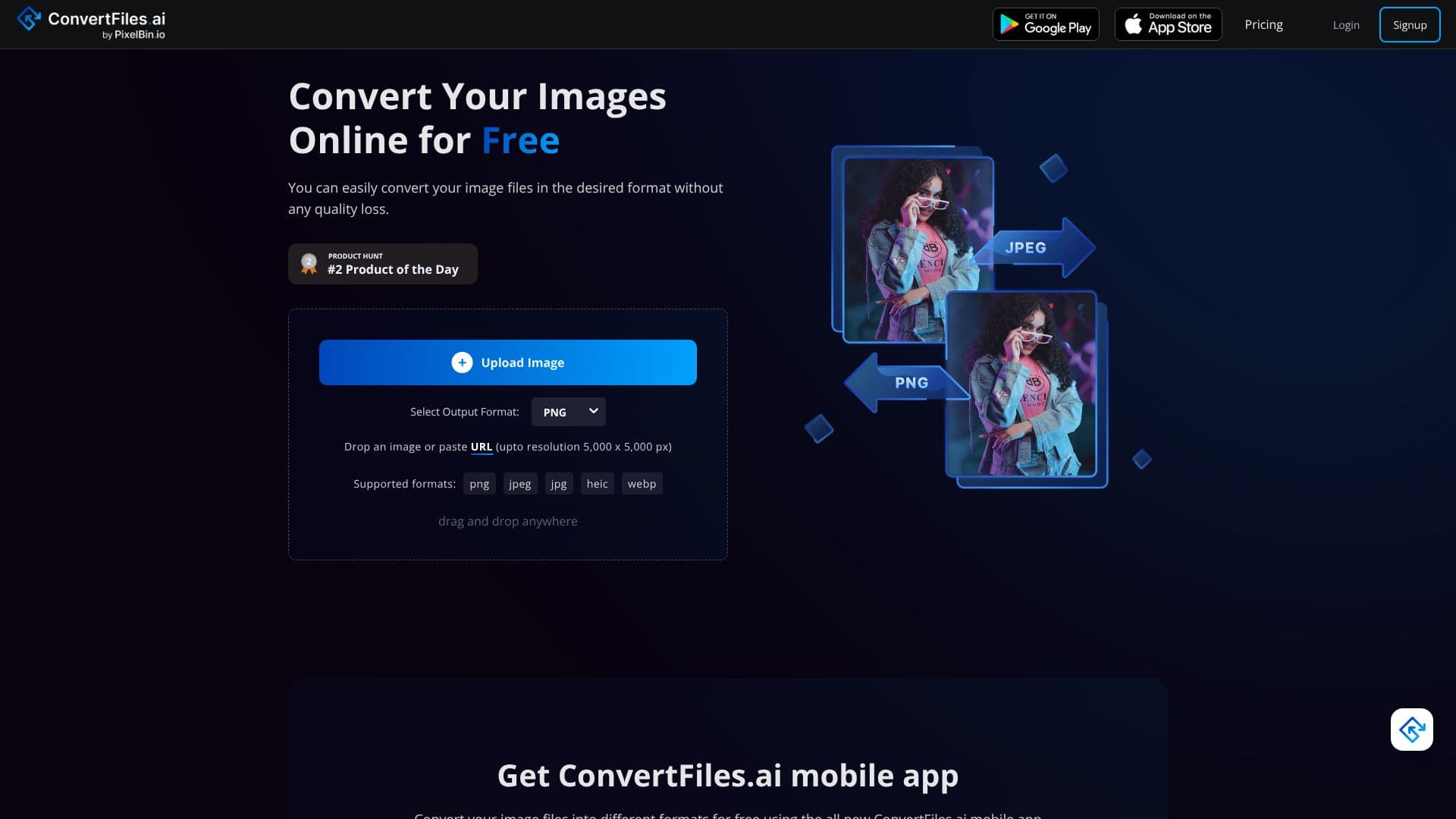
ConvertFiles.ai is a powerful and user-friendly online tool designed to convert image files into a variety of desired formats without compromising quality. The platform supports popular image types including PNG, JPEG, JPG, WEBP, and HEIC, making it a versatile solution for diverse digital needs. Users can easily upload their images or paste URLs, with support for resolutions up to 5,000 x 5,000 pixels.
Read More
The core benefit of ConvertFiles.ai lies in its advanced conversion technique, which ensures that users experience high-quality file conversions that enhance their web presence. The service is built for speed, offering quick conversion of file formats, and its intuitive, user-friendly interface guarantees a smooth and straightforward experience for all users, regardless of their technical expertise.
One of the significant advantages of ConvertFiles.ai is that no software installation is required. Users can convert their images effortlessly directly through their web browser. This accessibility makes it an ideal tool for individuals, e-commerce businesses, and professionals who need to quickly and efficiently manage their image assets. The platform also offers a mobile app for on-the-go conversion needs.
Beyond its primary function as an image converter, ConvertFiles.ai is part of a suite of AI-powered tools offered by PixelBin.io. These tools include an AI Headshot Generator, Erase.bg for background removal, Upscale.media for image enhancement, WatermarkRemover.io, and Shrink.media for intelligent compression. This ecosystem provides comprehensive solutions for various image manipulation and enhancement tasks, all aimed at improving productivity and revenue for users.
The platform is free for personal use, with subscription plans available for commercial or professional applications through PixelBin.io. This tiered approach ensures that both individual users and businesses can leverage the power of AI-driven image processing. The maximum output resolution supported is 5000 x 5000 pixels, and file size is limited to 25 MB, ensuring high-quality results for most common use cases.
- CategoryOther AI Tools
- Pricing ModelFreemium
- DeploymentCloud
- PlatformsWeb
ConvertFiles.ai Image Converter's Core Features
Supports PNG, JPEG, JPG, WEBP, and HEIC formats
Converts images without quality loss
Supports image resolutions up to 5000 x 5000 pixels
No software installation required
User-friendly interface
Quick conversion speed
Free for personal use
Mobile app available
Bulk processing available via PixelBin.io
Maximum output file size of 25 MB
How to use ConvertFiles.ai Image Converter?
Upload Image: Drag and drop your image file or paste its URL.
Select Output Format: Choose your desired image format from the available options.
Convert: Click the 'Convert' button to initiate the conversion process.
Download: Download your converted image file in high resolution.
ConvertFiles.ai Image Converter's Use Cases
- E-commerce Image Optimization
- Personal Photo Conversion
- Web Design Asset Preparation
- Social Media Content Creation
- Digital Art Archiving