
Description
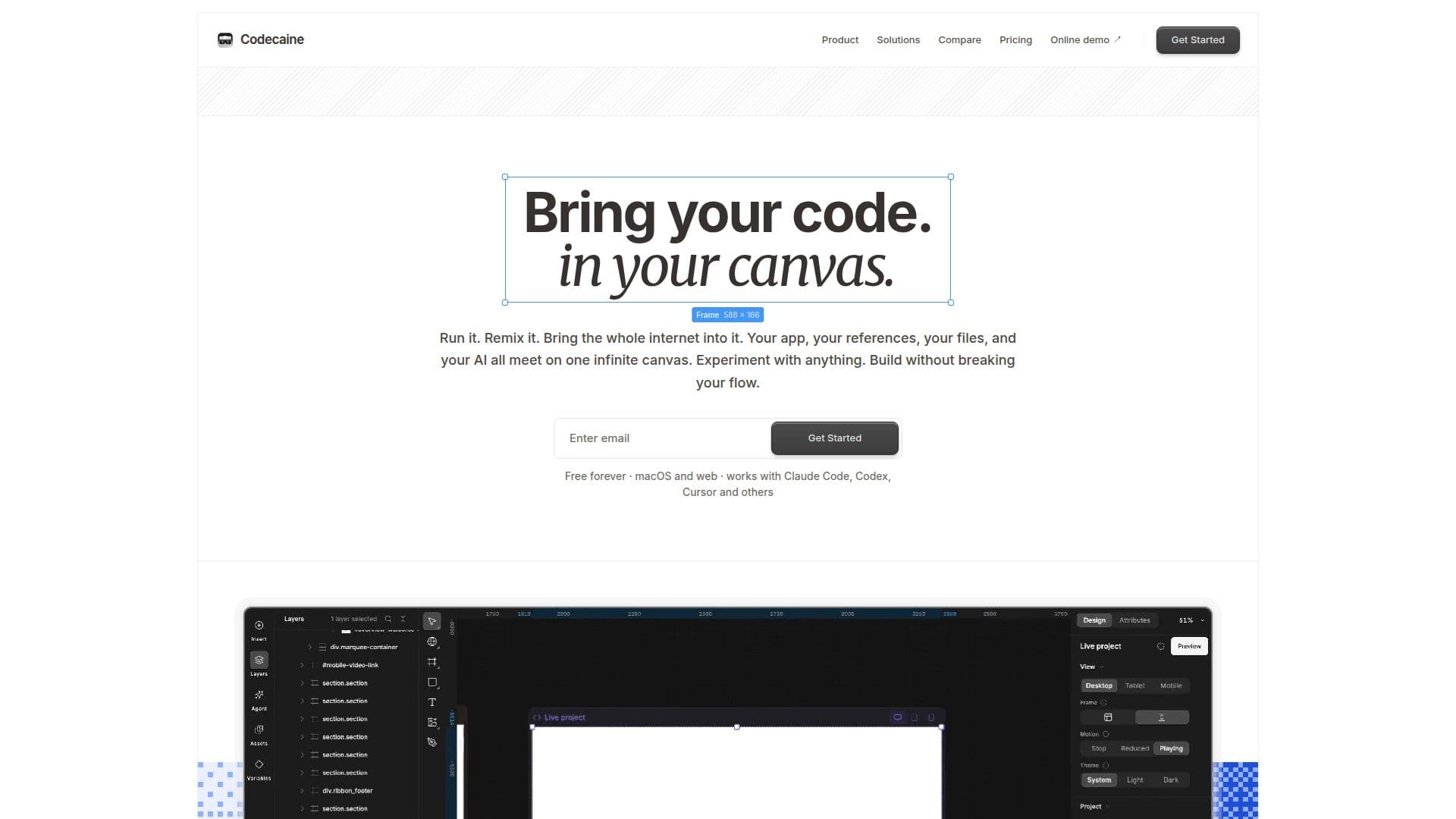
Codecaine is a unique desktop design editor that integrates directly with your existing code projects, offering a visual approach to web development. It opens your running application on an infinite canvas, allowing designers and developers to interact with and modify real elements using familiar design-tool controls. This includes adjusting type, layout, images, and states directly on the live page, ensuring that what you see is what ships.
Read More
The platform is designed to work in conjunction with your preferred AI coding agent, such as Claude Code, Codex, Cursor, opencode, or Pi. After making visual changes on the canvas, you can save them, and your AI agent will automatically write these modifications into your project's source code. This eliminates the traditional handoff between design and development, streamlining the workflow and ensuring consistency.
Key features include "Canvas editing," where you can select, move, resize, and restyle elements with precision. "Agent Mode" allows you to select specific layers and prompt your AI assistant to make changes, with the AI working directly on the canvas with your selection as context. "Magic Cast" is an innovative feature that transforms screen shares and voice recordings into written briefs with screenshots, which your AI agent can then use to build out designs.
"Code Mode" provides an environment where your coding agent sits alongside a browser displaying your running project, enabling direct code edits and comments that remain connected to the visual changes. Codecaine also supports importing various assets onto the canvas, including live webpages by URL, Figma frames, pasted HTML, PDFs, or spreadsheets, allowing them to be edited as layers alongside your running app.
For version control and deployment, Codecaine offers "Git & Netlify sync," allowing you to commit changes, sync to GitHub, and deploy to Netlify without leaving the editor. This ensures your files and Git history are maintained without vendor lock-in. The tool is free forever, runs as a Mac app on Apple Silicon, and is accessible in your browser, connecting agents over MCP. It supports popular frameworks like React, Next.js, Vite, Tailwind CSS, and shadcn/ui, making it versatile for modern web development.
- CategoryAI UI & UX Design Tools
- Pricing ModelFree
- DeploymentCloud
- PlatformsmacOS, Web
Codecaine's Core Features
Visual Canvas Editing: Select, move, resize, and restyle real elements of your running app.
AI Agent Integration: Works with Claude Code, Codex, Cursor, opencode, or Pi to write code changes.
Agent Mode: Select layers and ask your AI assistant to make changes directly on the canvas.
Magic Cast: Converts screen shares and voice recordings into AI-ready briefs with screenshots.
Code Mode: Provides a coding agent beside a browser for direct code edits on the running project.
Import Anything: Bring live webpages, Figma frames, HTML, PDFs, or spreadsheets onto the canvas.
Git & Netlify Sync: Commit changes, sync to GitHub, and deploy to Netlify from within the editor.
Free Forever: All features available at no cost, no trials or hidden fees.
Mac and Web App: Runs natively on macOS (Apple Silicon) and in your web browser.
Real-time Editing: Design on the actual running page, not a copy or screenshot.
Design Tool Controls: Familiar controls for type, layout, images, and states.
Consistency Features: Set global variables for colors, spacing, and type.
Shortcuts: Supports familiar design tool shortcuts for efficient workflow.
Scaling: Elements scale proportionally with text, strokes, and effects.
Measurements: Displays distances between elements for precise spacing and alignment.
How to use Codecaine?
Pick a Project: Select a folder on your Mac or a GitHub repo; Codecaine sets it up and installs dependencies.
Run on Canvas: Codecaine starts your project and displays the running page on an infinite canvas.
Edit Anything: Click elements on the page and change them visually using design-tool controls.
Engage AI Agent: Use Agent Mode or Code Mode to have your AI assistant write visual changes into code.
Import Assets: Bring external content like webpages, Figma frames, or PDFs onto the canvas as editable layers.
Sync and Deploy: Commit changes, sync to GitHub, and deploy to Netlify directly from the editor.
Codecaine's Use Cases
- Visual Web Development
- AI-Assisted Coding
- Design Handoff Streamlining
- Rapid Prototyping
- UI/UX Iteration
- Content Integration
- Version Control Integration
- Brief Generation for AI