
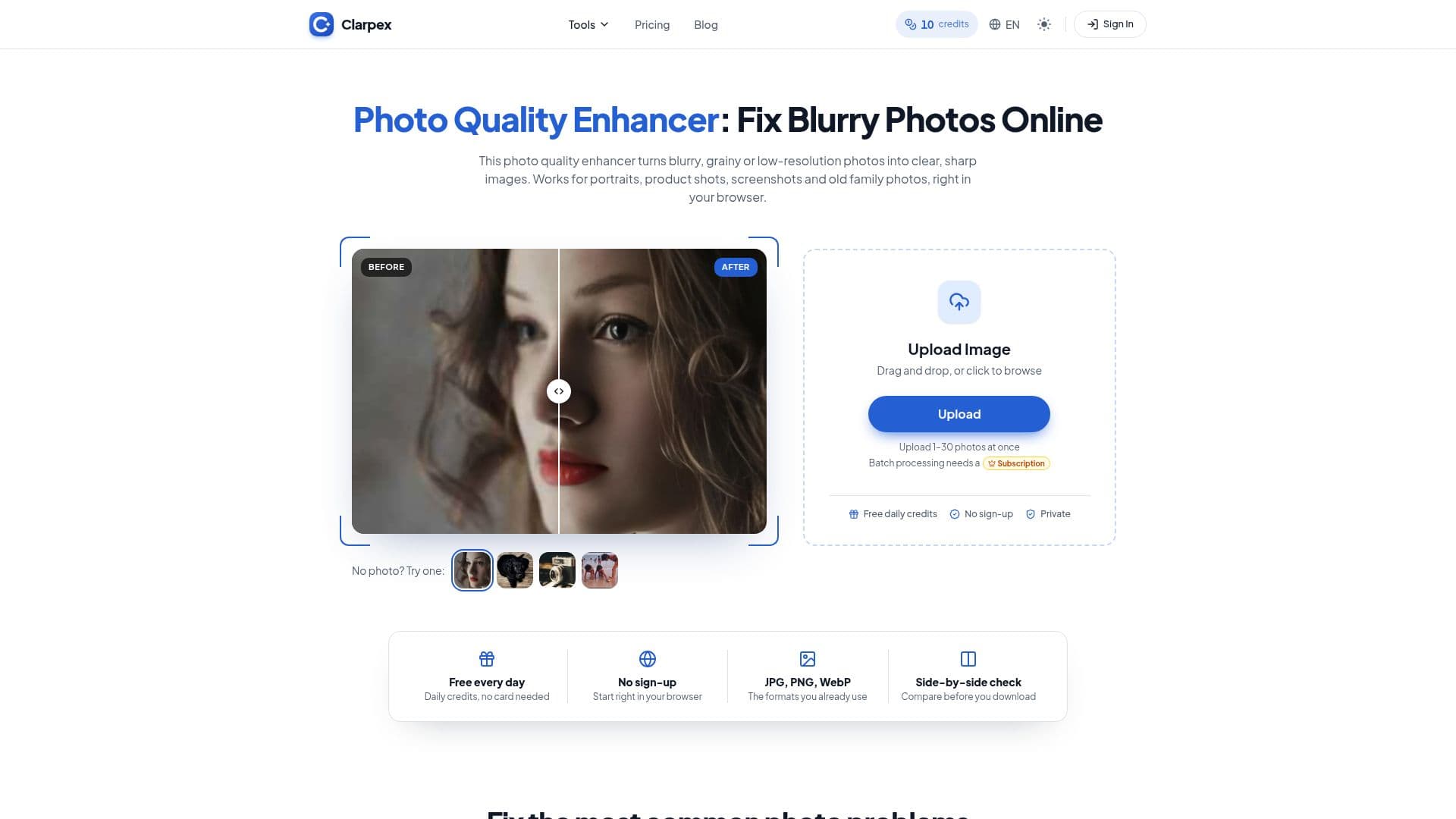
Description
Clarpex is a comprehensive online photo quality enhancer designed to fix common image problems such as blur, noise, pixelation, and low resolution. It operates directly in your browser, eliminating the need for software installation or advanced editing skills. The platform utilizes AI models to rebuild fine detail that might have been lost due to camera shake, missed focus, compression, or low-light conditions, resulting in clearer and sharper images.
Read More
The tool supports JPG, PNG, and WebP image formats, with a maximum file size of 20 MB and 40 megapixels. Larger photos are automatically scaled down before enhancement, ensuring a smooth user experience. Clarpex offers both enhancing and upscaling capabilities, meaning a small, blurry photo can be made larger and sharper simultaneously. Unlike traditional sharpening filters that merely add contrast to existing edges, Clarpex rebuilds missing detail and cleans up edges, producing more natural-looking results.
Users can enhance photos without signing up, receiving 10 free credits daily for Standard enhancements. An account is only necessary to save results in a history or to purchase additional credits. The platform provides a side-by-side comparison slider, allowing users to review the enhanced image against the original before downloading. This ensures satisfaction, especially for subtle changes like those in small faces.
Clarpex addresses a wide range of photo issues, including bringing back focus to soft photos, enlarging small or compressed images without losing clarity, smoothing out pixelated lines, cleaning up grain from night shots, and repairing old prints by removing scratches, cracks, and stains. The service emphasizes privacy, stating that uploaded photos are used only to create results and never for AI training. Without an account, photos are deleted after 24 hours; with an account, they are kept for 72 hours or until manually deleted if the "Keep my tasks" option is enabled.
For those needing more than the daily free credits, Clarpex offers various pricing plans and credit packs. Subscription plans like Starter, Creator, and Studio provide monthly credits that roll over, along with additional daily free credits and features like batch processing. Credit packs are also available for one-time purchases, with credits that never expire. The cost per photo varies by tool and version, with prices clearly displayed before any enhancement begins. If an enhancement fails, credits are automatically returned to the user's balance.
- CategoryAI Image Upscalers
- Pricing ModelFreemium
- DeploymentCloud
- PlatformsWeb
Clarpex's Core Features
Fixes blur, noise, and low resolution in photos
Enhances JPG, PNG, and WebP images up to 20 MB and 40 megapixels
Offers free daily credits without requiring sign-up
Provides both photo enhancement and upscaling capabilities
Rebuilds fine detail for natural-looking results
Cleans up grain from low-light and night shots
Repairs old prints by removing scratches, cracks, and stains
Enlarges small and compressed images while maintaining clarity
Smooths out pixelated images for clean lines
Allows side-by-side comparison of original and enhanced photos
Supports batch processing for multiple photos (paid plans)
Ensures privacy by not using uploaded photos for AI training
Offers various subscription plans and credit packs
Credits roll over for active subscribers and never expire for credit packs
Automatically refunds credits if an enhancement fails
How to use Clarpex?
Upload Image: Drop a JPG, PNG, or WebP file into the designated box or click to browse and select from your device.
Choose Enhancement: Select either the Standard or Pro version of the enhancement tool. The credit cost will be displayed before you proceed.
Process Photo: The AI will then rebuild blur, noise, and missing pixels to enhance your image quality.
Compare and Download: Use the slider to compare the enhanced result with your original photo, then save the improved image to your device.
Clarpex's Use Cases
- Fix Blurry Photos
- Enlarge Low-Resolution Images
- Smooth Pixelated Pictures
- Clean Up Night Shots
- Repair Old Prints
- Sharpen Soft Images
- Restore Old Photos
- Unblur Out-of-Focus Photos
- Enhance Product Shots
- Improve Screenshots