
Description
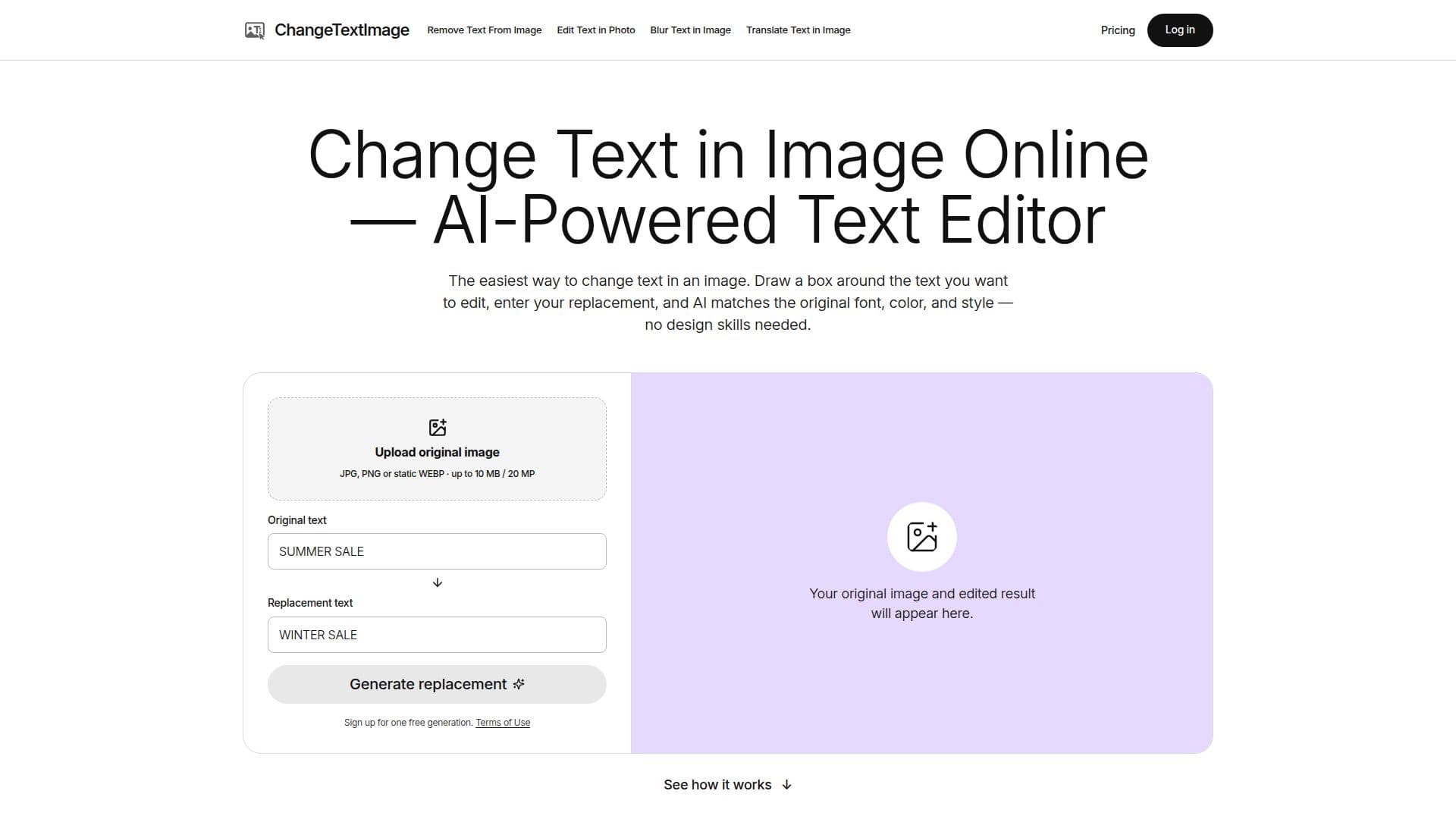
Change Text in Image is an intuitive online AI photo text editor that allows users to modify or replace text within any image. This tool is particularly useful for fixing typos, updating prices, replacing labels, or even translating text in finished designs, screenshots, product photos, and social media graphics without requiring professional design software like Photoshop.
Read More
The core functionality revolves around its advanced AI capabilities. When a user uploads an image and highlights the text to be changed, the AI automatically detects the original font, color, style, and spacing. It then seamlessly integrates the new text, ensuring it matches the existing visual elements perfectly. Crucially, the AI also intelligently repairs the background behind the removed original text, making the edit appear as if it was always part of the image.
The process is streamlined into three simple steps: upload the image, draw a box around the text to be edited, and type in the new wording. The editor supports various image formats including JPG, PNG, and WebP. Beyond simple replacement, users can also remove text entirely by switching to 'Remove mode' or leaving the replacement field empty, allowing the AI to erase the wording and fill in the background.
While the AI handles the complex aspects of font matching and background repair, users do not have control over changing the font, size, or color directly, as the tool's objective is to maintain the original aesthetic. It supports non-English text, including Latin, Cyrillic, Greek, and CJK scripts, making it versatile for a global audience. The service operates on a freemium model, offering one free generation upon signup, with additional one-time credit packs available for purchase starting from $14.90, rather than a subscription.
- CategoryAI Photo Editors
- Pricing ModelFreemium
- DeploymentCloud
- PlatformsWeb
Change Text in Image's Core Features
AI Font Matching: Automatically detects and matches original font, color, and style.
Background Auto-Repair: Intelligently fills in the background behind removed text.
Text Replacement: Easily change words, prices, dates, or labels in images.
Text Removal: Erase existing text from images and repair the background.
Text Blurring: Hide sensitive details in images locally in the browser.
Screenshot Editing: Modify text in screenshots while maintaining pixel-identical UI.
Multi-language Support: Works with Latin, Cyrillic, Greek, and CJK scripts.
No Design Software Needed: Browser-based editing, no Photoshop or design skills required.
Image Format Support: Upload JPG, PNG, or WebP images.
Credit-based Pricing: One-time credit packs for generations, no subscriptions.
Free Generation: New accounts receive credits for one free edit.
Credit Expiration: Purchased credits do not expire.
Failed Generation Refund: Credits are automatically refunded for failed generations.
High-Precision OCR: Detects text even on complex or slanted backgrounds.
How to use Change Text in Image?
Upload Image: Drag and drop any JPG, PNG, or WebP image into the editor.
Select Text Area: Draw a box around the specific text you wish to edit, leaving a small margin.
Enter New Text: Type the original text and your desired replacement text.
Generate & Download: Generate the edited image, review the result, and then download it as a PNG.
Change Text in Image's Use Cases
- Fix Typos in Designs
- Update Product Prices
- Edit Screenshot Labels
- Translate Image Text
- Refresh Social Media Graphics
- Modify Event Invitations
- Update Promotional Offers
- Remove Sensitive Information