Description
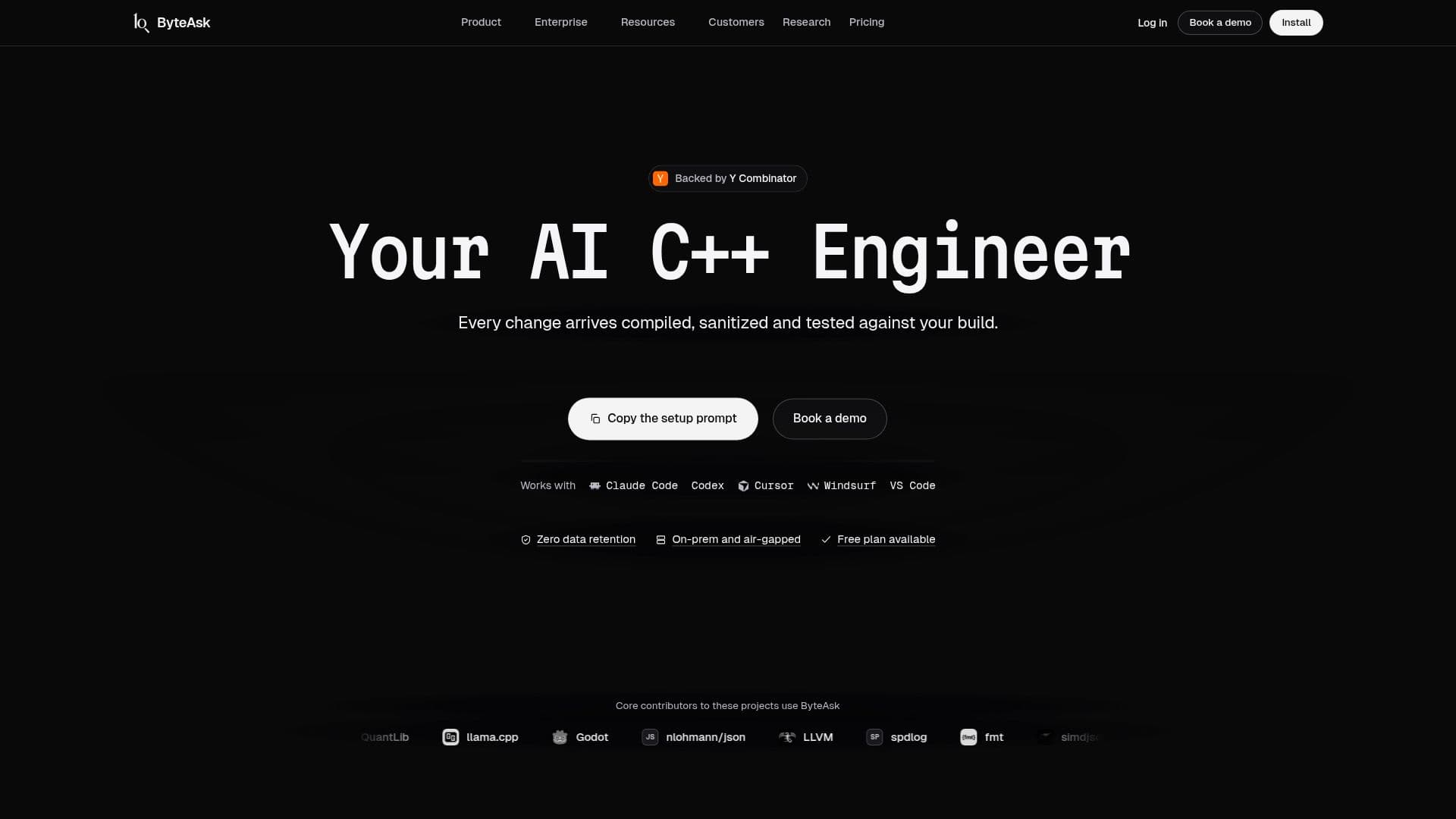
ByteAsk is an advanced AI coding agent specifically engineered for C and C++ development, designed to streamline the code review and development process. It operates directly from your terminal, acting as an intelligent assistant that not only writes C++ code but also rigorously proves its functionality and correctness. Before presenting any changes, ByteAsk drives your existing toolchain, including compilers like LLVM and GCC, debuggers like gdb, and sanitizers such as AddressSanitizer, UBSan, and ThreadSanitizer. It also executes your full test suite, ensuring that every proposed diff compiles, runs, and passes all checks.
Read More
The core strength of ByteAsk lies in its ability to understand and interact with your actual build environment, rather than just parsing text. This "Context" feature allows it to accurately identify relevant code sections, callers, and covering tests based on a compiler-accurate index of your real build. This deep understanding helps the AI agent focus on the most critical areas for a fix, leading to more efficient and accurate code modifications. For instance, in tests on complex C++ issues, Claude Code integrated with ByteAsk Context used 59% fewer tokens, cost 39% less, and finished 43% faster compared to using Claude Code with a standard LSP plugin.
ByteAsk also provides a "Harness" feature, which means every code change undergoes a comprehensive validation process. This includes compilation, execution under various sanitizers, and full test coverage, all before the developer sees the diff. If a program crashes or hangs, ByteAsk can even join an existing gdb session, providing real-time debugging assistance. It supports a wide array of development tools and environments, including VS Code, Cursor, JetBrains IDEs, Neovim, Emacs, and Zed, and integrates with popular version control systems like GitHub, GitLab, and Bitbucket.
Users have the flexibility to use ByteAsk with their preferred AI models, including OpenAI, Anthropic, and Google models, either through ByteAsk's managed service or by bringing their own API keys. For enhanced security and control, ByteAsk offers on-premise deployment options for Enterprise clients, supporting air-gapped networks, company API keys through a network gateway, SSO, SCIM, and audit logs. This ensures that sensitive code and data remain within the company's network, with zero data retention by ByteAsk for prompts and code processed.
Pricing is structured per workspace, not per seat, with various plans offering monthly usage credits. The Free plan provides $5 in monthly credit, while Pro, Max, and Ultra plans offer $20, $100, and $200 in credit, respectively, suitable for individual developers to large teams. Enterprise plans are custom, offering dedicated runners, on-prem deployment, and advanced security features. ByteAsk aims to address common challenges faced by developers using AI for C++ coding, such as incorrect AI output, lack of trust, and insufficient context understanding, by providing a robust, verified, and deeply integrated AI coding assistant.
- CategoryAI Coding Assistants
- Pricing ModelFreemium
- DeploymentCloud, On-premise (Enterprise)
- PlatformsWeb
ByteAsk's Core Features
AI coding agent for C and C++
Verifies code with real compilers, debuggers, and sanitizers
Integrates with existing test suites
Terminal-native workflow
Supports LLVM, GCC, gdb, Valgrind, CMake
Context-aware code analysis based on build configuration
Harness for automated compilation, sanitization, and testing
Compatible with OpenAI, Anthropic, and Google models
Option to use own API keys or self-hosted OpenAI-compatible servers
On-premise and air-gapped deployment for Enterprise plans
Zero data retention and no model training on user code
Supports various IDEs: VS Code, Cursor, JetBrains IDEs, Neovim, Emacs, Zed
Integrates with GitHub, GitLab, Bitbucket, Jira, Slack
Provides compiler-accurate index of your real build
Offers usage credit with monthly plans
How to use ByteAsk?
Install ByteAsk: Use pip, uv, or npm to install the ByteAsk CLI.
Set up Agent: Send the setup prompt to your existing coding agent or paste it into the ByteAsk CLI.
Connect to Repository: Install the ByteAsk app on your GitHub, GitLab, or Bitbucket repositories.
Initiate Task: Assign a Jira or Linear ticket, or mention @ByteAsk in Slack to start a coding task.
Review Changes: ByteAsk builds, tests, and sanitizes the changes, then opens a draft pull request for your review.
Deploy On-Premise (Enterprise): Configure ByteAsk for on-premise deployment, including air-gapped networks and custom gateways.
ByteAsk's Use Cases
- Automated C++ Bug Fixing
- Code Quality Assurance
- Developer Workflow Enhancement
- Secure Code Deployment
- Optimizing AI Agent Performance
- Toolchain Integration
- Pull Request Automation
- Industry Standard Compliance