
Description
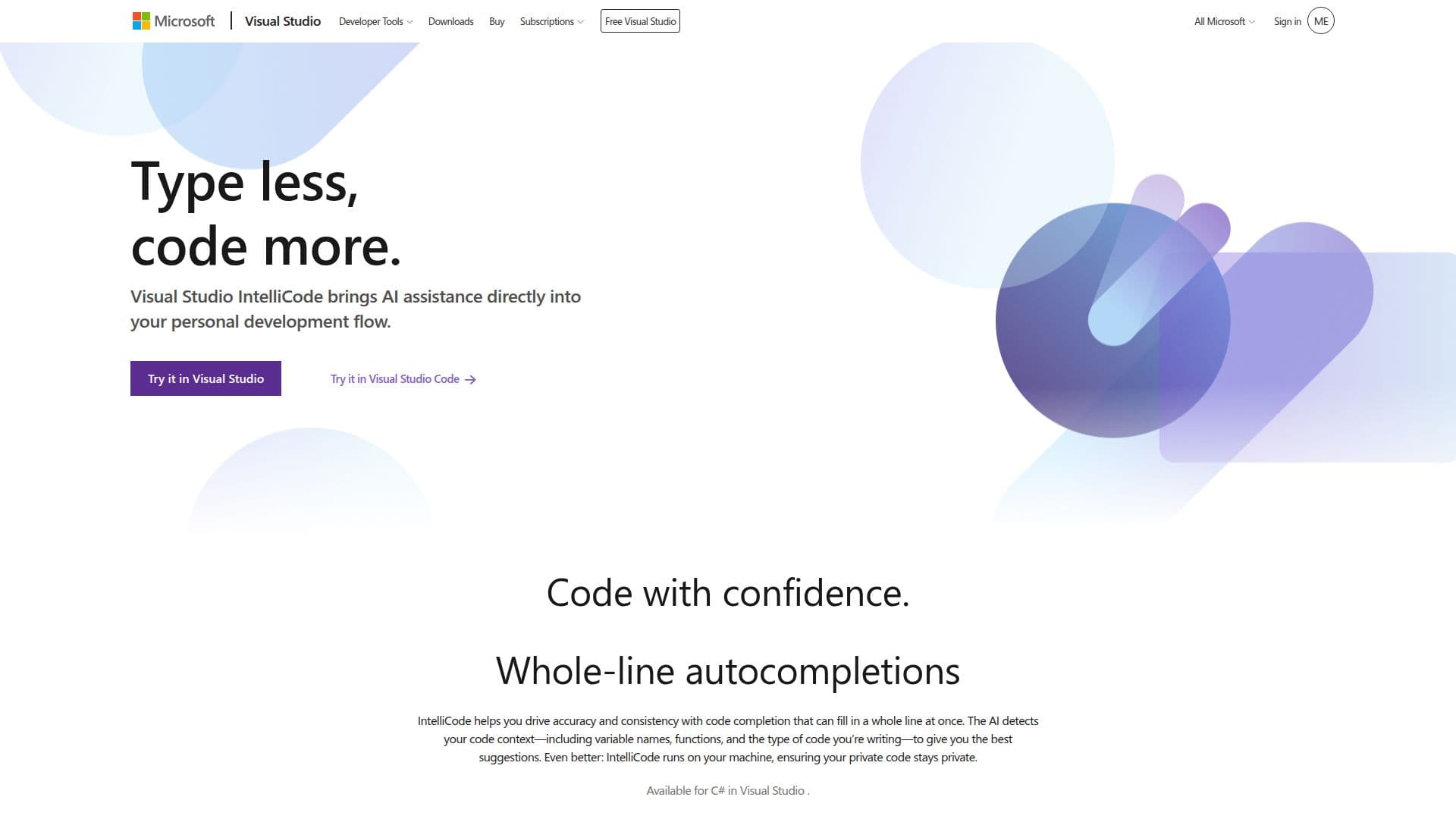
Visual Studio IntelliCode is an innovative AI-powered tool designed to enhance developer productivity by offering intelligent code completions and automation capabilities. Integrated within Visual Studio, IntelliCode leverages AI to provide context-aware suggestions, making coding faster and more efficient. It supports a wide range of programming languages, including C++, Node.js, Python, and R, allowing developers to build applications across various platforms such as Windows, Azure, and mobile devices.
Read More
IntelliCode's AI-driven features include real-time code completion suggestions, debugging assistance, and unit test generation. These capabilities help developers navigate, write, and fix code more efficiently, improving overall code quality and team agility. The tool also integrates with GitHub Copilot, offering a conversational chat interface for coding queries and debugging support.
Visual Studio IntelliCode is part of the broader Visual Studio ecosystem, which provides a comprehensive set of tools for developing, testing, and deploying applications. Developers can customize their IDE with thousands of extensions available in the Visual Studio Marketplace, enhancing their workflow and productivity.
While IntelliCode offers powerful AI-assisted features, it is important to note that it is an experimental set of capabilities. Developers should explore its features to determine how it best fits their specific needs and workflows. The tool is available as part of Visual Studio subscriptions, which offer various benefits, including Azure credits, training resources, and support options.
- CategoryAI Coding Assistants
- Pricing ModelFreemium
- DeploymentCloud
- PlatformsWindows, Azure, Mobile
Visual Studio IntelliCode's Core Features
AI-assisted code completion
Context-aware suggestions
Real-time debugging assistance
Unit test generation
Integration with GitHub Copilot
Supports multiple programming languages
Customizable IDE with extensions
Part of Visual Studio ecosystem
How to use Visual Studio IntelliCode?
Configure: Set up IntelliCode in Visual Studio
Use: Leverage AI-assisted code completions
Optimize: Customize IDE with extensions
Deploy: Integrate with Azure for cloud deployments
Visual Studio IntelliCode's Use Cases
- Code Completion
- Debugging Assistance
- Unit Test Generation
- Cross-Platform Development
- IDE Customization