
Description
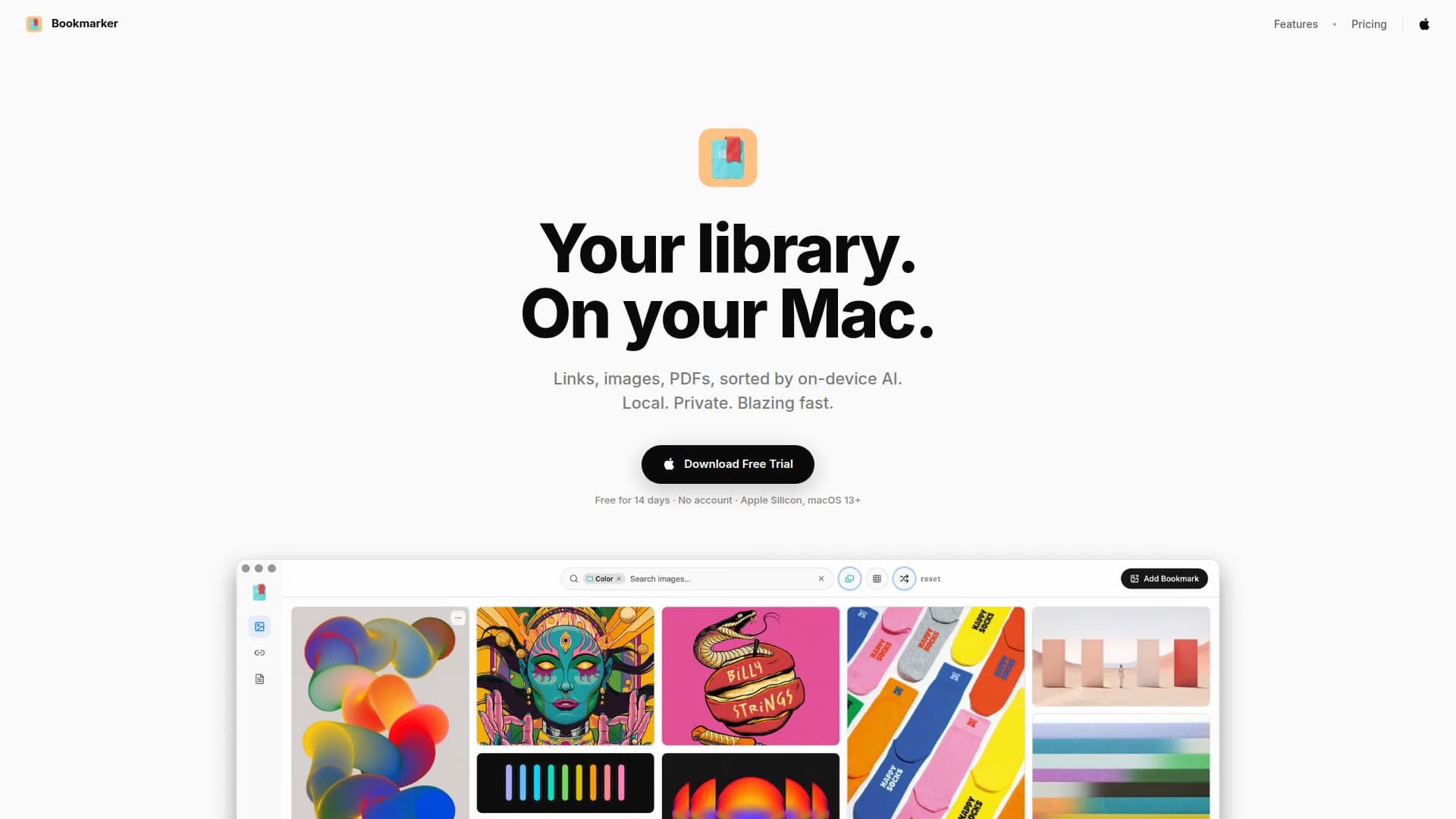
Bookmarker for Mac serves as a personal library that resides directly on your Mac, enabling users to save links, images, and PDFs effortlessly. The application utilizes on-device AI to sort and tag saved items, ensuring that your data remains private and secure. With a one-time payment of $99, users can enjoy a local-first library experience without the need for an account or cloud storage.
Read More
The app is designed for macOS and is compatible with Apple Silicon, specifically M1 and later models. It offers a 14-day free trial, allowing users to explore its features without any commitment. Once the trial period ends, users can continue using their library by purchasing a license, which includes free updates for life.
Bookmarker allows users to save various types of content with just one click or by dragging and dropping. Each saved item is presented in a clean reading view, making it easy to access and read. The application also features full-text search capabilities, enabling users to find their saved content quickly, even when offline.
The on-device AI not only tags and summarizes saved items but also provides additional functionalities such as extracting color palettes from images and allowing users to highlight and annotate PDFs and articles. Users can import content from other applications like Pocket and Raindrop with a single click, ensuring a seamless transition to Bookmarker.
One of the key advantages of Bookmarker is its commitment to user privacy. All data is stored locally on the user's Mac, and nothing leaves the device unless the user opts to add a cloud key for additional features. This local-first approach ensures that users have complete control over their library without the risk of data breaches or unwanted tracking. Overall, Bookmarker for Mac is an ideal solution for users looking for a private, efficient, and user-friendly way to manage their digital library.
- CategoryAI Knowledge Management
- Pricing ModelOne-time payment
- DeploymentDesktop
- PlatformsmacOS
Bookmarker for Mac's Core Features
Local storage of links, images, and PDFs
On-device AI for sorting and tagging
Full-text search capabilities
Clean reading view for saved content
Color palette extraction from images
Highlighting and annotating in PDFs
One-click import from other apps
No account or cloud storage required
How to use Bookmarker for Mac?
Download the app: Visit the Bookmarker website and download the application.
Install the app: Open the downloaded file and follow the installation instructions.
Start the trial: Launch the app and begin your 14-day free trial without needing to create an account.
Save content: Use one-click or drag-and-drop to save links, images, and PDFs to your library.
Search your library: Utilize the full-text search feature to quickly find saved items.
Organize with AI: Let the on-device AI tag and summarize your saved content automatically.
Access offline: Enjoy your library without an internet connection, as all data is stored locally.
Purchase a license: After the trial, buy a license to continue using the app and receive free updates.
Bookmarker for Mac's Use Cases
- Personal library management
- Offline access to content
- Efficient content saving
- Privacy-focused storage
- Content organization