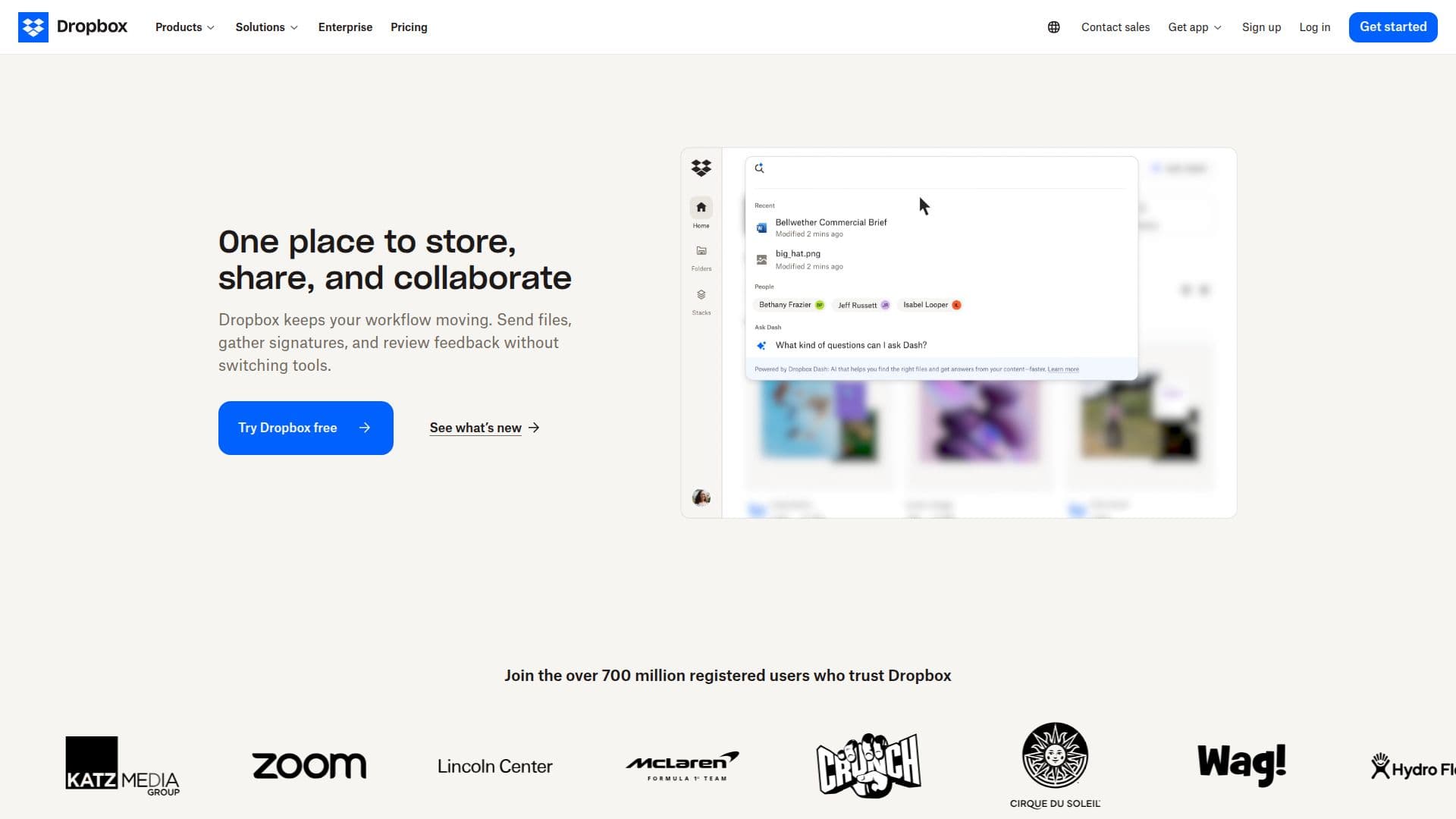
Description
Dropbox Dash is a cloud storage platform that offers secure file sharing and collaboration capabilities. It is designed to help users save time and improve productivity by organizing all company content in one place. With Dropbox Dash, users can store and share files, collaborate on projects, and bring their best ideas to life, whether working alone or as part of a team.
Read More
The platform integrates with leading AI tools, allowing users to summarize content, create shared links, and save work back to Dropbox without switching tools. It supports AI integrations with platforms like OpenAI and Anthropic, enabling users to generate content, organize projects, and review documents with contextual insights.
Dropbox Dash offers features such as real-time syncing, large file transfers up to 250GB, and previews for over 175 file types. It ensures security with industry-leading encryption, tamper-proof documents, version history, and recovery options. The platform is trusted by over 700 million registered users and is used across various industries including construction, media, technology, professional services, manufacturing, and education.
Pricing for Dropbox Dash includes a free tier with 2GB of storage, and paid plans offering additional storage and features. The Plus plan costs $9.99 per month, the Standard plan is $15 per user per month, and the Advanced plan is $24 per user per month. Each plan offers different levels of storage, file transfer capabilities, and security features.
- CategoryAI Knowledge Management
- Pricing ModelFreemium
- DeploymentCloud
- PlatformsWeb
Dropbox Dash's Core Features
Secure cloud storage
AI tool integrations
Real-time file syncing
Large file transfers up to 250GB
Industry-leading encryption
Version history and recovery
Previews for 175+ file types
Collaborative file sharing
How to use Dropbox Dash?
Configure: Set up Dropbox Dash with your preferred settings
Use: Store and share files securely
Integrate: Connect with AI tools for enhanced productivity
Collaborate: Work on projects with team members
Dropbox Dash's Use Cases
- File Sharing
- AI Integration
- Collaboration
- Large File Transfers
- Security