Description
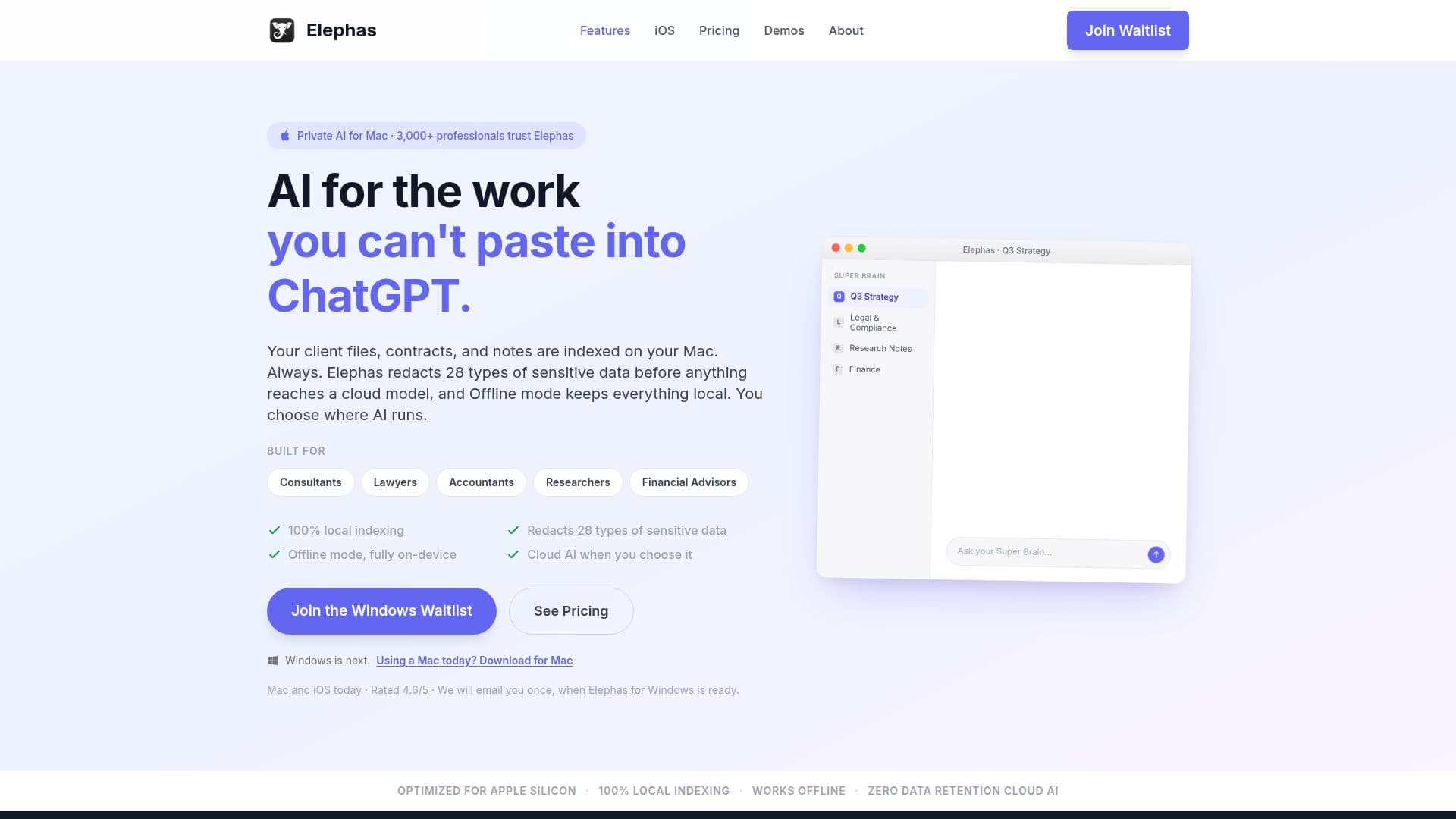
Elephas is an AI-powered personal knowledge assistant designed for Mac, iPhone, and iPad users. It provides a private AI knowledge workspace by indexing documents locally on your device, ensuring that sensitive data remains secure. Elephas can redact 28 types of sensitive information, including names, emails, and financial details, before any cloud AI interaction. This feature is crucial for professionals handling confidential information, such as legal, medical, and financial documents.
Read More
The application offers flexibility in AI deployment, allowing users to choose between offline AI models, built-in cloud AI with zero data retention, or their own API keys from providers like OpenAI and Anthropic. Elephas supports a wide range of file formats, including PDFs, Word documents, and Apple Notes, making it versatile for various professional needs.
Elephas offers a freemium pricing model, with a free trial that includes 7 days of Pro features. Paid plans provide additional credits and features, such as advanced redaction controls and offline AI workflows. The Pro+ plan offers maximum AI usage limits and priority support, catering to users with high confidentiality requirements.
The tool is particularly beneficial for knowledge workers, researchers, and consultants who need to manage and access large volumes of information securely. Its Mac-native design ensures seamless integration with existing workflows, and its ability to create 'Super Brains' from personal or professional files enhances productivity by providing instant, source-cited answers.
Elephas is trusted by over 3,000 professionals worldwide and is rated highly on platforms like Capterra and GetApp. It is continuously evolving, with plans to expand to Windows, ensuring that users can maintain their knowledge bases across different platforms.
- CategoryAI Knowledge Management
- Pricing ModelFreemium
- DeploymentLocal, Cloud
- PlatformsMac, iOS
Elephas AI Assistant's Core Features
Local document indexing
Sensitive data redaction
Offline AI capability
Cloud AI with zero data retention
Supports 20+ file formats
Super Brain knowledge bases
Integration with Apple Notes, Notion, Obsidian
Cross-device sync via iCloud
How to use Elephas AI Assistant?
Download: Install Elephas from the website
Configure: Set up your document indexing and redaction preferences
Use: Add files to create Super Brains and interact with AI
Optimize: Choose between offline and cloud AI based on task
Elephas AI Assistant's Use Cases
- Legal Research
- Client Proposals
- Research Libraries
- Tax Preparation
- Personal Journals