Description
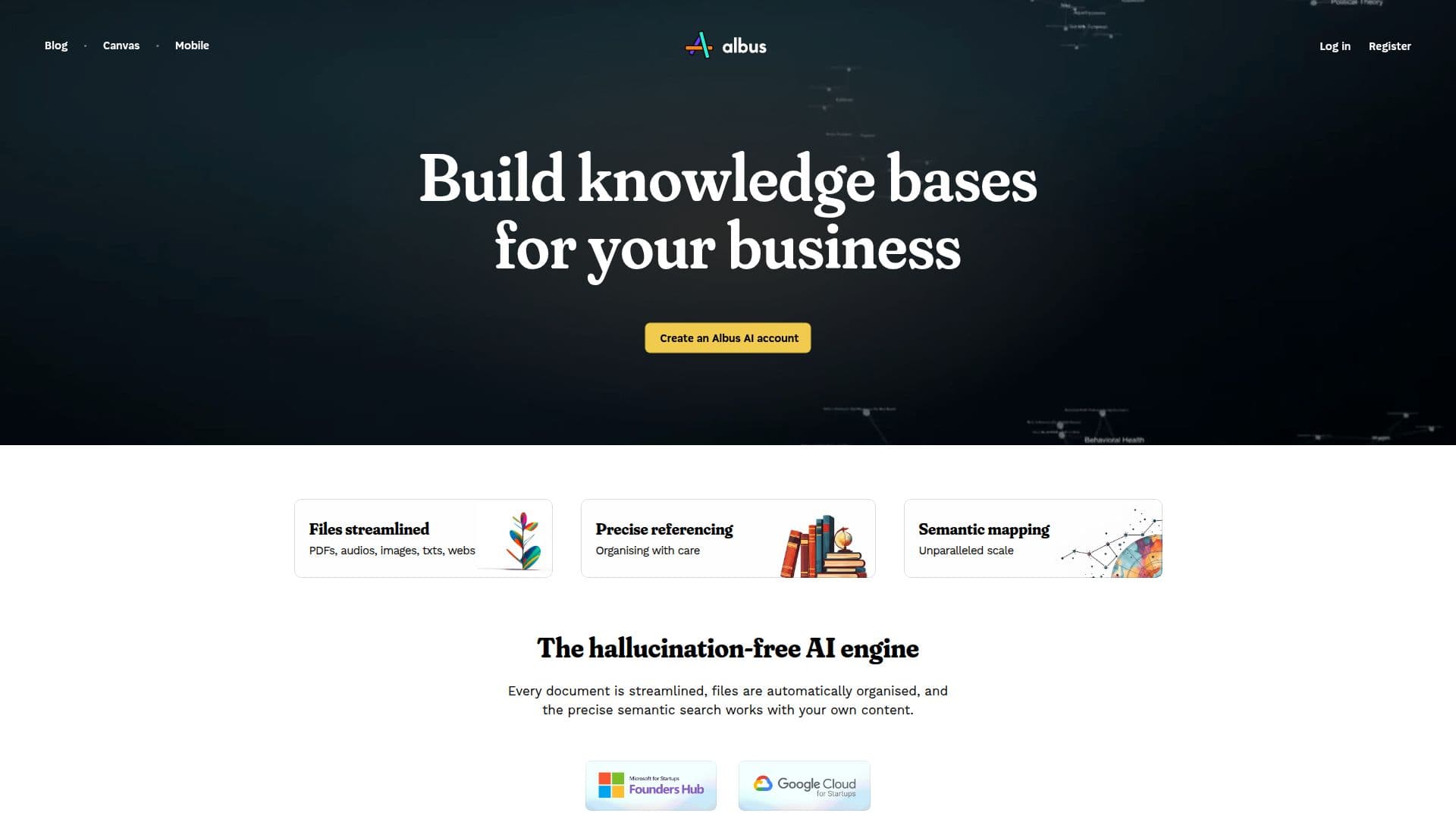
Albus AI is a cloud workspace for building AI-powered knowledge bases. When you drop in files, its semantic indexing engine understands the content and automatically sorts everything into well-defined categories, so you no longer have to create folders by hand. A single command can restructure the folders across all your stored documents.
Read More
Albus analyzes the meaning of your files to enable semantic search across PDFs, images, audio, Word documents, markdown, and web articles. It finds what you are looking for across your entire library within seconds and explains why each result is relevant, returning answers from your own content with page and section references. The company describes it as a hallucination-free engine that works from your library, and states it does not use user data for training, leaving personal and commercial rights to your creations with you.
Beyond search and organization, Albus offers conversation and canvas modes, real-time web search, multi-modal file processing, audio narration, and image generation, with access from multiple devices including mobile. It offers a free starter tier limited to 10 files with entry AI models, and an Albus Pro plan at $20/month with higher limits, up to 1,000 files, advanced AI models, and larger allowances for audio and image generation.
- CategoryAI Knowledge Management
- Pricing ModelFreemium
- DeploymentCloud
- PlatformsWeb
Albus AI's Core Features
Automatic file organization via a semantic indexing engine
Semantic search across PDFs, images, audio, docs, markdown, and web articles
Answers from your own library with page and section references
One-command restructuring of your entire folder structure
Conversation and canvas modes with real-time web search
Multi-modal file processing across many file types
Audio narration and AI image generation
Access from multiple devices including mobile
How to use Albus AI?
Create an account: Register for Albus AI to start your workspace.
Drop in your files: Upload PDFs, images, audio, documents, and web content.
Let Albus organize: The semantic engine sorts files into categories automatically.
Search and ask: Query your library and get answers with page and section references.
Use extra modes: Try conversation, canvas, web search, narration, or image generation.
Albus AI's Use Cases
- Knowledge base building
- Automatic file organization
- Research across sources
- Referenced answers
- Multi-modal content creation