Description
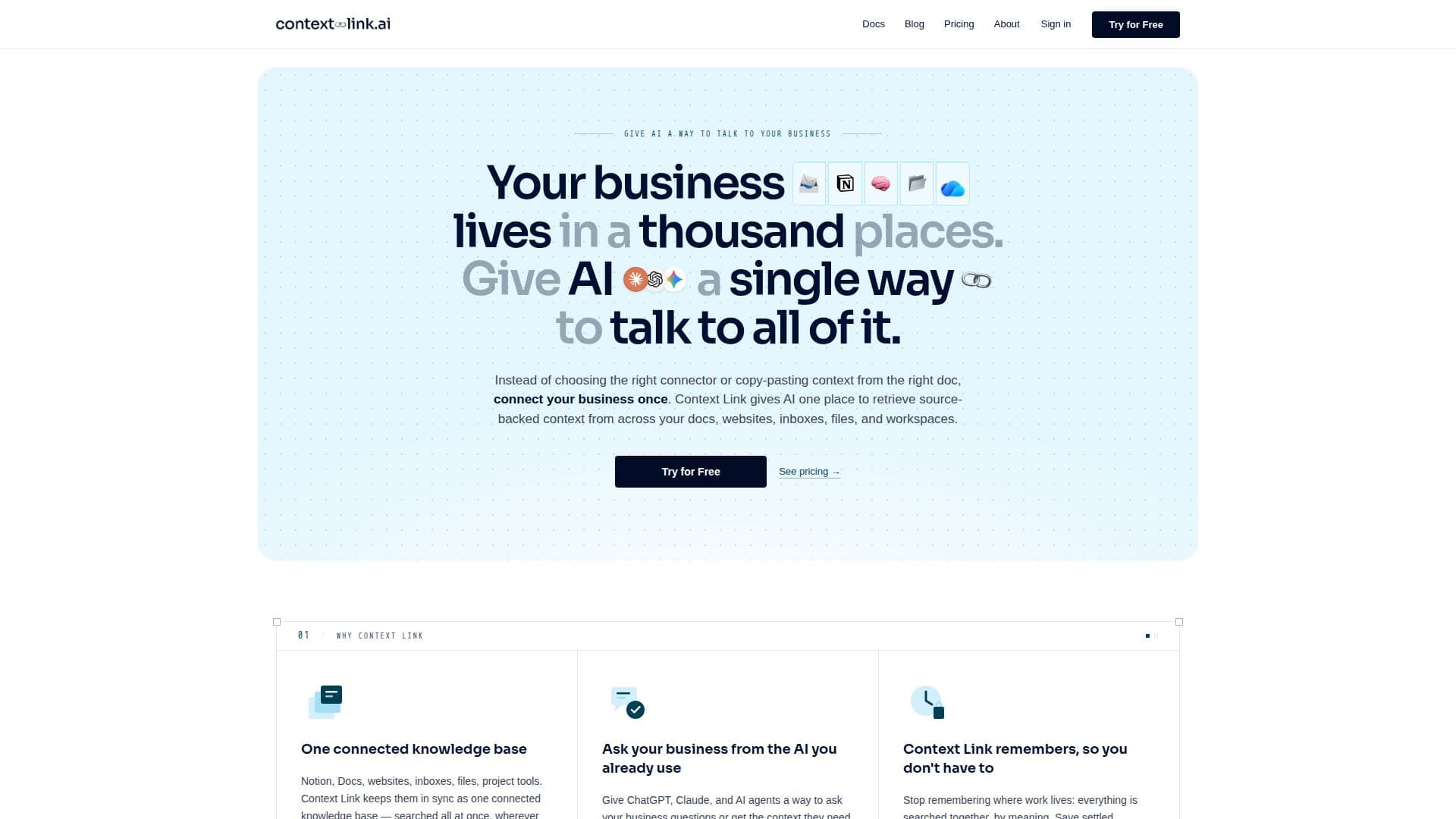
Context Link gives AI a single way to talk to your whole business. Instead of choosing the right connector or copy-pasting context into each chat, you connect your sources once, and Context Link keeps them in sync as one knowledge base that is searched all at once by meaning, wherever the answer happens to live. It connects Notion, Google Docs and Drive, OneDrive, Basecamp, Monday, websites, email inboxes, uploaded files, and custom connections.
Read More
You can ask questions from the Context Link dashboard or from inside ChatGPT, Claude, Claude Code, and any MCP-aware agent, and every answer is source-backed with citations so you can verify where it came from. Semantic search finds the right content by meaning rather than keywords, and results are returned as clean Markdown optimized for AI context windows. Sources re-sync every 24 hours, so AI reads what your business says today rather than a stale snapshot.
Beyond retrieval, settled decisions can be saved as Memories, named canonical documents that every connected AI reads in their latest version, with history kept. Context Link works in both directions: an AI can also push data from any service into the knowledge base via the Custom Connections API. It supports organization-wide and user-specific sources, and Modes that re-weight the knowledge base for use cases like support or sales.
Context Link offers a 7-day free trial with a free starting tier and paid plans, and is aimed at teams that want consistent, cited, up-to-date context across every AI conversation. It is built by Oli, also co-founder of PreProduct.io.
- CategoryAI Knowledge Management
- Pricing ModelFreemium
- DeploymentCloud
- PlatformsWeb
Context Link's Core Features
One connected knowledge base across docs, sites, inboxes, and files
Source-backed answers with citations
Semantic search by meaning across all connected sources
Works in ChatGPT, Claude, Claude Code, and any MCP-aware agent
Clean Markdown output optimized for AI context windows
Automatic 24-hour source re-sync
Memories: canonical documents every AI reads in their latest version
Custom Connections API to push any service's data in
How to use Context Link?
Connect sources: Point Context Link at your Notion, Google Docs, websites, inboxes, and files.
Choose scope: Select exactly which pages and folders to include, and exclude anything you don't want indexed.
Ask from your AI: Query from the dashboard or inside ChatGPT, Claude, or an MCP agent.
Get cited answers: Receive source-backed results grounded in your latest content.
Save decisions: Store settled facts as Memories so every AI reads the current version.
Context Link's Use Cases
- AI knowledge base
- Single source of truth
- Customer support context
- Grounding AI agents
- Reducing AI hallucinations