Description
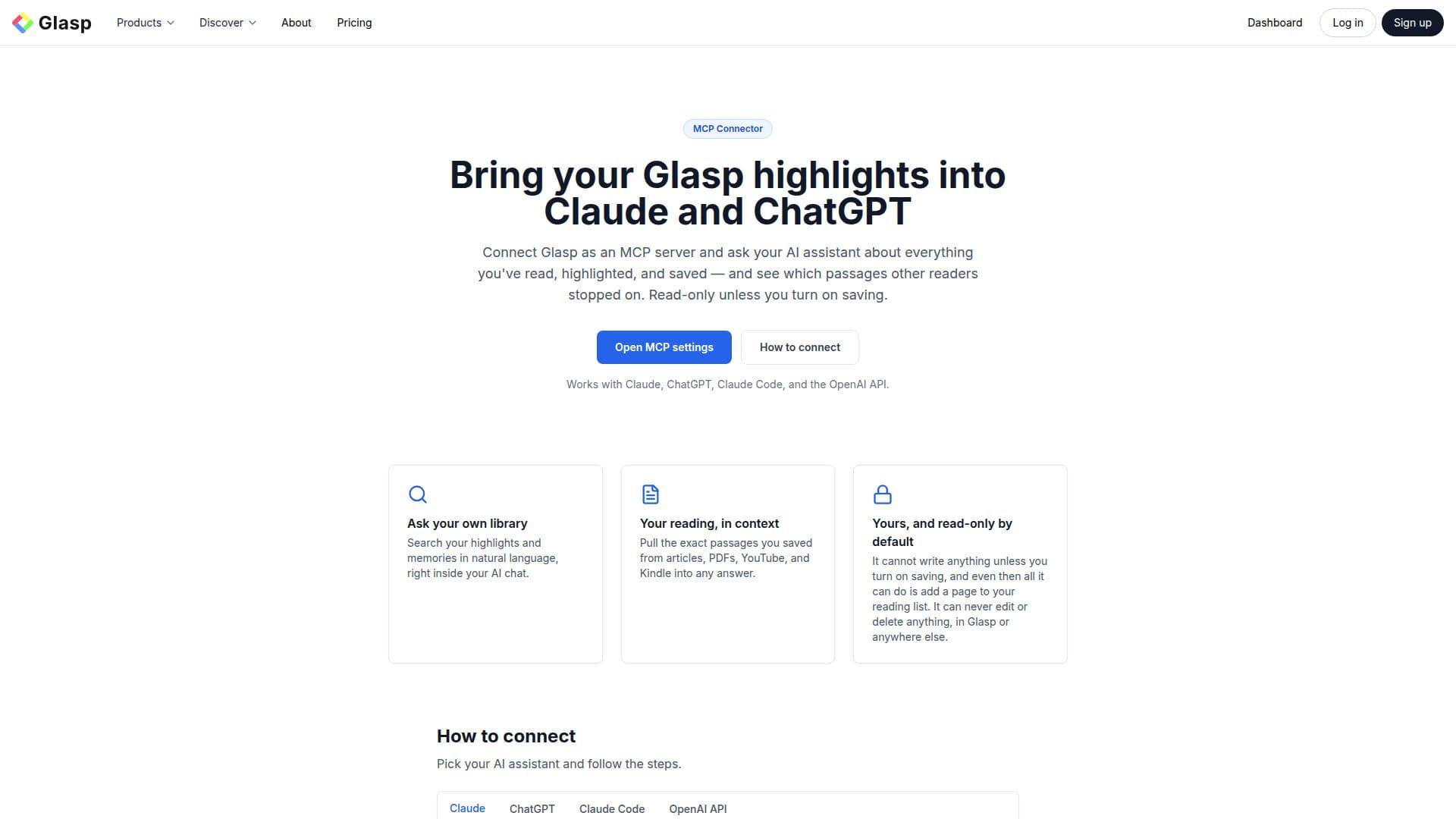
The MCP Connector by Glasp is designed to seamlessly integrate with AI assistants like Claude and ChatGPT, functioning as an MCP server. This tool allows users to search through their web highlights, Kindle highlights, bookmarks, and AI summaries using natural language queries. The connector is read-only by default, ensuring that your data remains secure unless you choose to enable saving. When saving is activated, the assistant can add pages to your reading list by URL, but it cannot edit or delete any existing data. This feature is included with your Glasp account at no additional cost.
Read More
Glasp itself is a social web highlighter and AI learning assistant that helps users capture and organize insights from various sources, including articles, PDFs, and videos. The MCP Connector enhances this functionality by allowing users to bring their Glasp highlights into AI platforms, making it easier to reflect on and connect different pieces of information.
The connector supports Claude on the web, Claude Code, ChatGPT, and any client compatible with the OpenAI API or the Model Context Protocol. Users can disconnect the MCP Connector at any time by revoking tokens or disconnecting apps through the settings. Privacy is a key focus, with private highlights remaining private and public highlights contributing to community insights without revealing individual identities.
Overall, the MCP Connector by Glasp is a valuable tool for those looking to enhance their learning journey by integrating their highlights with advanced AI assistants, providing a secure and efficient way to manage and reflect on their reading materials.
- CategoryAI Knowledge Management
- Pricing ModelFreemium
- DeploymentCloud
- PlatformsWeb
MCP Connector's Core Features
Connects Glasp to Claude and ChatGPT
Search highlights in natural language
Read-only access by default
Supports OpenAI API and MCP
Includes with Glasp account
Add pages to reading list when saving is enabled
Private highlights remain private
Community highlights show anonymous counts
How to use MCP Connector?
Configure: Open Claude settings, add Glasp server URL
Use: Sign in with Glasp, approve read-only access
Optimise: Enable saving to add pages to reading list
Disconnect: Revoke tokens in settings anytime
MCP Connector's Use Cases
- AI Integration
- Natural Language Search
- Reading List Management
- Community Insights
- Privacy Control