
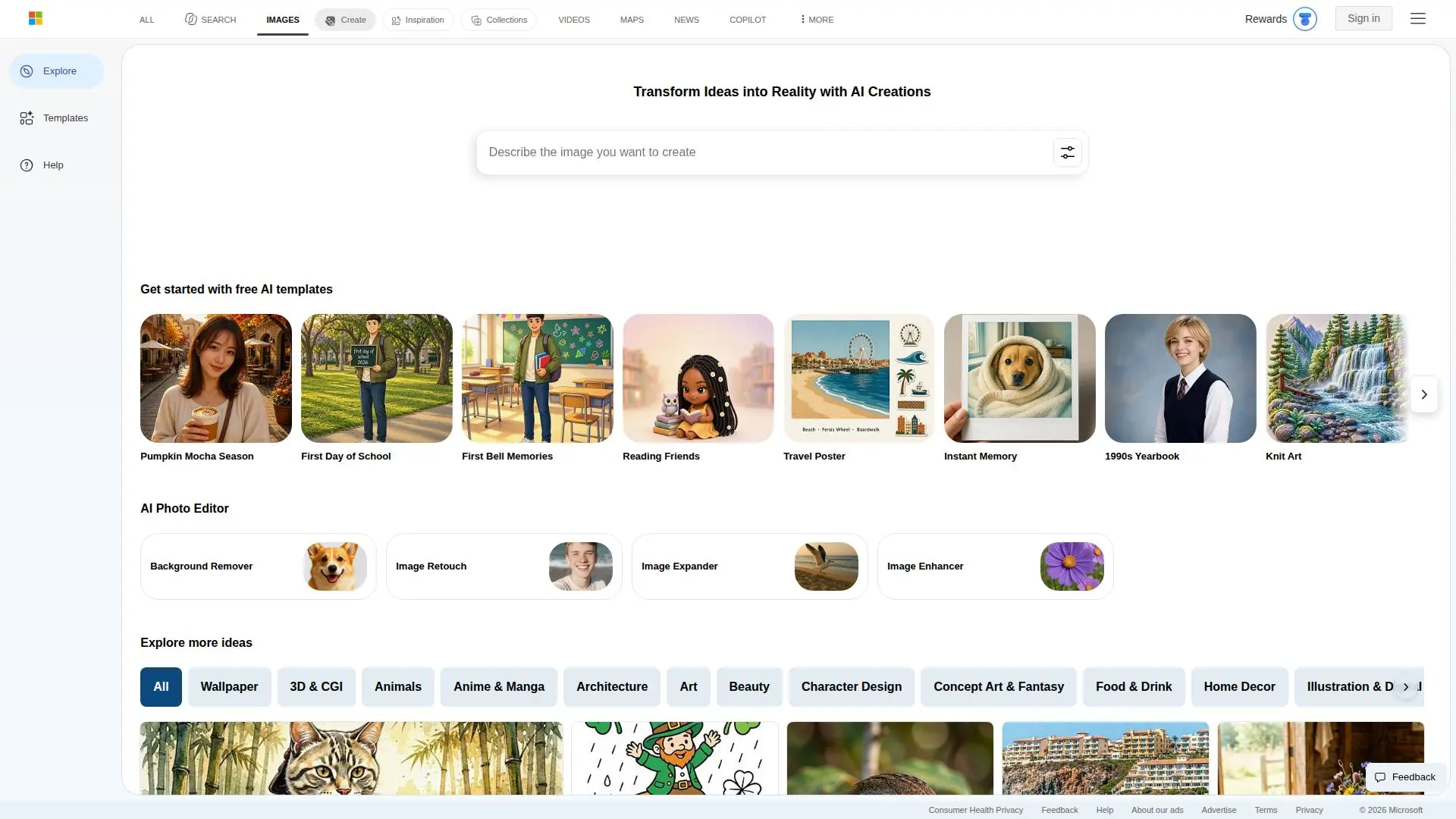
Description
Bing Image Creator is a cutting-edge AI-powered tool designed to transform your words and uploaded images into stunning visuals. This free feature is perfect for creating realistic images or artistic masterpieces quickly and easily. Users can access Bing Image Creator with a Microsoft Account, making it widely available for personal use. The tool supports two models for image generation: DALL-E3 and MAI-Image-2.5-Flash, each offering unique capabilities for creating multiple images from a single prompt. Additionally, the GPT4o model is used for image editing.
Read More
Bing Image Creator offers two creation speeds: fast and standard. Users receive 15 free fast image creations daily, which replenish every day. If more fast creations are needed, users can utilize Microsoft Rewards points. The tool allows up to 200 prompts per 24-hour period, including image edits. Images uploaded to the platform are stored for up to 30 days if faces are detected, or up to 18 months if no faces are detected.
The tool emphasizes user responsibility, requiring that uploaded images be original or rights-owned. Bing Image Creator processes biometric data like faces or hands when using image upload features, but it does not use uploaded images to train AI models or personalize user experiences. Users can choose to add a visible watermark to their creations, enhancing transparency about AI-generated content.
Bing Image Creator supports over 100 languages, allowing users to create detailed and vivid prompts for higher quality AI-generated content. The tool is ideal for individuals looking to transform their creative ideas into reality, offering a versatile platform for both personal and artistic image creation.
- CategoryAI Image Generators
- Pricing ModelFreemium
- DeploymentCloud
- PlatformsWeb, Mobile
Bing Image Creator's Core Features
AI-powered image generation
Supports DALL-E3 and MAI-Image-2.5-Flash models
Image editing with GPT4o
15 free fast creations per day
200 prompts per 24-hour period
Biometric data processing for image uploads
Visible watermark option
Supports over 100 languages
How to use Bing Image Creator?
Sign up: Create or log into a Microsoft Account
Log in: Access Bing Image Creator via web or app
Configure: Choose image model and creation speed
Use: Generate or edit images with prompts
Optimise: Use detailed prompts for better results
Bing Image Creator's Use Cases
- Artistic Creations
- Realistic Images
- Image Editing
- Creative Projects
- Language Support