
Description
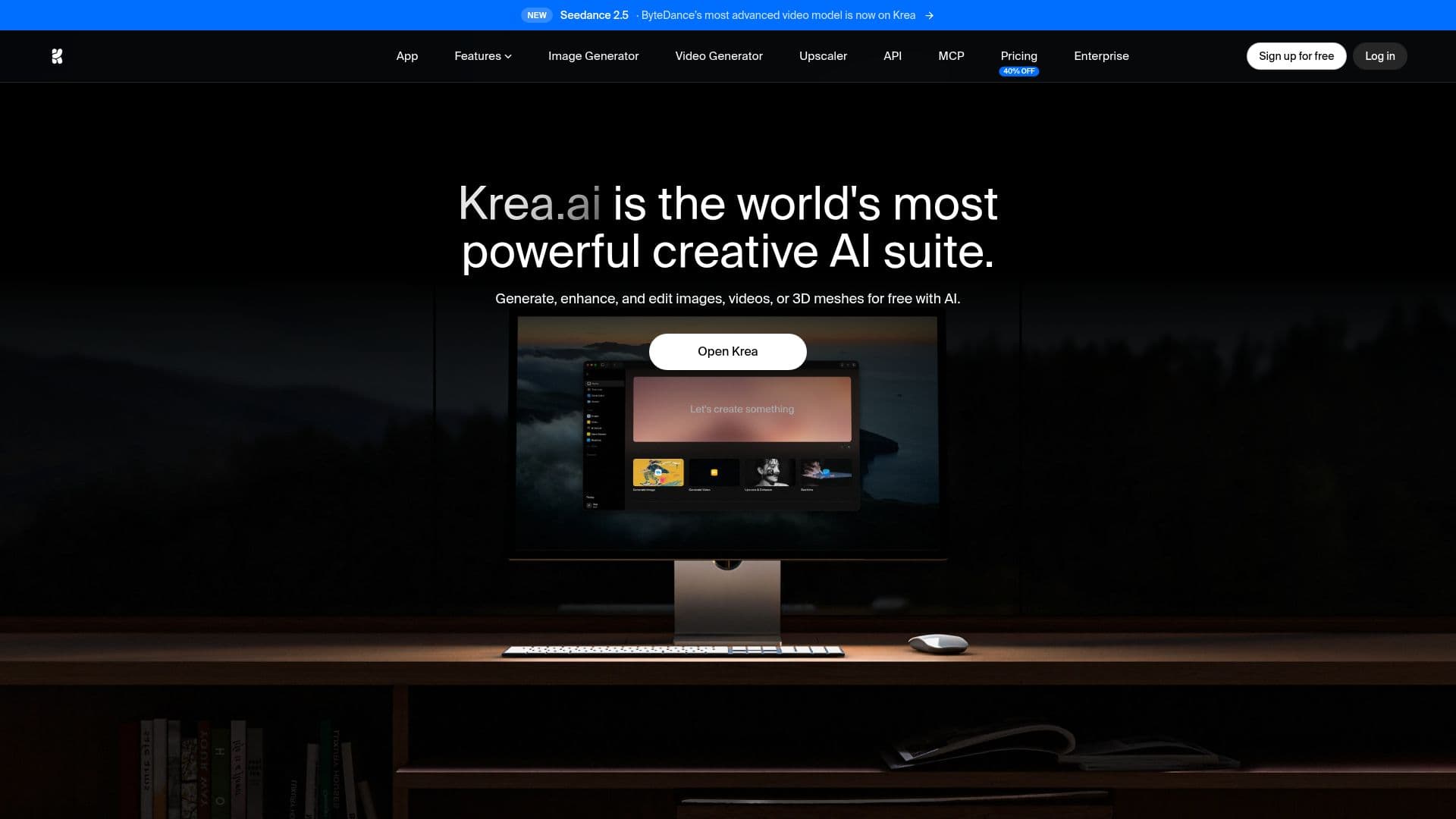
Krea is a comprehensive AI creative suite designed for generating, editing, and enhancing visual media, including images, videos, and 3D assets. It provides users with real-time tools that allow for seamless collaboration and creativity. Krea's platform is built to cater to a wide range of users, from individual creators to large enterprises, making it accessible for anyone looking to elevate their creative projects.
Read More
The suite offers a variety of features that empower users to create high-quality content effortlessly. With AI image generation, users can generate images from simple text descriptions, utilizing over 1000 styles and 20 different models. The platform boasts the industry's fastest generation speeds, allowing for quick and efficient workflows. Additionally, Krea provides advanced image upscaling capabilities, enhancing images up to 22K resolution, ensuring that even the most intricate details are captured and displayed beautifully.
Krea is also a leader in real-time rendering, enabling users to create photorealistic images in less than 50 milliseconds. This feature is particularly beneficial for creatives who require immediate results. The AI video generation tools included in Krea allow users to create engaging videos for social media, animate static images, and add new details to existing footage. The platform's intuitive interface makes it easy for users to navigate and utilize its powerful capabilities without the need for extensive tutorials.
For those looking to fine-tune their models, Krea offers LoRA fine-tuning, allowing users to upload a few images and train the AI to generate specific styles on demand. Video upscaling is another key feature, enabling users to enhance videos up to 8K resolution and interpolate frames for smoother playback. Krea's generative editing tools provide users with the ability to modify images by adding or removing objects, changing expressions, and adjusting lighting with ease.
Krea's pricing model is flexible, offering a free plan with daily credits, as well as paid plans that provide additional compute units and advanced features. The platform is trusted by millions of users across various industries, making it a go-to solution for creative professionals and teams looking to streamline their production processes.
- CategoryAI Image Generators
- Pricing ModelFreemium
- DeploymentCloud
- PlatformsWeb
Krea: AI Creative Suite for Images, Video & 3D's Core Features
AI Image Generation
Image Upscaling
Real-time Rendering
AI Video Generation
LoRA Fine-tuning
Video Upscaling
Generative Editing
Collaborative Workflows
How to use Krea: AI Creative Suite for Images, Video & 3D?
Open Krea: Access the Krea platform through your web browser.
Select a Tool: Choose the specific tool for image or video generation.
Input Your Prompt: Describe the visual you want to create using text.
Generate Content: Click the generate button to create your image or video.
Edit as Needed: Use the editing tools to refine your generated content.
Save or Share: Download your creation or share it directly from the platform.
Krea: AI Creative Suite for Images, Video & 3D's Use Cases
- Social Media Content
- Product Visualization
- Creative Projects
- Marketing Campaigns
- Team Collaboration