Description
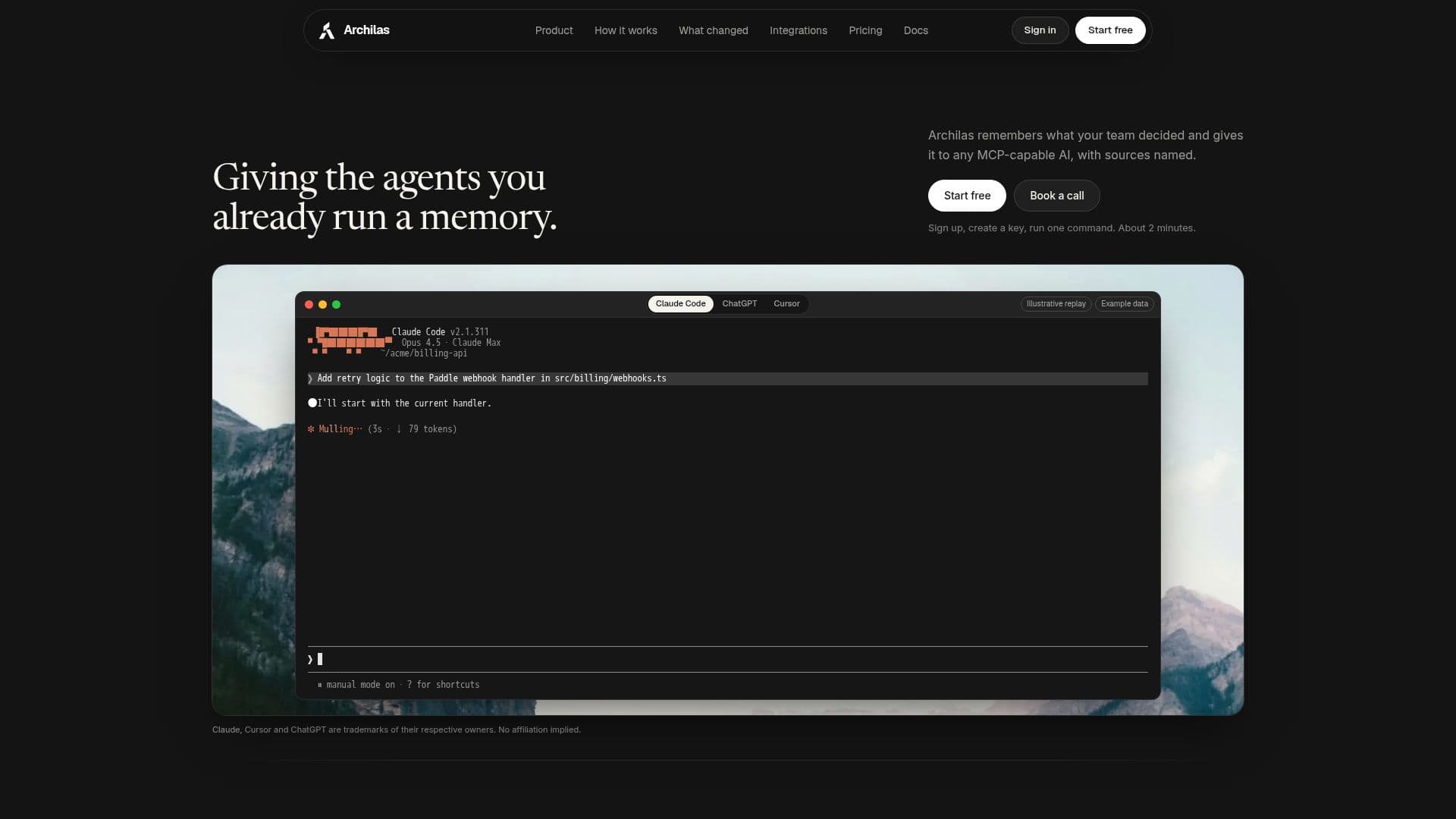
Archilas serves as a crucial memory layer for AI agents, enabling them to retain and utilize past decisions, conversations, and actions. It integrates seamlessly with existing tools such as Slack, GitHub, Gmail, Notion, Linear, Calendar, and Drive, importing historical data and continuously syncing updates. This ensures that any MCP-capable AI agent receives the most current and relevant context, complete with named sources, preventing reliance on stale or conflicting information.
Read More
The platform distinguishes itself from simple RAG (Retrieval Augmented Generation) systems by not just finding notes, but by interpreting their meaning and determining what information remains valid. Instead of dumping raw snippets, Archilas provides compact, coherent answers, citing sources and indicating when an older decision has been replaced by a newer one. This intelligent processing helps agents stay focused on their tasks without being distracted by irrelevant, duplicate, or outdated data.
Archilas operates by linking to the tools where work already happens. It reads what connected accounts can see, imports the history, and maintains continuous synchronization. Each decision is stored as a note, capturing what was decided, who said it, when, and where. When a newer decision supersedes an older one, both are retained, but the older note is clearly marked as replaced, ensuring a comprehensive yet accurate historical record.
Compatibility is a core strength, as Archilas works with any AI that supports the MCP (Memory Context Protocol), including popular examples like Cursor, Claude Code, ChatGPT, and Codex. The system delivers context through a single MCP endpoint, allowing agents to access current notes with their sources. If the stored notes do not support an answer, the system is designed to indicate that it does not know, promoting accuracy and preventing fabrication.
Archilas offers a free plan that includes 100 questions per month and access to all integrations. Paid plans, arranged via email, scale up in questions and seats, catering to individuals and small teams. All plans provide access to all integrations, AI chat context, and compatibility with any MCP-capable AI, ensuring memory is kept until the account is deleted, with email support available.
- CategoryAI Agent Builders
- Pricing ModelFreemium
- DeploymentCloud
- PlatformsWeb
Archilas's Core Features
Memory Layer for AI Agents
Contextual Decision Recall
Source Attribution for Information
Compatibility with MCP-Capable AIs (e.g., Claude, ChatGPT, Cursor, Codex)
Integration with Productivity Tools (Slack, GitHub, Gmail, Notion, Linear, Calendar, Drive)
Intelligent Context Delivery (not raw RAG dumps)
Historical Decision Tracking (older notes marked as replaced)
Continuous Data Synchronization
Read-Only Access to Connected Sources
Enterprise SSO Support (Team plan)
API for Asking Questions, Remembering Notes, Listing Changes, and Deleting Notes
Secure Credential Encryption (AES-256-GCM)
Workspace Separation for Data Privacy
Data Export Functionality
How to use Archilas?
Sign Up: Create an Archilas account to get started.
Create Key: Generate a key within the Archilas platform.
Install: Run the public installer script (public/install.sh) to register the hosted MCP server.
Connect Sources: Link your existing tools like Slack, GitHub, Gmail, Notion, and Linear to Archilas.
Configure AI: Add the Archilas MCP endpoint URL to your MCP-capable AI client (e.g., Cursor, ChatGPT) and sign in with OAuth.
Ask Questions: Your AI agents can now ask questions and receive current, sourced context from Archilas.
Remember Notes: Use the `archilas.remember` tool to save new decisions or information.
Manage Data: View topic history, list changes, or delete saved notes as needed.
Archilas's Use Cases
- Consistent Agent Context
- Prevent Stale Decisions
- Automated Knowledge Retrieval
- Team Collaboration Memory
- Project Management Support
- Developer Workflow Enhancement
- Customer Support Automation
- Research and Development
- Content Creation Assistance