
Description
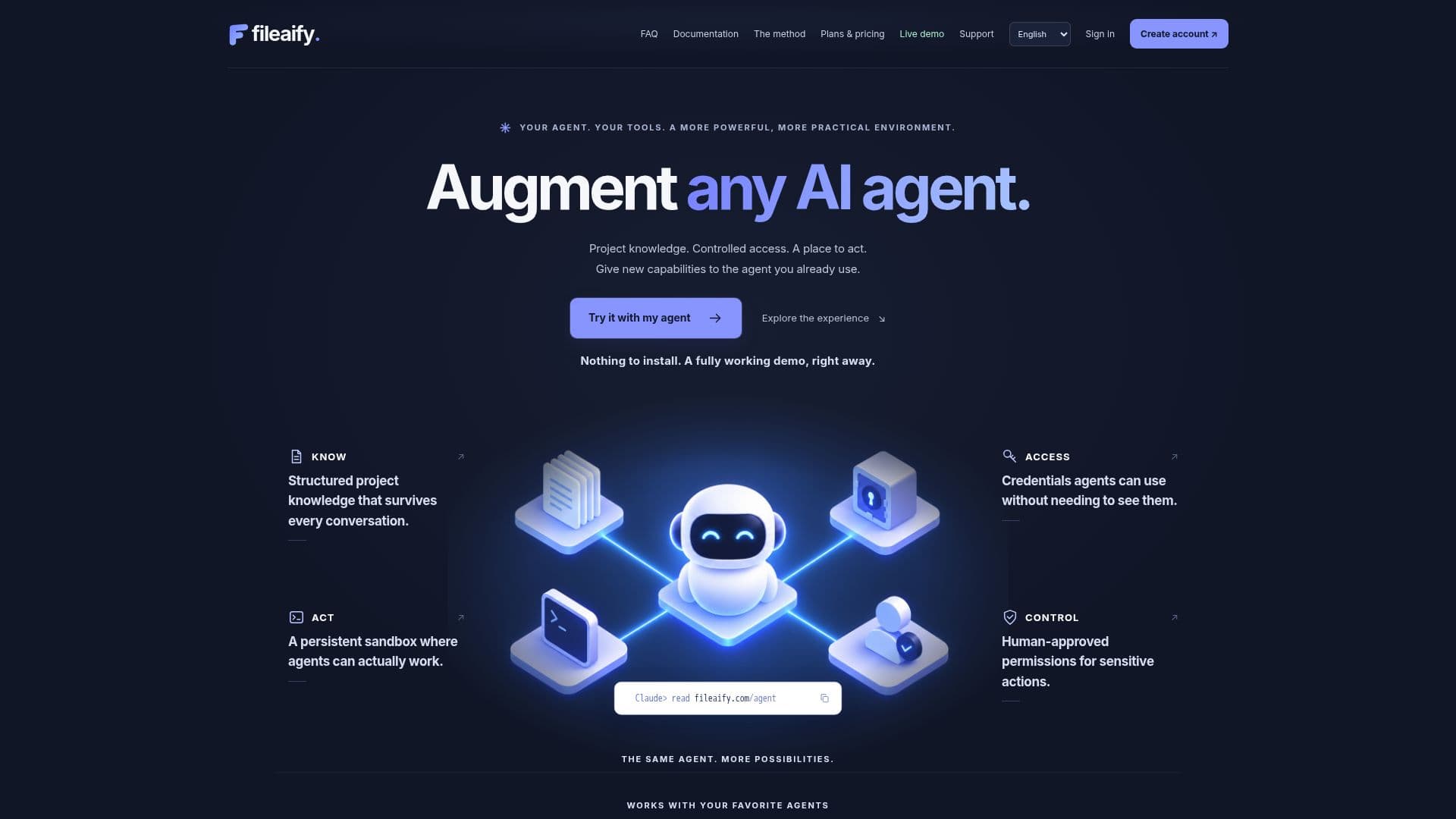
Fileaify is a platform designed to augment AI agents by providing them with structured project knowledge, controlled access, and a collaborative workspace. It allows agents to seamlessly integrate with existing tools, enabling them to read, update, and manage project documentation efficiently. Fileaify connects what an agent needs to know, use, and do, offering a comprehensive context for project development.
Read More
The platform supports a variety of workflows, allowing users to start fresh sessions without switching agents. It maintains project documentation, service references, and permissions, ensuring that project knowledge remains independent of conversation history or specific tools. Fileaify does not replace existing repositories or execution environments but complements them by providing a managed system for documentation and context sharing.
Fileaify offers a free plan that includes one workspace, one active project, and limited services and secrets. Paid plans, such as Solo, Pro, and Premium, offer additional features like unlimited services and secrets, extended AI capabilities, and an always-on executor. The platform is particularly beneficial for projects developed over several months, as it helps maintain a consistent documentation setup and facilitates the resumption of work after breaks.
The platform's security features include a vault for storing credentials, with permissions and access managed separately. Fileaify ensures that agents can use credentials without directly accessing them, enhancing security and control over sensitive information. The platform also supports project reviews, allowing authorized users to schedule and conduct reviews to ensure documentation accuracy and completeness.
- CategoryAI Agent Builders
- Pricing ModelFreemium
- DeploymentCloud
- PlatformsWeb
Fileaify's Core Features
Project Knowledge Management
Controlled Access
Collaborative Workspace
Seamless Tool Integration
Documentation Method
Security and Permissions
Free and Paid Plans
Project Reviews
How to use Fileaify?
Create Workspace: Set up your workspace for project management.
Integrate Agent: Connect your existing AI agent to Fileaify.
Manage Documentation: Use Fileaify to maintain and update project documentation.
Control Access: Set permissions and manage access for agents.
Fileaify's Use Cases
- Project Management
- Tool Integration
- Documentation Maintenance
- Access Control
- Solo Workflows