Description
AI Transcription is a native macOS utility from App ahead, the software studio run by developer Martin Lexow, that converts speech in audio and video files into written text.
Read More
The app runs OpenAI's Whisper model directly on the Mac, so files never leave the device and no internet connection is required. Users add files with a drag-and-drop gesture, and the app can queue multiple files at once, transcribing them automatically in order. App ahead pitches this on-device approach under the line "Your Business is Nobody Else's," positioning it for people who need to transcribe confidential recordings, such as client calls, interviews, or meeting audio, without uploading them to a third-party server or depending on a network connection to get a transcript back.
Finished transcripts export as plain text, CSV, SRT, or VTT subtitle files, and can be split by word, sentence, or a custom duration, which is useful for building captions or feeding the output into an editing workflow. The app's interface is localized into eleven languages, including Arabic, German, English, Spanish, French, Hindi, Italian, Japanese, Korean, Portuguese, and Chinese.
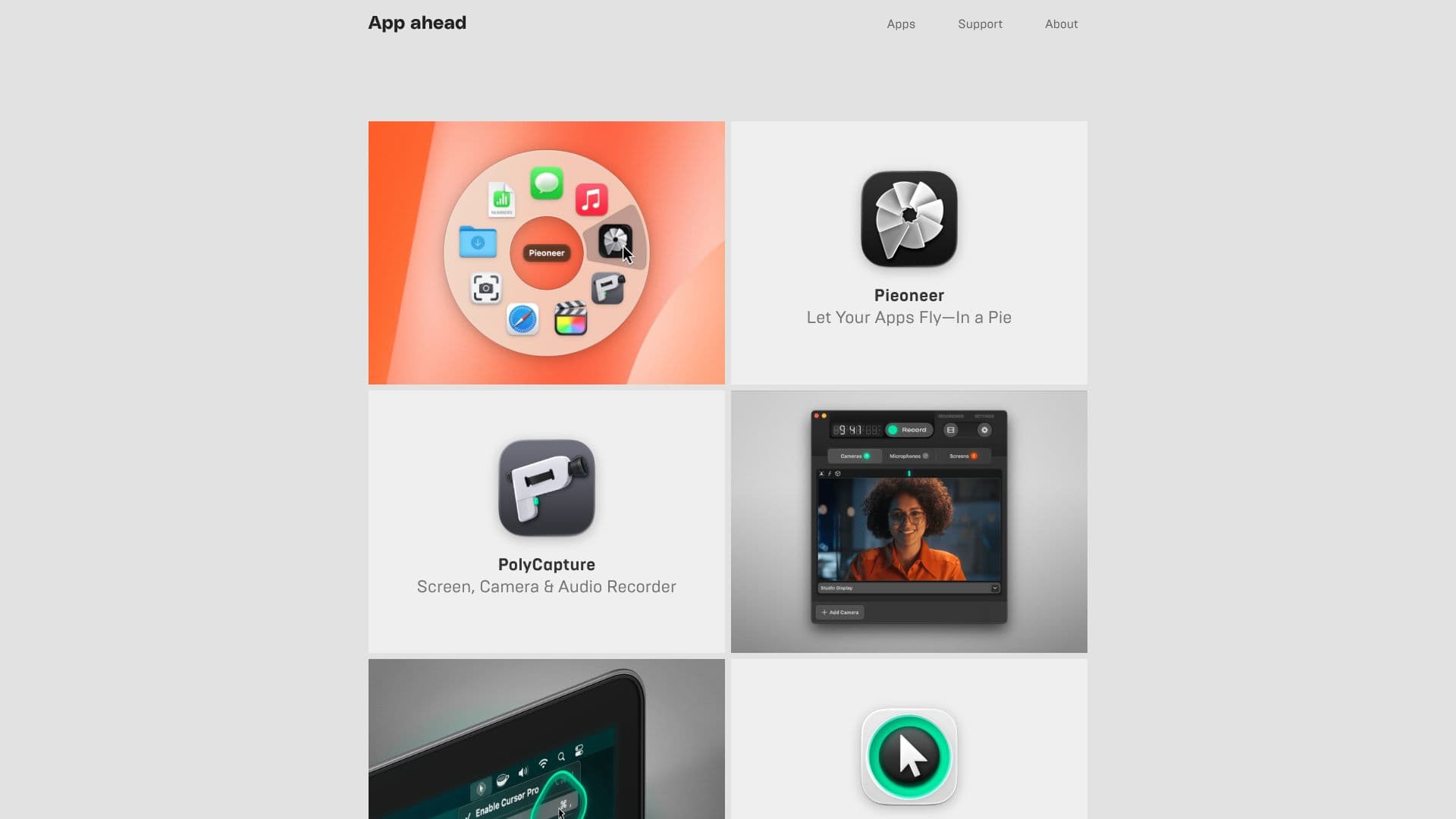
AI Transcription is built for macOS users who want private, offline transcription rather than a cloud service. It's a one-time purchase priced at $14.99 on the App Store, currently at version 2.16 (initial release February 2023, last updated August 2026), and holds a 4.3 out of 5 star rating across more than 300 App Store reviews. It's one of several apps from App ahead's catalog of macOS, iOS, and visionOS utilities, which also includes Pieoneer, a pie-menu app switcher, PolyCapture, a multi-source screen and camera recorder, and Theine, a sleep-prevention utility, all built by the same developer, Martin Lexow, under App ahead GmbH. App ahead also publishes a downloadable press kit and marketing material for AI Transcription, and offers promo codes to outlets writing about it.
- CategoryAI Transcription Tools
- Pricing ModelPaid
- DeploymentDesktop app
- PlatformsmacOS, iOS, visionOS
App ahead AI Transcription's Core Features
Runs OpenAI's Whisper speech-to-text model locally on macOS
Fully offline, no internet connection required
Drag-and-drop file input
Automatic batch transcription of multiple files in order
Export to plain text, CSV, SRT, and VTT formats
Splits transcripts by word, sentence, or custom duration
One-time purchase, no subscription
How to use App ahead AI Transcription?
Install the app: download AI Transcription from the App Store on macOS.
Add files: drag audio or video files onto the app window.
Transcribe: the app processes files in a batch automatically, using Whisper locally.
Choose an export format: save the result as text, CSV, SRT, or VTT.
Split if needed: divide the transcript by word, sentence, or a set duration.
App ahead AI Transcription's Use Cases
- Meeting and interview transcripts
- Subtitle creation
- Private transcription